77
HAR
IN
THE BATTERY
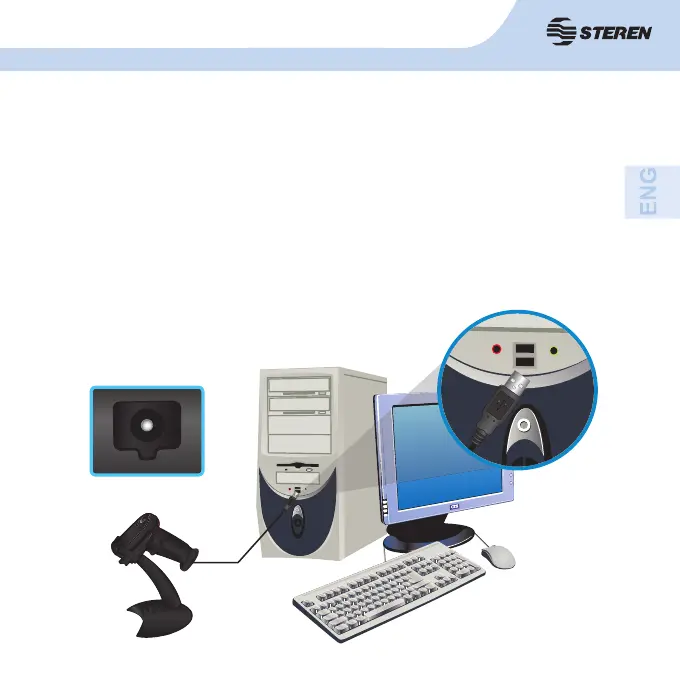
1. Connect the power cable to the laser power input and the other end to a
USB port on your computer or a USB charger (not included).
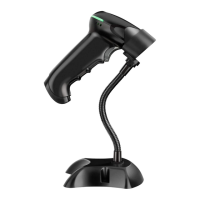
2. The LED indicator turns blue when the device is charging. When the
battery is fully charged, the LED will turn green.
-The battery life varies according to the use.
Power input.



 To Next Page