88
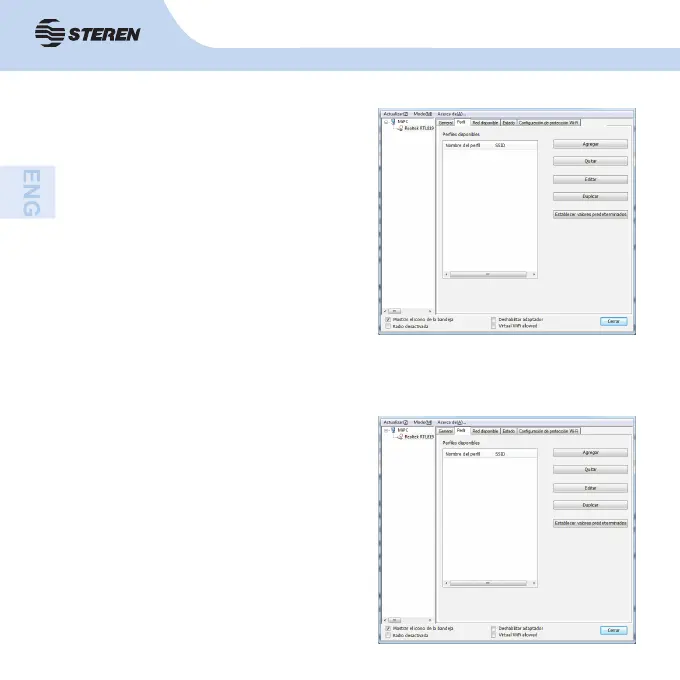
You can use this profi le setting to add,
delete, edit and duplicate profi les, as well
as set a default profi le.
Useful to create a new profi le.
• Select the Add button to create a new
profi le.
When the network information window
appears, type the name of the new profi le
that will be generated.
Enter the network SSID, select network
authentication mode and entry the data
type, confi rm the network key.
Select OK.
3.2 Profi le
3.2.1 Add



 To Next Page