1010
3.2.4 Duplicate
Select the profi le that you want to copy and select the “Duplicate” button. Enter the name of
the new profi le in the text box.
3.2.5 Set defaults
When you want to set as the default wireless connection profi le, you must select the profi le
and select the “Set defaults” button.
In this way the wireless network card will use this profi le (after running applications again)
to automatically connect.
3.4 Status
The status window displays data from the adapter.
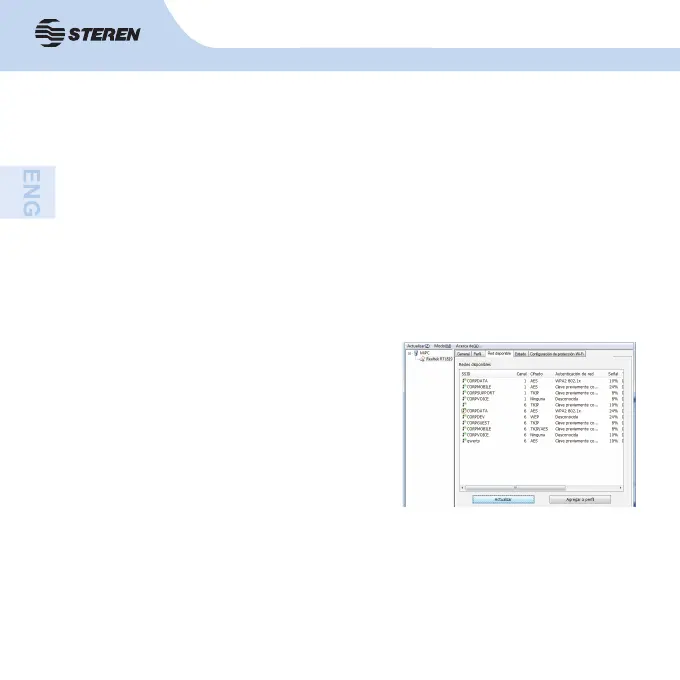
3.3 Available network
Here you can see all available wireless
networks. If you want to add some as a
profi le, double-click on it or use the “Add
to profi le” button. To renew the list press
“Renew”.



 To Next Page