99
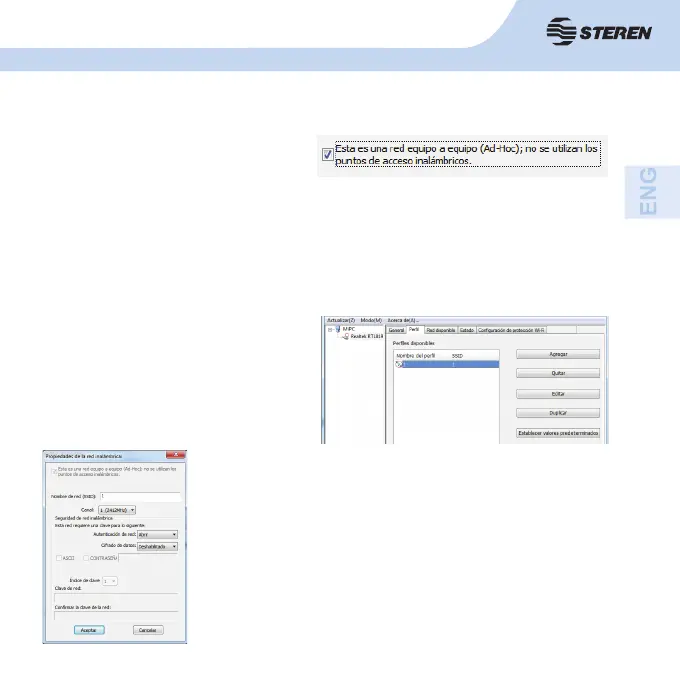
• Create a new ad hoc profi le.
If you want your wireless computers to
communicate directly with each other,
select the Add button to create a new ad
hoc profi le, then select this window:
Select the unwanted profi le and delete it
with the “Remove” button.
3.2.2 Remove
and select the operation channel for the network from the channel drop-down menu.
Select network authentication mode and the type of data entry, confi rm the network key.
Select OK.
3.2.3 Edit
Select profi le and press the “Edit” button to start editing. Make
the changes you require and confi rm with OK.



 To Next Page