ENGLISH
ENGLISH-57
To toggle between 2D and 3D modes, press the corresponding
icon.
To optimize the map orientation during navigation, press Track Up.
To keep the map oriented to the north, press North Up.
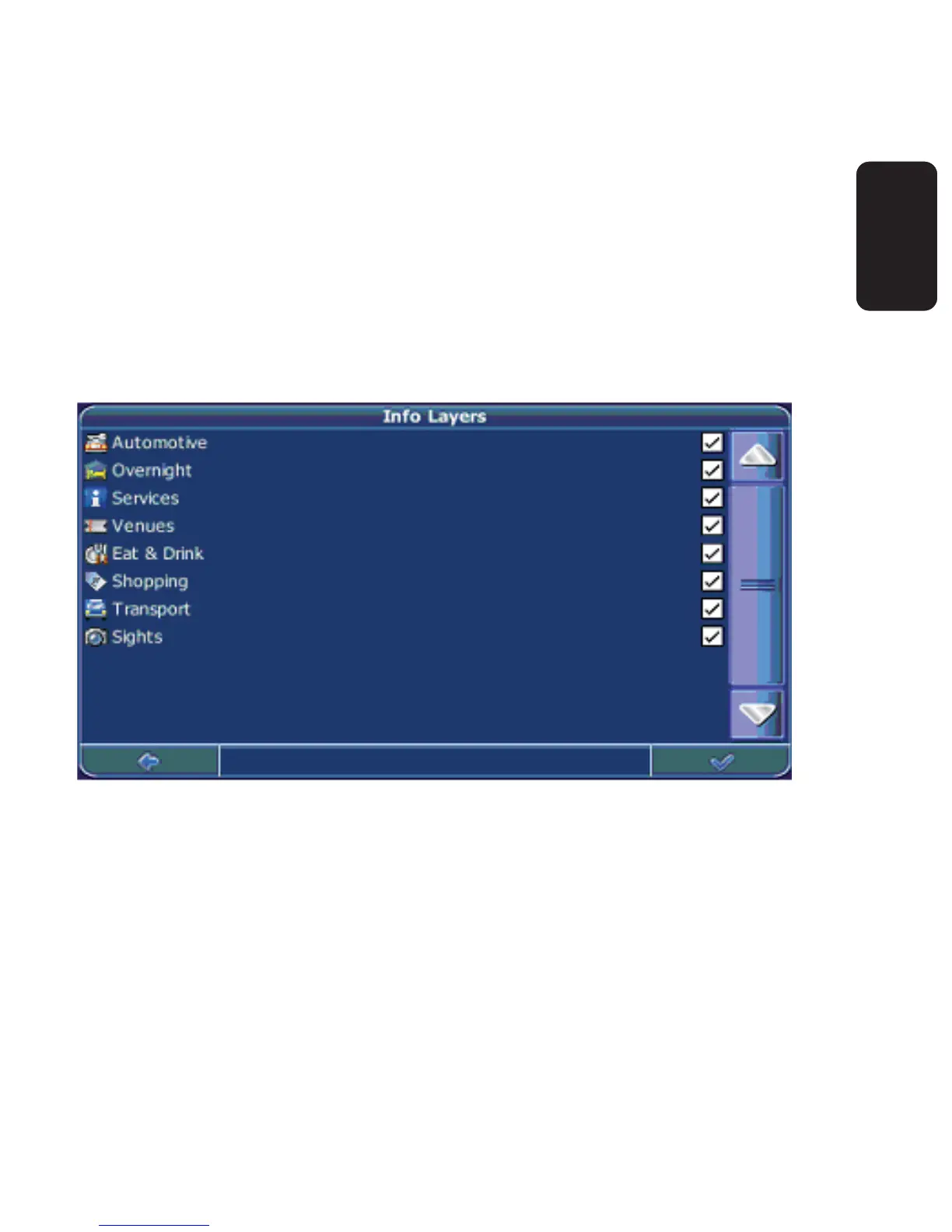
To select which kinds of elements will be displayed on the map,
press Info Layers:
Check the boxes of any category you want to have displayed on the
map. Uncheck those that should be hidden.
To apply your settings, press the confi rmation icon.
To return to the previous screen, press the arrow.
•
•
•
•
•
•



 To Next Page