ENGLISH
ENGLISH-58
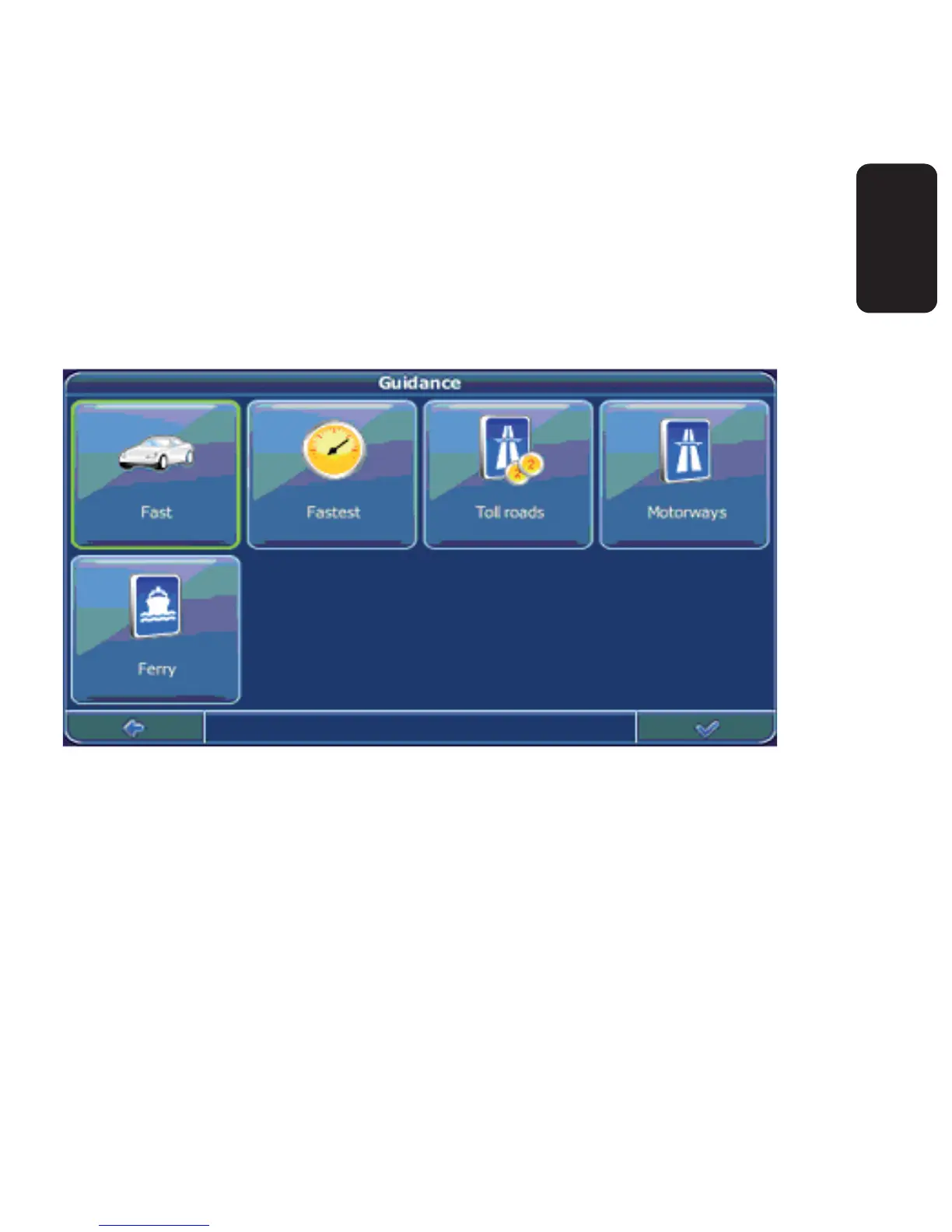
Route options
Select Settings
Choose Route Settings to change the route options.
The window with the route settings will be displayed:
To switch between the modes just touch the icons. These will toggle
so you can quickly see the activated settings.
You can choose among the following options: Mode of transportation
(fast car, slow car, motorbike, pedestrian, bicycle, van.), fastest or
shortest route, allow or avoid toll roads, motorways, and ferries.
•
•
•



 To Next Page