1111
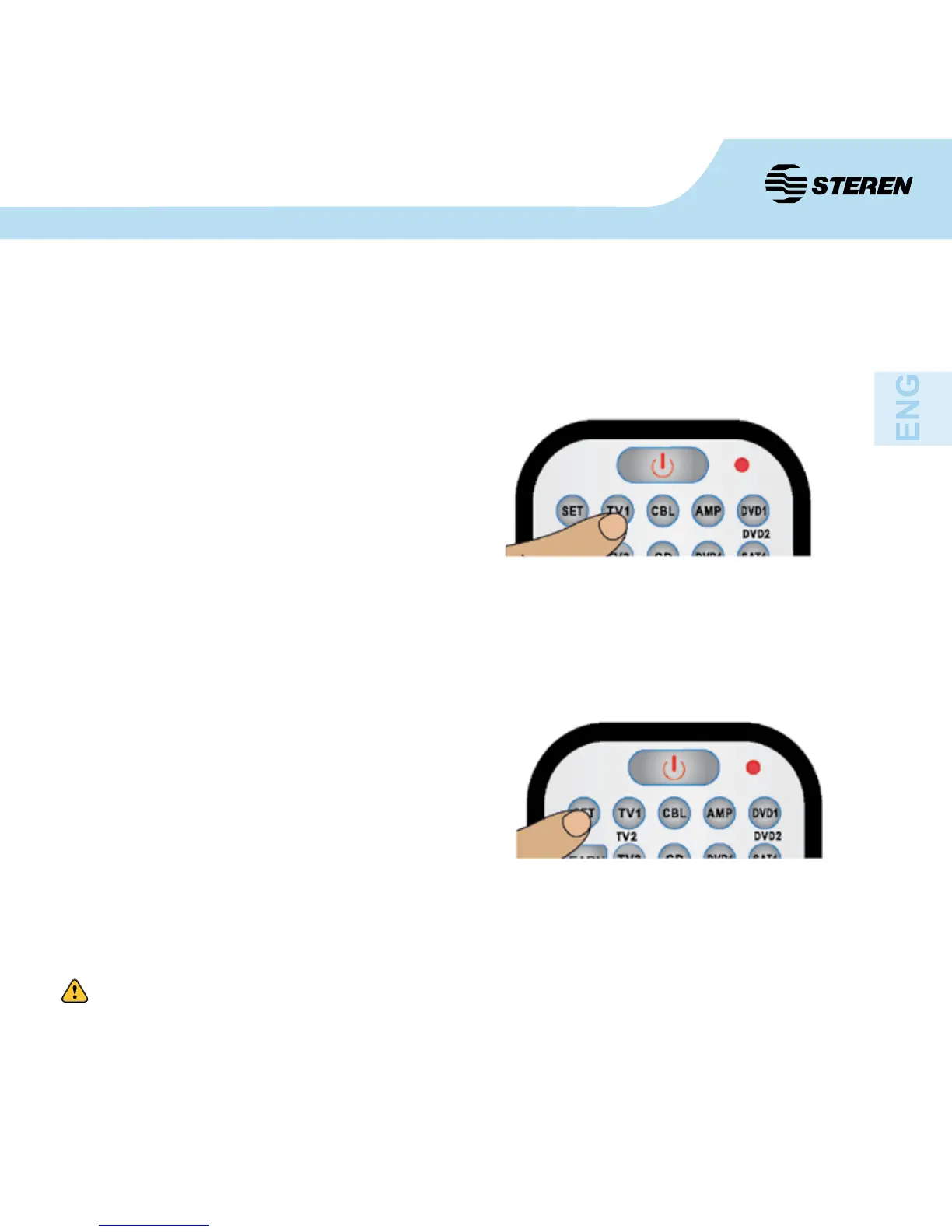
1. Press the button of the device that you want
to search (whether TV1, VCR etc.), the LED
indicator will Flash once.
2. Press and hold the “SET” button, press the
button “4” on the remote control and pay attention
to the number of times the LED ashes. The
times it blinks refers to units of a 4 digit code.
3. Press the “SET” button without releasing it,
press button “3” on the remote control and pay
attention to the number of times the LED ashes.
The times it blinks refers to the tens of a 4 digit
code.
4. Press the “SET” button without releasing it,
press the button “2” on the remote control and
pay attention to the number of times the LED
ashes. The times it blinks refers to hundreds of
a 4 digit code.
5. Press the “SET” button without releasing it,
press ‘1’ on the remote control and pay attention
to the number of times the LED ashes. The
times it blinks refers to thousands of a 4 digit
code.
If after performing the automatic code search the remote still cannot nd the code from your
device, follow these steps to nd your code:
If the indicator LED does not blink, it means the number is zero.
Get the code from your device


 To Next Page