88
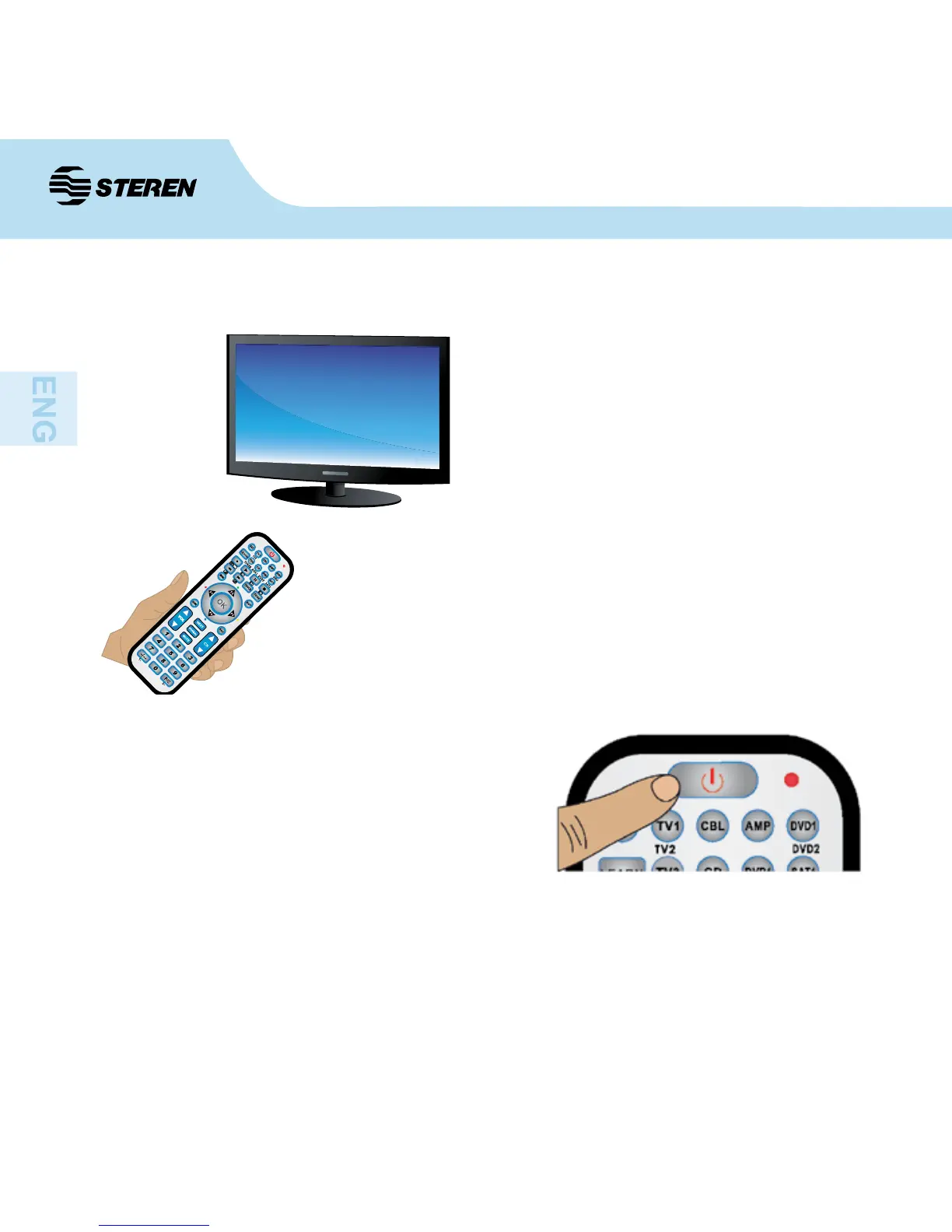
1. Turn on the device that you want to control
(TV, DVD, recorder) manually. Point the remote
control at the device’s receiver.
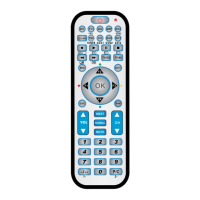
2. Press and hold the “SET” button and then
press the button corresponding to the equipment
to be controlled. E.g.: Press the “SET” button
and the “TV1” to program this button.
3. When the LED turns on, release the “SET”
and the “TV1” buttons (in the event that you
want to congure this button) at the same time.
4. Press and release the “SET” button again.
The LED indicator will start ashing.
6. Turn on the device that you just turn off. Conrm that your remote control buttons work
normally. If the buttons do not function correctly, repeat the steps 2 through 5, until you nd
the code that ts your device.
5. Press the “On” button repeatedly until it shut
down equipment that you are pointing / lights.
Then press the button (e.g.: “TV1”), which you
had pressed in step 2.
B. Search codes manually


 To Next Page