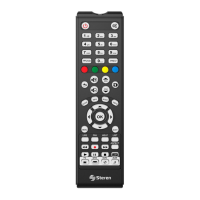
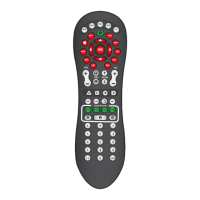
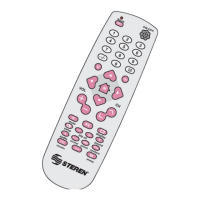
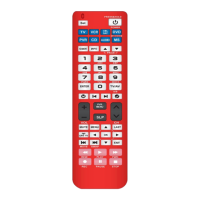
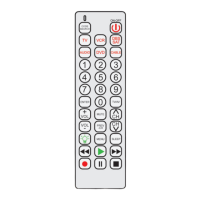
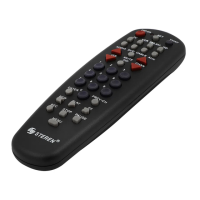
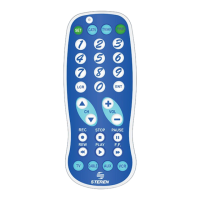
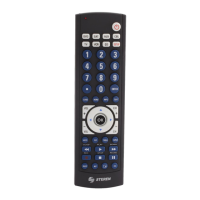
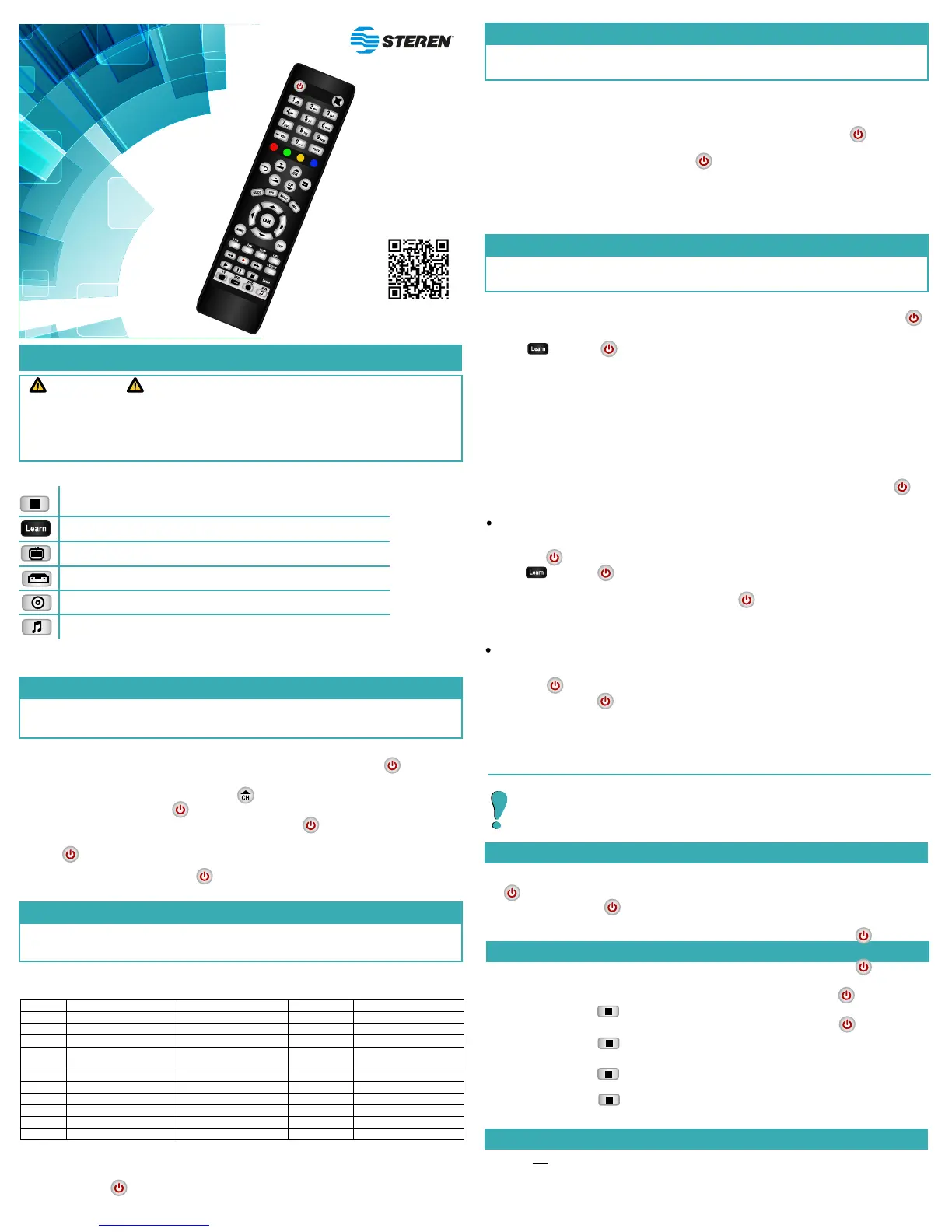
4 in 1 auto learning remote control
V0.3 / 0816v
RM-115
Before to use your new product, please read the manual.
IMPORTANT
• Do not expose your remote control to extreme temperatures.
• Always use a soft and dry cloth in order to clean.
• Do not attempt to open this device as this could cause malfunctions or the voiding of the
warranty.
PROGRAMMING BUTTONS PANEL
1. Turn on manually the device that you want to control (TV, decoders, DVD, audio, etc.).
2. Press the button that correspond the device (TV, STB, DVD or AUX) until the button
remains on.
3. Aim the control toward the device and press to start the searching codes . While the
control is in searching mode, the button will lights and turn off slowly.
4. When the control find a code, the device will turn off. Press immediately to record the
code and end the process.
5. Press the button to check that the control is working correctly.
HOW TO KNOW THE DEVICE CODE
SPECIFICATIONS
Input: 3 V - - - (2xAAA)
Code ID
Auto-learning
T.V
Decoders, cable y SAT
DVD, VCR
Audio systems
This device can be used with up to 4 different devices and 4 programming modes.
1. AUTO - PROGRAMMING
The remote control will search automatically a code that coincide with the device that you want
to control, and the functions will be available to use.
If the control cannot finds a code, the button will turn off. Choose another programming
mode.
2. PROGRAMMING BY BRAND
In a brand list of the most popular electronic products, the control will search a code
automatically that coincide with the device that you want to control.
1. Turn on manually the device that you want to control (TV, decoders, DVD, audio, etc.).
2. In the next table, identify the digit that matches with the brand of your device.
3. Aim the control toward the device; press and hold the key with the selected number and
release until the device turns off.
During the search, the button will turn on and off continuously; in case that not that the control can’t find
a code, the button will flashes three times and then turn off. Test another programming mode.
All stored codes are composed by four digits.If you has done the auto programming or by brand
and you wish to know the code of your device, follow next steps:
1. Press simultaneously and [1].According the number of times that flashes is the
number that correspond to the first digit of the code.
2. Press simultaneously and [2]. According the number of times that flashes is the
number that correspond to the first digit of the code.
3. Press simultaneously [3]. According the number of times that flashes is the number
that correspond to the first digit of the code.
4. Press simultaneously [4]. According the number of times that flashes is the number
that correspond to the first digit of the code.
3. MANUAL PROGRAMMING
1. Turn on manually the device that you want to control (TV, DVD, decoder, etc.).
2. Verify the Programming codes section of this manual to select a code, according with the
brand of your device.
3. Press the button that correspond the device (TV, STB, DVD or AUX) until the button
remains on.
4. Enter the digits of the selected code. If the button turns off immediately, means that the
code was accepted and the control is ready to be used; if flashes 3 times and then turns off,
means that the code is invalid.
5. In case that the chosen code is not working correctly, choose another programming mode.
You must select and enter manually a code that correspond to the brand and device type that
you want to control.
4. AUTO-LEARNING PROGRAMMING
1. Place both controls face to face to 3 to 5 cm of distance.
2. Press the button that correspond to original control (TV, STB, DVD or AUX) until that the
button remains on.
3. Press once. The button must turn on and off slowly; that means that the control is in
waiting mode.
4. Press the key where you want to save the new function (for example: On/Off). Then, in the
original remote control press the key that you want to transfer (for example: On/Off).
5. Once the function was copied, the control will be in waiting mode again, repeat the previous
step to transfer more functions.
6. Press the programmed keys to verify that working correctly; if is necessary, repeat the process
to copy functions.
Allows to copy, one by one, functions from the original remote control of the device that you
want to control and save it in the buttons that you choose in the RM-115.
If you want to exit from auto learning,don't press any key during 20 seconds, wait until the
button is turned off.
Delete a learned function
1. Press the button that correspond the device that you want to delete (TV, STB, DVD or AUX)
until that the button turns on.
2. Press once. The button must turn on and off slowly; that means that the control is
in waiting mode.
3. Press and hold the key that you want to delete. If the button flashes two times and then
turn off, that means that the function is deleted.
4. Press the key again to verify that the function has been deleted.
Delete all learned functions
1. Press the button that correspond to device that you want to delete (TV, STB, DVD or AUX)
until that the button remains turn on.
2. Enter 9, 9, 8, 8. If the button flashes two times and then turns off, it means that is
deleted.
Only can be deleted the programmed functions with auto-learning mode . If the memory
of the control is full or if you want to delete a device, you must restore the factory
settings.
RESTORE TO FACTORY SETTINGS
1. Press the button that correspond to the programed device (TV, STB, DVD o AUX) until that
the button remains on.
2. Enter 9, 9, 9, 9. If the button flashes three times and then turns off, it means that is
restored correctly.
3 Philips/Magnavox Philips/Magnavox Onkyo
System/Echostar
Once that you have programmed the control, verify that the key of digital channels (dot or dash)
work correctly; otherwise, use the programming Auto-learning mode to copy the function.


 To Next Page
 Loading...