10
Operation mode of the function list
This mode is used for the adjustment and setting of the Menu function.
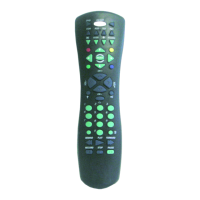
1.- Press down the equipment key to be controlled once.
2.- After pressing down key MENU once, the indicator light will icker to in-
dicate entering Menu mode. (No ickering or turning off after only ickering
once indicates that the Manu mode is not available.)
3.- Under Menu mode, press down CH+ and CH- to adjust up and down; and
press [VOL+] and [VOL-] to adjust left and right.
4.- After having adjusted the menu, press key [MENU] to select or conrm
for some equipment; or press key [ENTER] for others.
5.- Press down the corresponding equipment key to exit Menu mode, or do
not touch the key for 12 seconds to exit Menu mode.


 To Next Page