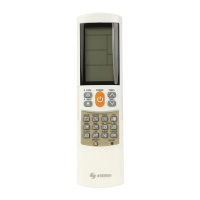
9
Sleep function
The sleep function can turn off the power switch of the equipment at the time
you have set (1-99 minutes). The setting sequence is as follows:
Setting of the sleeping time:
1. Press down key [SLEEP] and hold till the indicator light is on.
2. Input the set sleep time (if it is 1 to 9 minutes, press additionally [0] at the
front. The maximum time is 99 minutes).
Note: After set the sleep time, aim the remote controller at the equipment
to be controlled. Otherwise it will be invalid.
Deleting the sleep time:
Delete the sleep time function in one of the following two ways
1. Press down key [SLEEP] to see the indicator light ickering for several
times.
2. Turn off the equipment manually.


 To Next Page