15
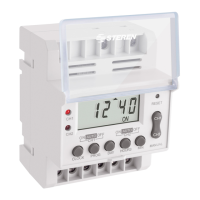
In the main display (time and day), press several times the PROG button until nd your
event. When nished, press the CLOCK button to return the main display.
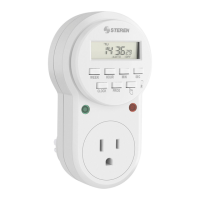
Only press the RESET button If you want to restart your TEMP-310. The “0:00” will appear
on the LCD display.
Review events
Reset button
Troubleshooting
TROUBLE SOLUTIONS
The devices doesn´t
turn on
- Make sure the main power source AC is working properly.
- Check wiring to see if the cable has been dameged.
My events doesn´t work
on the correct schedule.
- Don´t join the events, you need to set the events in
progressive order of time. For example, time of activation at
8:00 p.m, then congure at 9:00pm and other later at 10:00 pm)
- Set the timer in AUTO modality.


 To Next Page