8
• EXTERIOR: The aluminum and ABS plastic of which the
instrument body is made can be cleaned with a damp cloth and a
mild detergent. Make sure control panel is disconnected.
• CHANGING LIGHT BULBS: When you have a burned out bulb,
identify which test is affected. Turn the power (RED switch) off.
Unplug the instrument from the electrical outlet. Remove screws
from top left and right rear of instrument. Take a firm grasp of the
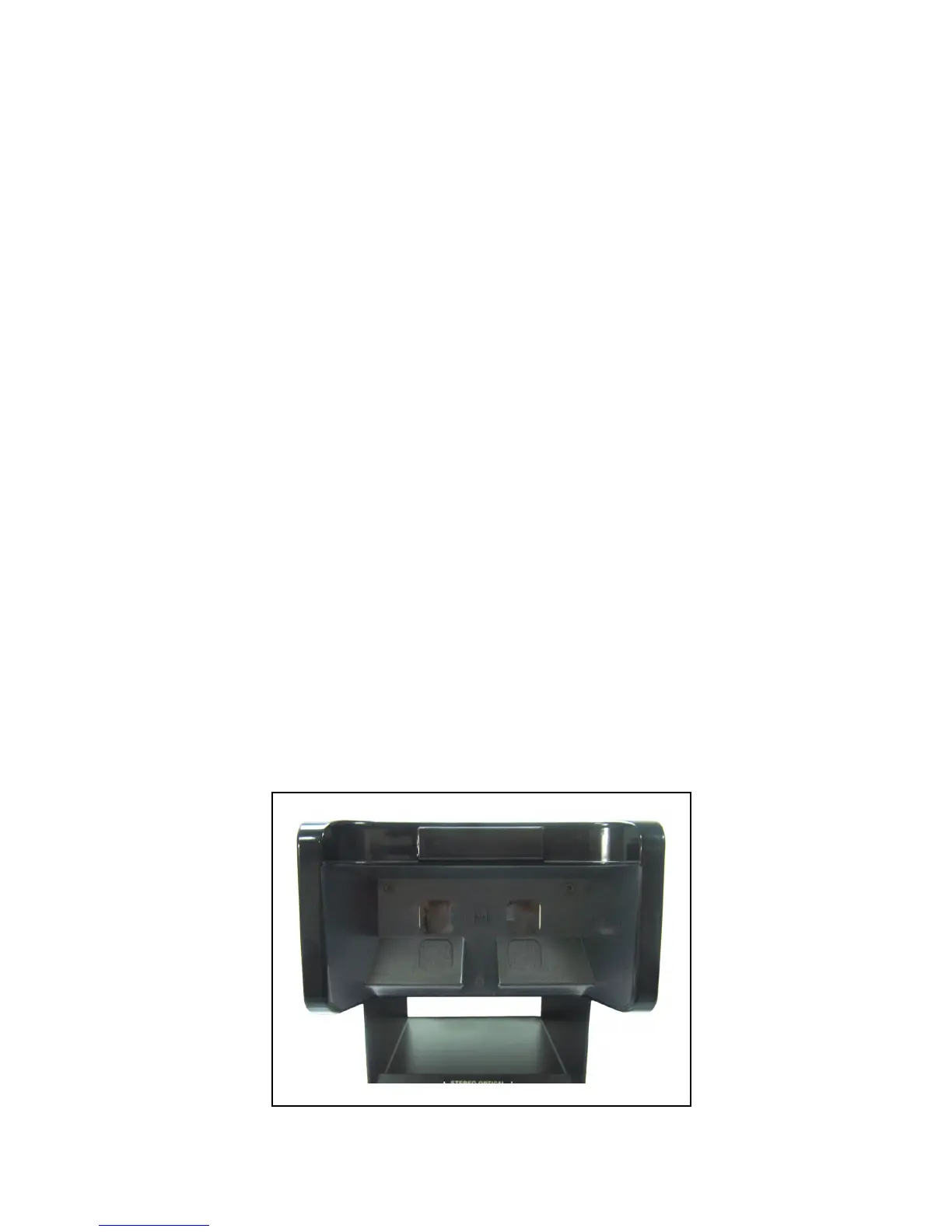
two knobs in the center of the back door and pull back and down
(see figure #3). The door will open and the eight (8) light bulbs will
be exposed (see figure #4). With two fingers slide the burned-out
bulb and socket out. Replace the bulb with a blue coated bulb,
(Optec
®
2000-226). It is suggested that you replace the bulb
opposite the burned out one at the same time. Slide the socket
and bulb back into the track with the screw head on the socket top,
on the outside of track. Close the door and replace the two screws.
Turn power back on by plugging the cord into wall socket and
depressing the red switch. You are now ready to continue testing.
Figure #2


 To Next Page