EasyManua.ls Logo

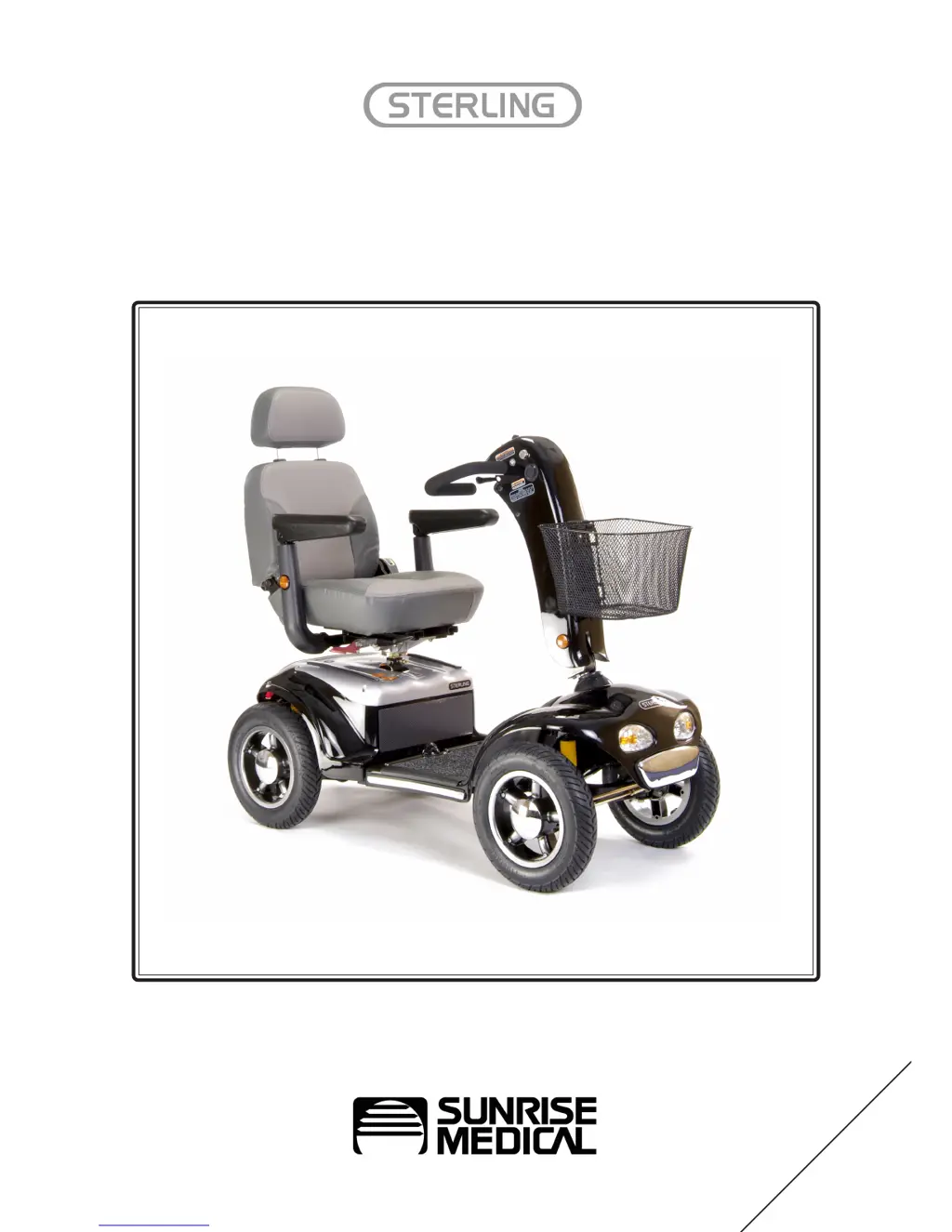
Sterling DIAMOND - User Manual

Sterling DIAMOND
39 pages
Print Icon
To Next Page IconTo Next Page
Loading...
Owners Manual
DIAMOND
ENGLISH
Scooter

Questions and Answers

  • O
    oaliJul 26, 2025
    Why is the battery pack on my Sterling DIAMOND not charging?
    • M
      Mark KellyJul 26, 2025
      If your Sterling Scooter's battery pack isn't charging, consider the following potential causes: * The battery pack itself may be faulty, requiring replacement. * There could be a fault with the charger, which would also need replacing. * Check for any damage to the charger loom or plug; if damaged, contact your local mobility dealer. * Ensure all connections are secure by checking plugs and looms. * Try a different wall socket to rule out a problem with the outlet. * Examine the charger's mains plug for a blown fuse and replace if necessary (after unplugging from the wall). * If there's a button on the battery pack, make sure it's pressed in after switching off the scooter.
  • E
    Erica WellsAug 3, 2025
    Why does my Sterling Scooter have a shortened range?
    • C
      cgarciaAug 3, 2025
      A shortened range on your Sterling Scooter can be due to a couple of reasons. First, ensure the batteries are charged for at least eight hours. If the problem persists, the batteries may be weak and unable to hold a charge, in which case you should replace the battery pack.
  • D
    Dawn SmithAug 11, 2025
    What to do if my Sterling DIAMOND battery charging current is high?
    • G
      Gabriel EvansAug 11, 2025
      If your Sterling Scooter indicates a high battery charging current, it could be due to faulty batteries, which would require replacing the battery pack. Alternatively, ensure the scooter is switched off during charging, as leaving it on can cause this issue.
  • J
    Jennifer FieldsAug 17, 2025
    What to do if my Sterling DIAMOND has no drive?
    • J
      Jon MillerAug 18, 2025
      If your Sterling Scooter isn't moving, here's what you should check: * Ensure the brake-release lever is engaged. * Charge the battery pack if it's flat. * Make sure both the scooter and battery pack are switched on. * Verify the battery pack is correctly clipped in. * Unplug the charger. * Reset the circuit-breaker button if it has popped out. * Inspect all plugs and looms for disconnections. If these steps don't resolve the issue, there may be a control system fault and you should contact your dealer.

Summary

Introduction

Guarantee

How to Use This Manual

General Warnings

Personal and Operational Guidelines

Essential user and operational guidelines for safe scooter use and precautions.

EMC (EMI) Warnings

Safety Warning and User Guidance

Getting On and Off the Scooter

Instructions for safely mounting and dismounting the mobility scooter.

General Safety, Road, and Kerb Navigation

General safety tips, kerb climbing, road crossing, and turning corner advice.

Slope and Hill Navigation

Guidance on safely traversing slopes and climbing hills.

Lifting Components

Instructions for safely lifting seat and battery components.

Operational Safety Features

Explains emergency braking and the freewheel mechanism for safe operation.

Transportation and Mobile Phone Use

Guidelines for transporting the scooter and using mobile phones while operating.

Seat Adjustment

Procedures for adjusting the seat height and position.

Tiller Adjustment

Instructions for adjusting the tiller for optimal driving position and storage.

Tiller Control Functions

Hand Controls Overview

Overview of hand controls including speed, battery gauge, and lights.

Throttle, Horn, Key Switch, and Charging Socket

Explains throttle, horn, key switch functions and the charging socket.

Operating Your Scooter

Freewheel Mechanism Operation

How to engage/disengage the freewheel mechanism and its safety precautions.

Basic Driving and Steering

Instructions for basic forward/reverse driving and steering techniques.

Braking and Switching Off

Details on normal braking, emergency braking, and how to safely switch off the scooter.

Guidance for Safe Operation and Use

Road and Footpath Navigation

Guidance for crossing roads and safe use of footpaths.

Scooter Transportation

Steps for disassembling and safely transporting the scooter by car.

Batteries and Charging

Battery General Information and Care

General information about scooter batteries, their care, and maintenance-free types.

Battery Pack Charging Plan

Detailed daily and long-term care plan for battery charging and maintenance.

Vehicle Range and Factors

Explanation of vehicle range and factors that can affect it.

Off-Board Charger and Fuses

Instructions for the off-board charger, its indicators, and fuse details.

Routine Maintenance

User Maintenance Checks

Routine checks that the user can perform, including battery, tyres, and cleaning.

Dealer Maintenance and Servicing

Maintenance tasks requiring an authorised dealer, including bulb replacement and wheel service.

Storage and Electronic Faults

Recommendations for scooter storage and guidance on handling electronic faults.

Service History

Specifications

Troubleshooting

Sterling DIAMOND Specifications

General IconGeneral
BrandSterling
ModelDIAMOND
CategoryScooter
LanguageEnglish

Related product manuals