7
EN
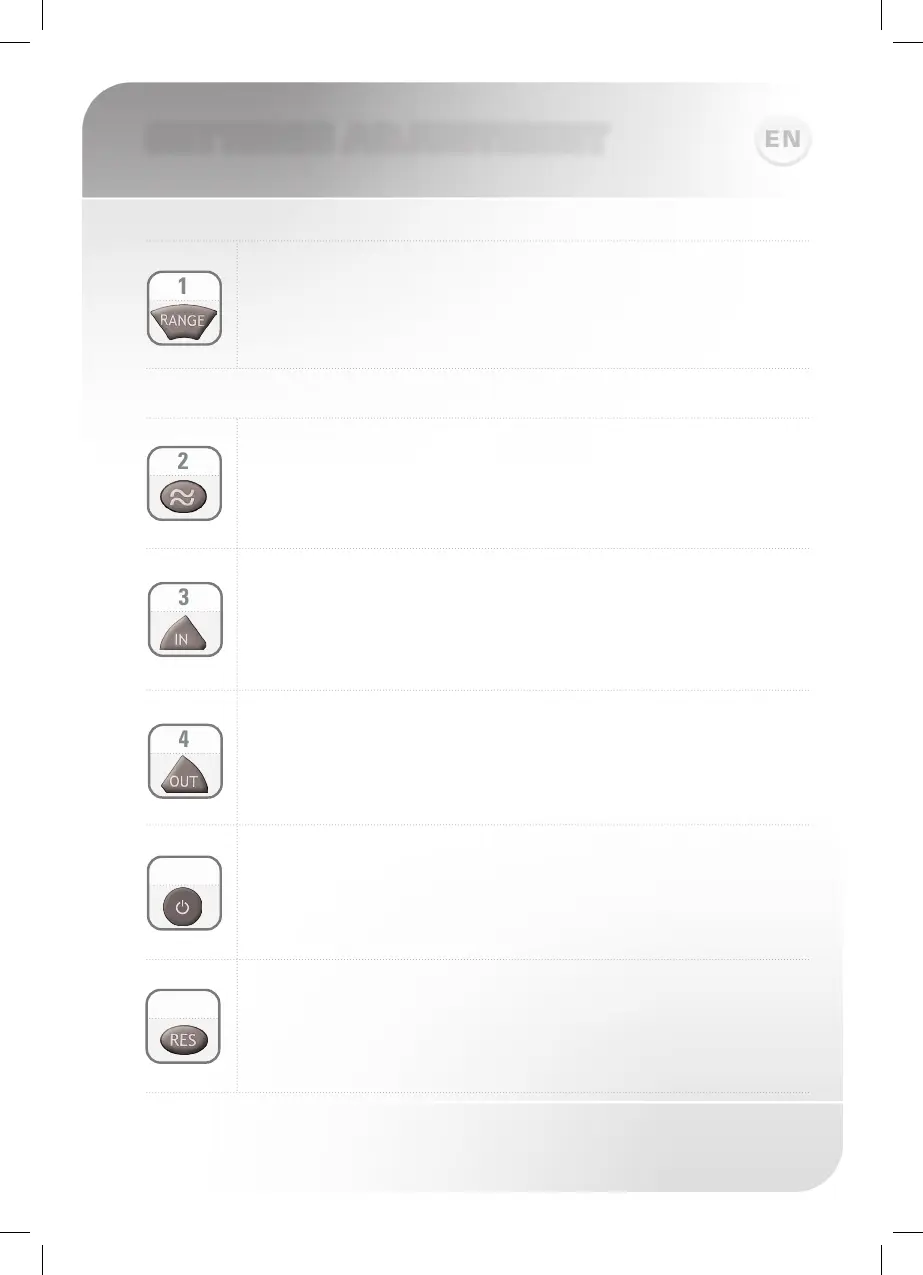
RANGE: Press + to increase the detection range and – to decrease
the detection range of the sensor.
FLOW TIME: Changes the Flush valves flush time, once the user
leaves the urinal or the toilet. Press + to increase the flow time
and – to decrease it.
SETTINGS ADJUSTMENT
The remote control can also be used to adjust:
DELAY IN: Changes the time the water will start flowing when the
user is within the sensor range. Press + to increase it and – to
decrease it.
DELAY OUT: Changes the time interval the water starts to flush
after the user has left the toilet or urinal. Press + to increase it
and – to decrease it.
ON/OFF: Press this function button and the flush valve will remain
off for 1 minute. To cancel this function press the on/off again.
5
6
RESET: This function allows to come back to all the factory
settings. Press the Reset button and without releasing it, press
one time the + button.



 To Next Page