6
EN
SETTINGS ADJUSTMENT
The sensor range is the greatest distance that an object can be away from the
sensor to activate the flush valve. The sensor is factory preset. If necessary, it
may be adjusted as follows:
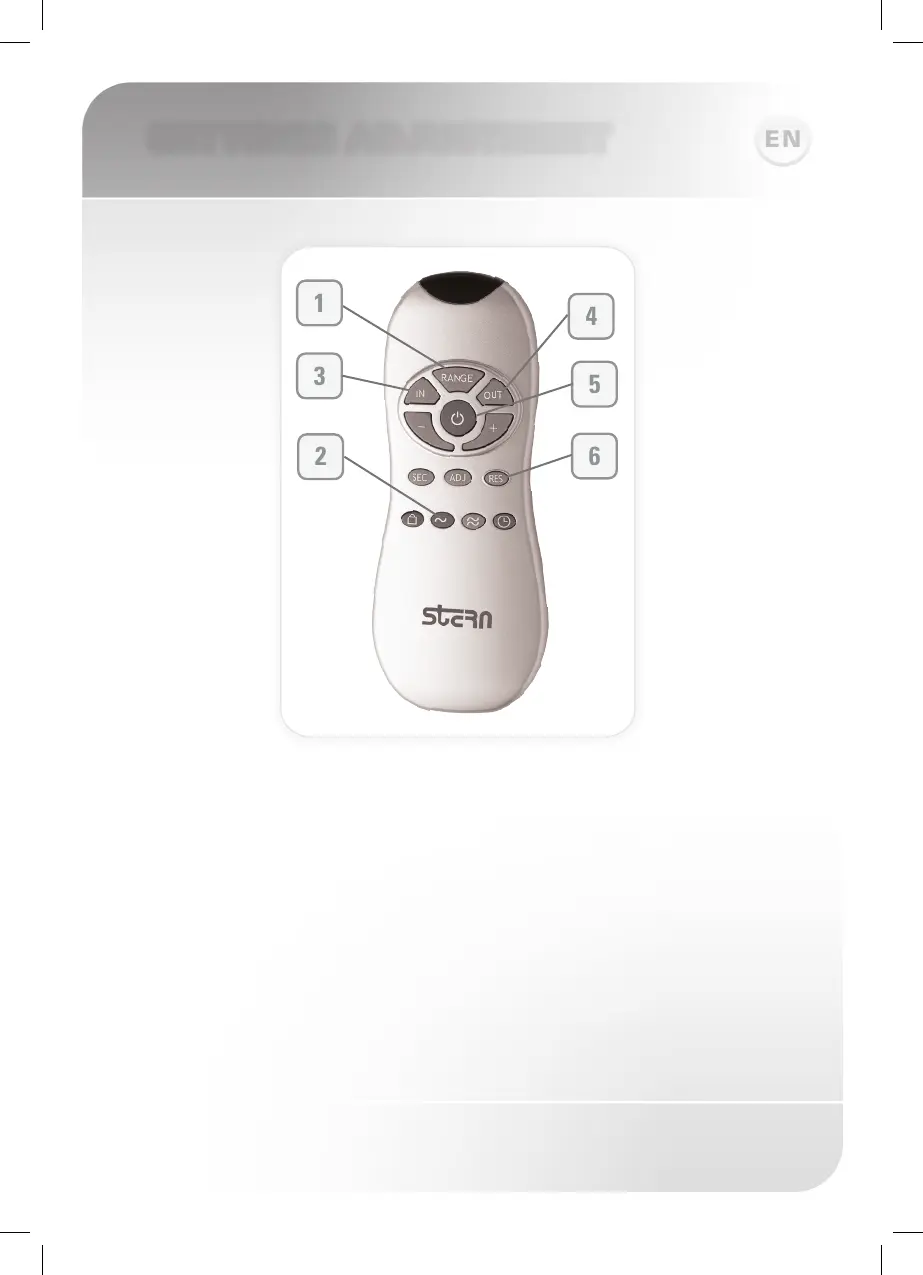
Adjusting the sensor settings with a remote control – optional and
recommended:
In order to adjust the sensor with a Remote Control you should hold the Remote
Control straight in front of the sensor in a distance of about 4” (10cm). Choose
the function you want to adjust by pressing once on one of the function buttons.
After pressing once on a specific function button, a quick flashing of the red light
in front of the sensor will occur. At this stage, you can change the adjustment
by pressing the (-) or (+) buttons, every push will increase or decrease one
level. After finishing the adjustment, turn on the water supply.



 To Next Page