4
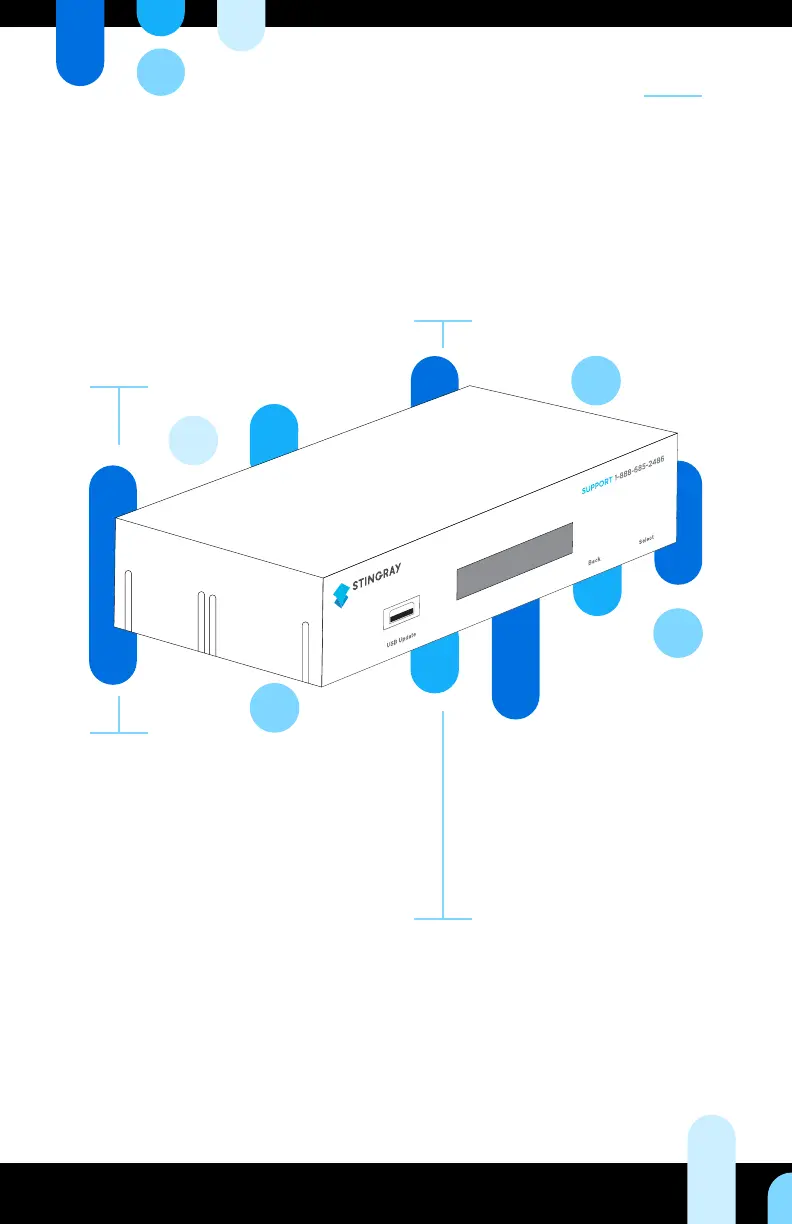
Your Device at a Glance
Content
Choose from our preprogrammed
collection of channels or craft a
totally unique ambiance for your
store. Seamlessly integrate music
and custom messaging into your
programming to maximize every
moment you have your customers’
attention every moment, place,
and mood.
Features and
functionalities
Adapt music and messaging to
specic spaces with the zoning
option.
Block songs, schedule messages,
select programs, and more using
the web based SB3 Management
Interface.
LCD front panel displays song title,
artist name, message name, network
information, and menu options.
Installation
Not a techie? No problem! Setting
up the SB3 is easy. Turn to page 6
to learn how to get started. Can’t
nd what you’re looking for? Our
customer care team is at your
service at all times.
Content updates
The SB3 will arrive at your doorstep
congured and ready to play, right
out of the box. Subsequent updates
will download automatically during
your desired download window.


 To Next Page