6
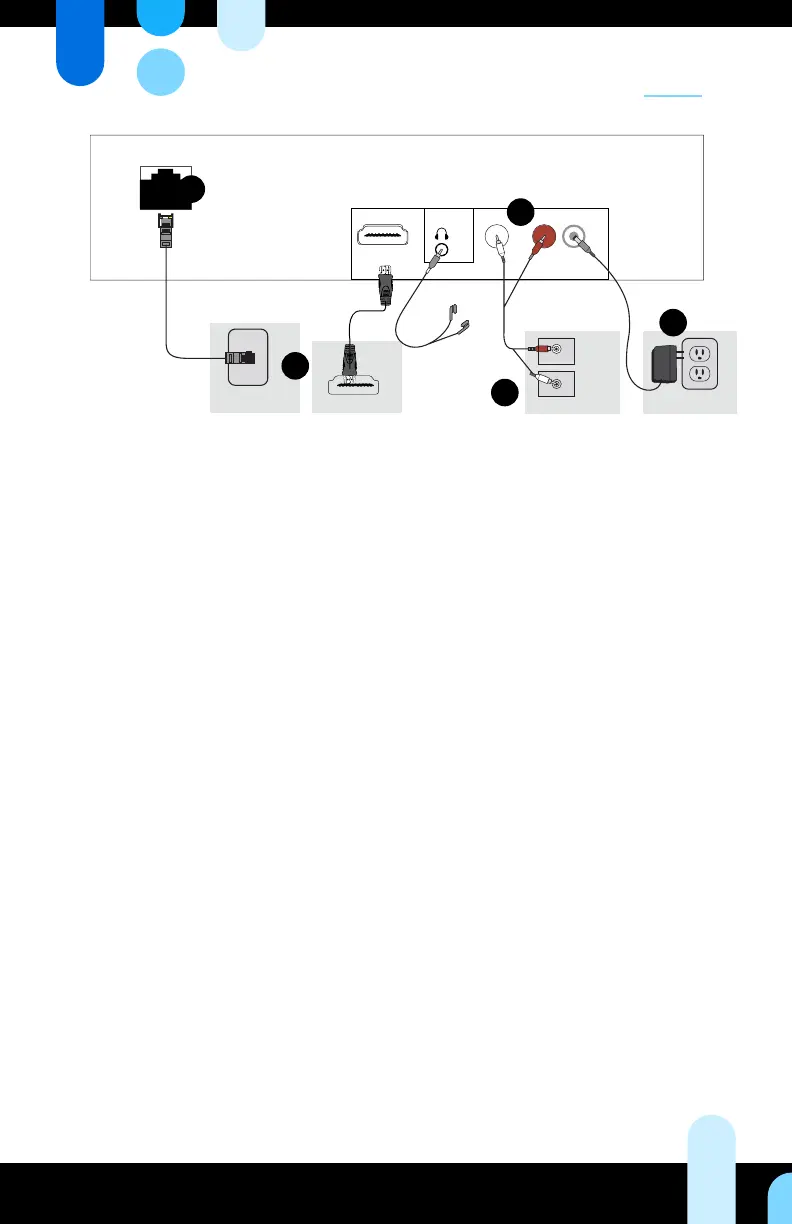
TVHDMI Source
Internet Source
Amplier
Power Source
1 - AUDIO - 2
DC 5V
HDMI
1
2
3
4
5
Setting Up
Setting up the network connection
Skip steps 1 and 2 if your player is congured with a WiFi connection
1. Connect the network cable to an active network connection.
2.
Connect the other end of the network cable to the ethernet porton the SB3.
Setting up on-hold music and messaging
for phone systems (Optional)
To complete the circuit to the telephone system, follow steps 1 through 4,
but make sure you attach one head of the audio cable to the amplier input
that is linked to on-hold music.
Setting up music videos
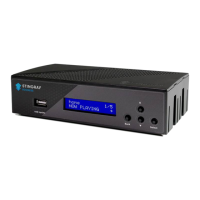
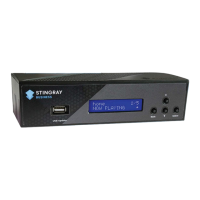
To connect your SB3 to a screen, plug one end of the HDMI cable into your
SB3’s HDMI output and attach the other end to your TV’s HDMI input.
Setting up audio
3.
Attach both connectors at one end of your audio cable to the audio jack.
Outputs “1” and “2” on your SB3.
4. Attach the other ends of your audio cable to the amplier inputs. If you
only have one amplier input, only connect one cable head and leave the
other one unplugged. You will not be needing it.


 To Next Page