Getting Started (Cont.)
Control panel
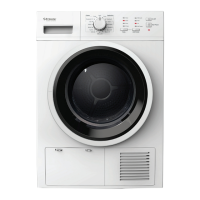
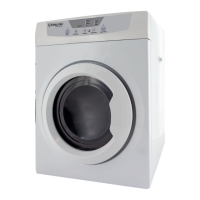
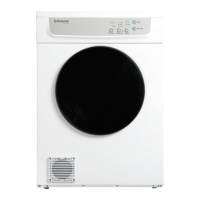
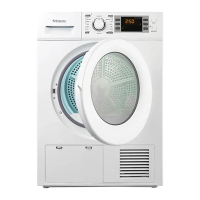
The control panel at the front of the clothes dryer has a program selection dial,
press buttons for speciality functions and an electronic digital display.
See page 9 for an illustration.
Digital display
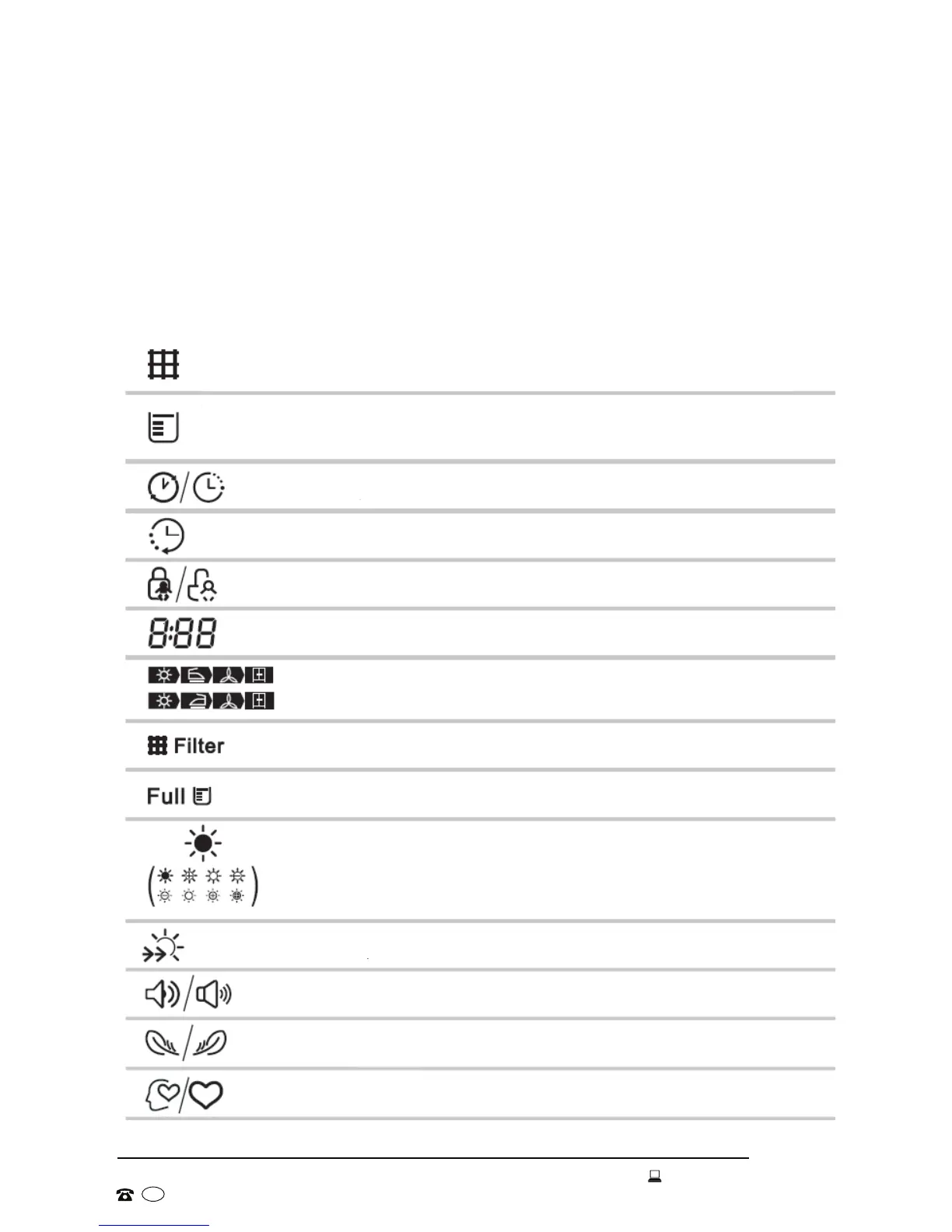
The following symbols may be illuminated on the display:
Filter
When this symbol is illuminated, please clean the filter after the dryer stops.
Container
When this symbol is illuminated, please empty the container after the dryer stops.
Delay start
Time
Child lock
Remaining time indicator / Error message
Cycle phase status
WARNING: Clean the filters
WARNING: Empty the water container
Dryness level (four grades)
Speed dry indicator
Signal indicator
Anti-crease indicator
My cycle


 To Next Page