Instructions (Cont.)
Step by step washing instructions
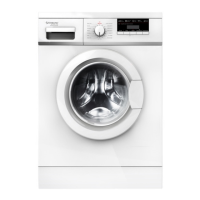
1. Connect: Plug the machine in, switch on power to the outlet and open the water tap.
2. Load: Open the door of the washer and load the machine following the guidelines on
the opposite page. Close the door and ensure that no items are caught in the door.
3. Add detergent: Pull out the detergent dispenser and add detergent as required,
then close the dispenser.
4. Switch on: Press the POWER button to switch on the washing machine.
5. Select a program: Rotate the PROGRAM dial and select the desired program.
Always check your clothes labels for recommended wash and care instructions
(see page 28).
6. Change a default setting or select an option: To select a washing temperature
or spin speed different from the default setting, or select an additional option,
press the relevant options button.
7. Start the program: Press the START/PAUSE button. On the display the remaining
time and the respective cycle phase status will be illuminated in sequence.
8. At the end of the program, the buzzer will sound to alert you that the program
has finished (unless you have muted the buzzer) and the display will turn off after
a few seconds. The machine will automatically turn off the power. Unplug the
washing machine from the power supply and close the water tap.
9. Unload: Open the door and unload the washing machine. We recommend you
leave the door slightly ajar so the drum can dry properly and to prevent mould
and odour development.
Power failure memory
If the power supply is disrupted while the machine is operating, a special memory
stores the selected program. When the power is restored, press the START/PAUSE
button to continue the program.


 To Next Page