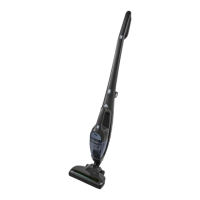
11
Fig. 11
Instructions (Cont.)
Setting the suction power
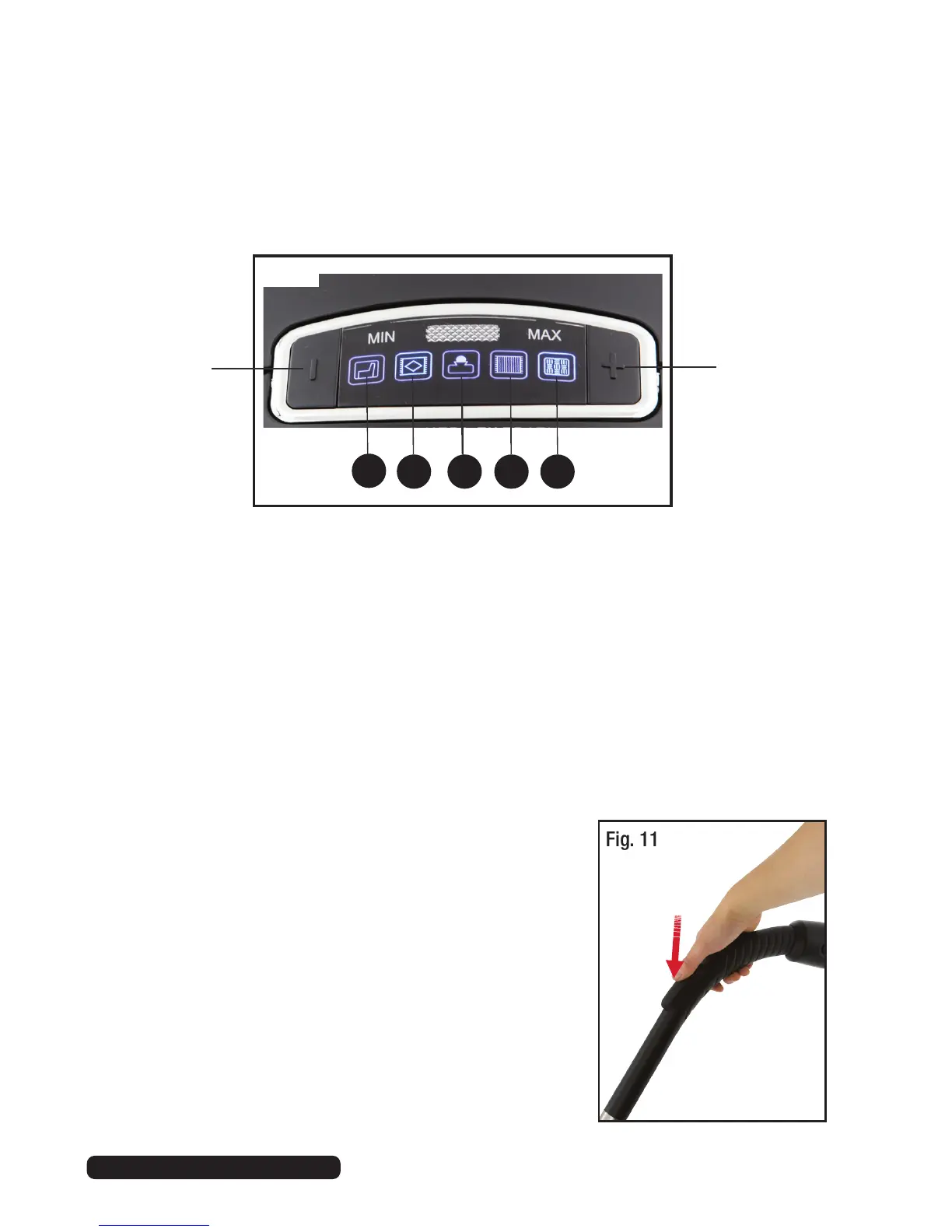
You can adjust the suction power to suit the type of floor being cleaned. Use
the symbols on the suction power display (Fig. 10) as a guideline.
(A) Upholstery, curtains and other soft furnishings — this is the lowest suction
power setting.
(B) Cushions, rugs and runners.
(C) Daily vacuuming — this is the energy-saving setting.
(D) Lightly soiled rugs, fitted carpets and hard floors.
(E) Heavily soiled rugs, fitted carpets and hard floors, thorough carpet
cleaning — this is the highest suction power setting.
• To select an appropriate power setting, press the [ - ] or [ + ] button
repeatedly until the desired setting lights up on the suction power display.
B C D E
A
Fig. 10
Press to
decrease
the suction
power.
Press to
increase
the suction
power.
• To reduce the suction power quickly during
vacuuming, slide the suction control on top of
the handle upwards. This is useful if less power
is needed for vacuuming certain items, or to
release objects that were accidentally sucked in
(Fig. 11).


 To Next Page