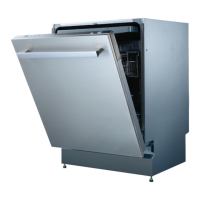
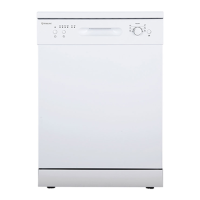
Running the dishwasher
Starting a wash program
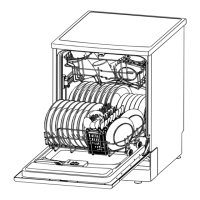
• Open the door and draw out the lower basket. Load your dishes and push the
basket back into place. Then load the upper basket the same way
(see pages 16-19 for details).
• Add dishwasher detergent according to the instructions (see pages 20-21).
• Unless you use dishwasher detergent tablets that contain a rinse aid, make sure
there is sufficient liquid rinse aid in the rinse aid dispenser (see pages 22-23).
• Close the dishwasher door, making sure you hear a click when it closes properly.
• Insert the plug into a suitable 12A power socket (the power supply is 240V AC
50Hz) and make sure the water supply is turned on to full pressure.
• Press the ON/OFF button on the dishwasher control panel (see page 9).
• Press the PROGRAM button (repeatedly) to select the desired wash program (see
pages 14-15).
• Press the START/PAUSE button to start the washing program (see page 9).
• At the end of the program, press the ON/OFF button to switch off the dishwasher.
Instructions (Cont.)
Program indicator lights
The program lights indicate the current state of the dishwasher.
All program lights are off. The dishwasher is in standby mode.
One of the program lights is on. The dishwasher is running.
One of the program lights is
blinking.
The dishwasher is in pause mode.
All program lights start blinking. The dishwasher is out of order. Turn off the power
and water supply and call the after sales support
line for advice on service.
Setting a delayed start
• Press the DELAY button (repeatedly) to delay the start time of the selected wash
cycle for up to 19 hours. Every press of the button increases the delayed start
time by one hour. The display will show “1H” - “2H” - “3H” ... “19H”.


 To Next Page