Document version 2.1 Document No. 6939-170 Page 15
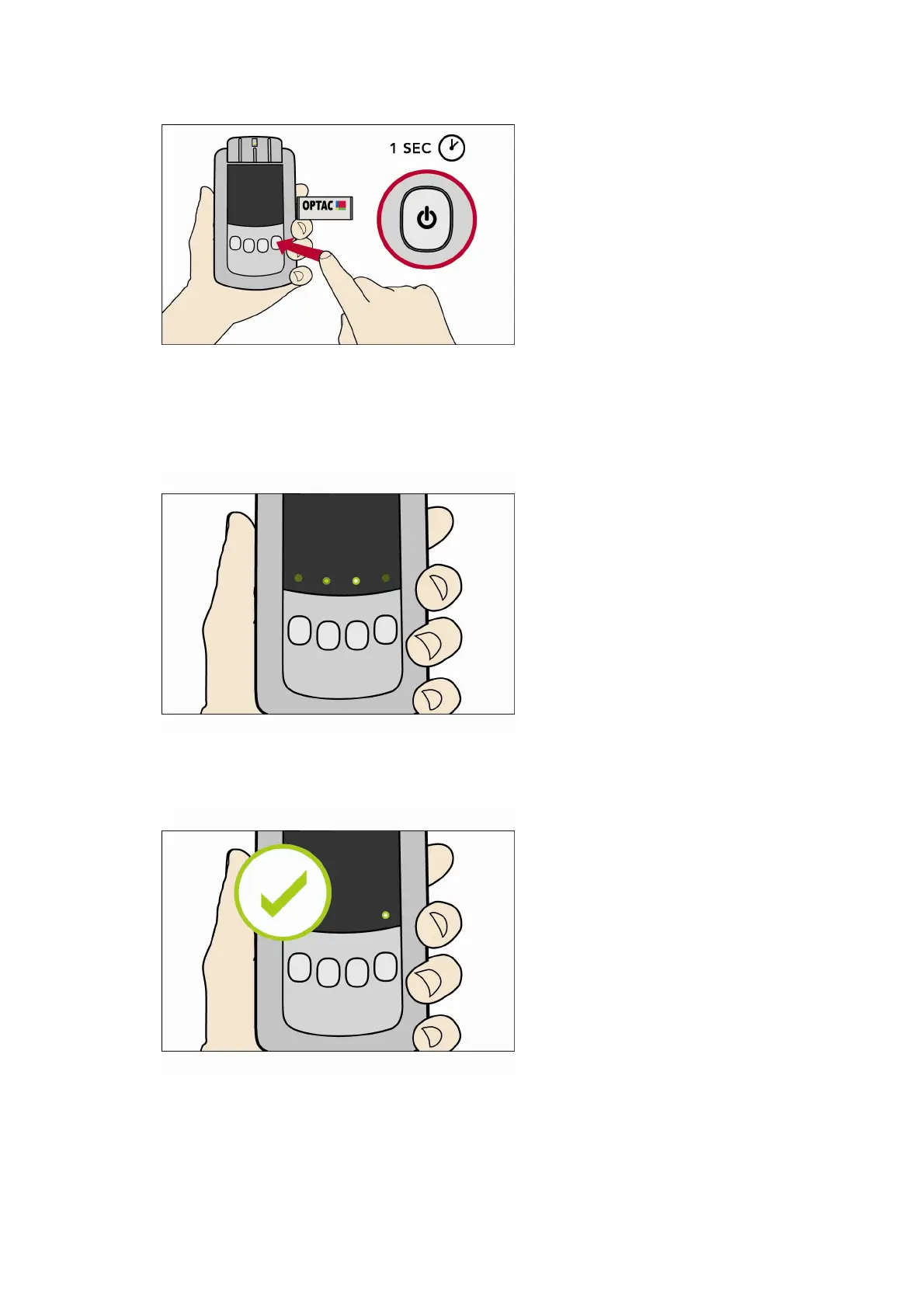
3. Press the Power Button once more. Note it must be a short press or the tool will switch off.
4. As the data is copying to the memory stick the green lights will flash back and forth.
5. If the copying is successful a static green light will remain above the On/Off Button that was
pressed.
6. If the download fails the LED above the On/Off Button that was pressed will be red.



 To Next Page