Document version 2.1 Document No. 6939-170 Page 14
3.9 Copying data to a memory stick.
The contents of the download tool can be copied to a memory stick. The memory stick can then
be posted back to home base to provide an ‘Away from Home’ solution.
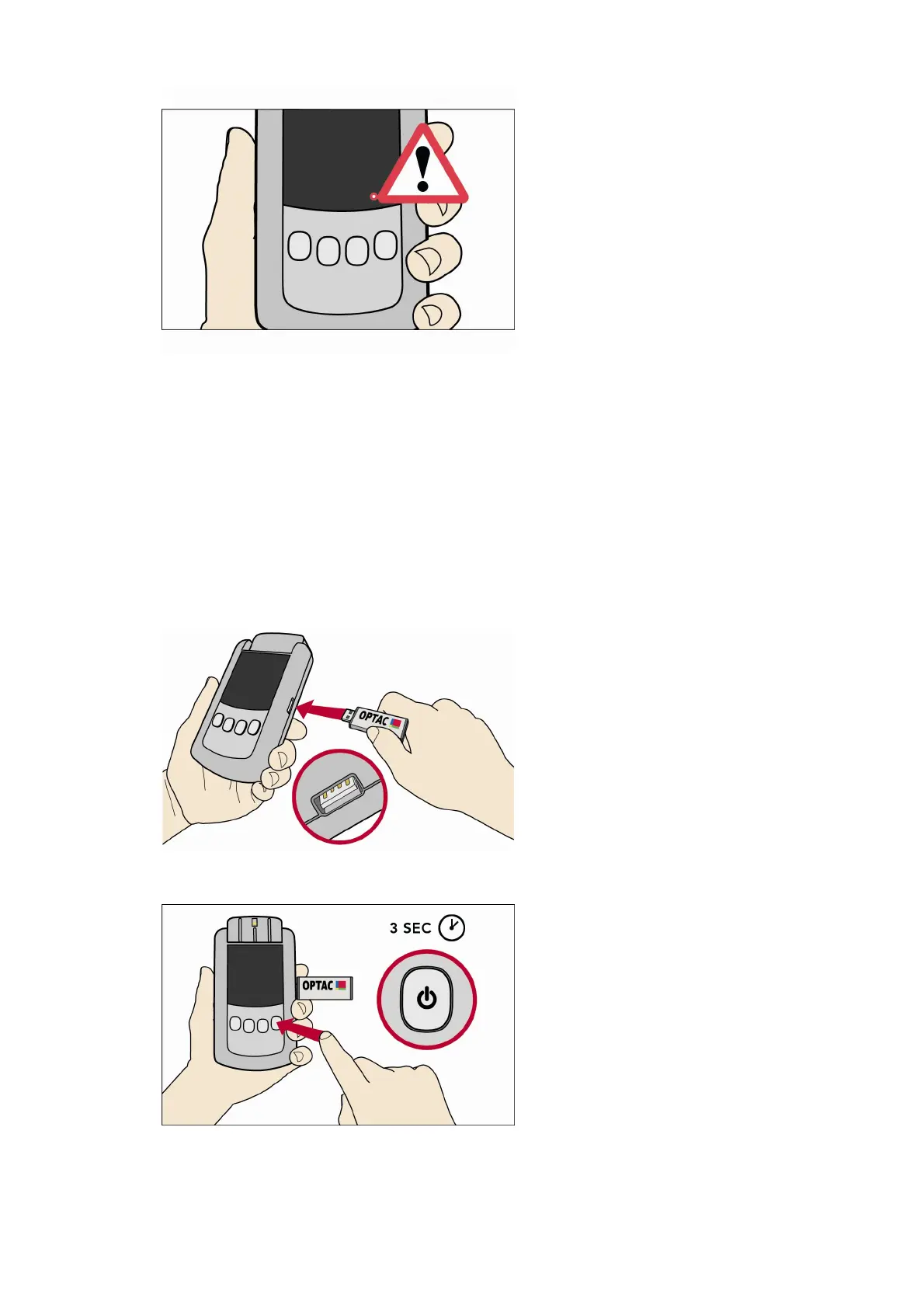
Important note: the OPTAC download supports the OPTAC memory sticks supplied by Stoneridge,
other memory sticks may be compatible but this is not guaranteed. THE MEMORY STICK MUST
BE ENTIRELY EMPTY PRIOR TO USE - please erase any files before commencing copy.
1. Insert a memory stick into socket C of the Download Tool. (The OPTAC image on the stick
actually faces the other way than as illustrated in the image)
2. Switch on the Download Tool (Press and hold the Power Button for approximately 3 seconds).



 To Next Page