Document version 2.1 Document No. 6939-170 Page 16
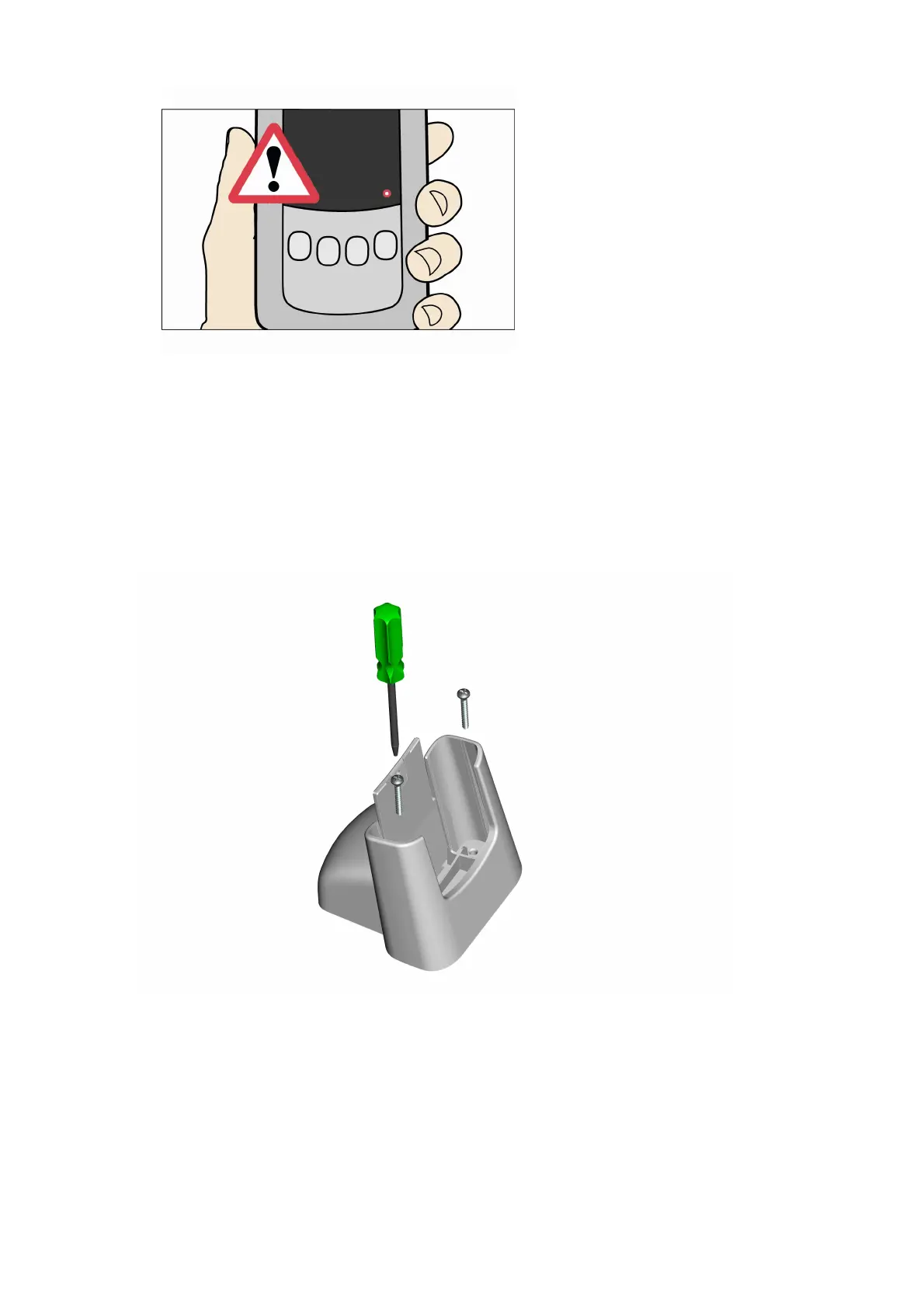
7. Switch off the Download Tool and remove the memory stick. Do NOT remove the memory stick
while the tool is SWITCHED ON.
3.10 Mounting the Security Cradle.
To mount the security cradle a solid wooden surface such as a desk or work bench will be
required.
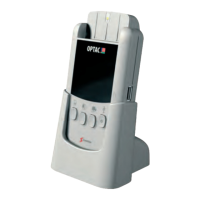
1. Using a screw driver, screw the 2 self tapper screws through the holes in the bottom of the security
cradle into the desk, as indicated in the image below.



 To Next Page