SUPPORT@STOREITCOLD.COM
2020 © Store It Cold, LLC. 11 Rev 2020-8A. All Rights Reserved.
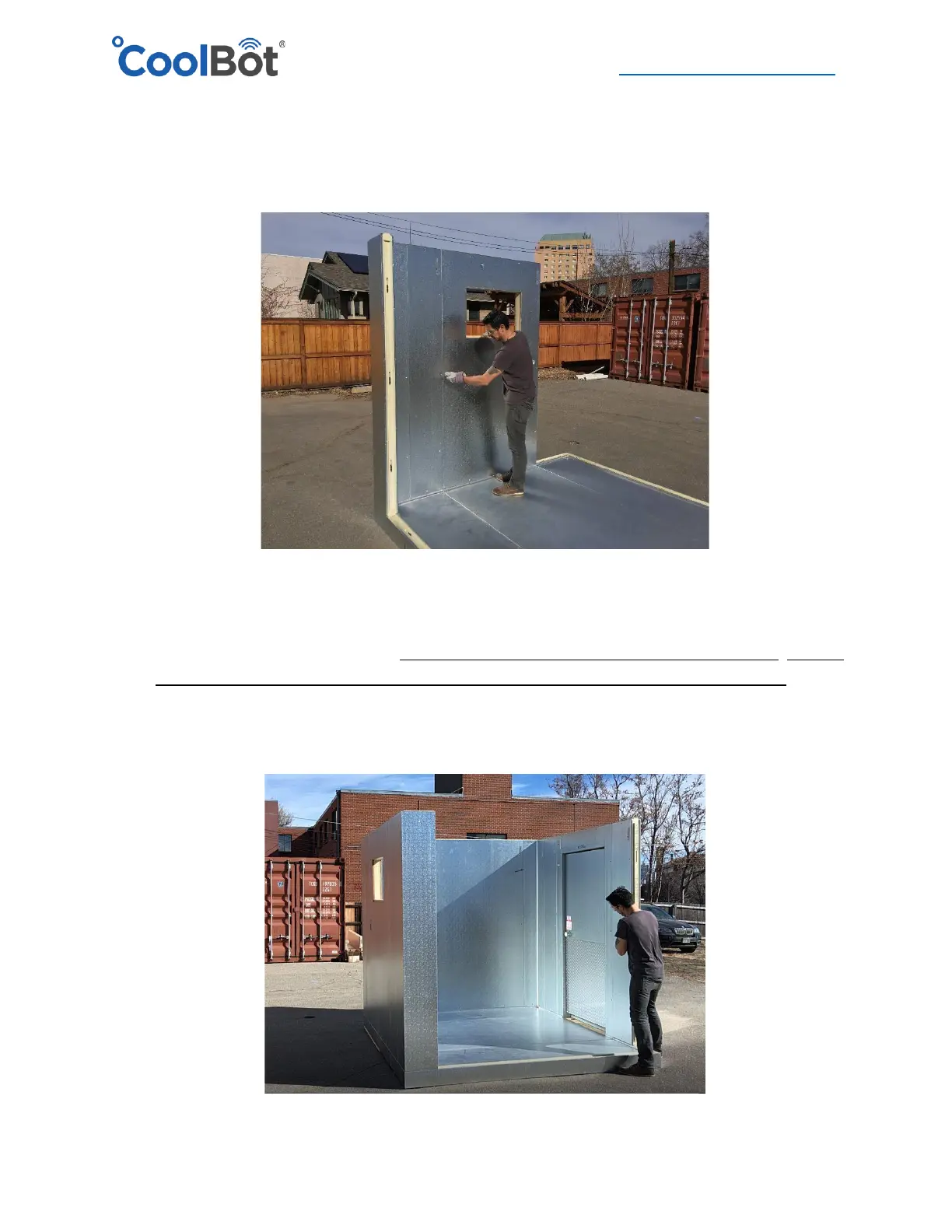
5. Select the next adjacent wall panel, going in a clockwise direction around the perimeter and
follow the same steps as above: Align, lock to the floor, lock to the adjacent wall panel and
double check for alignment making sure at all times that panel is flush on all sides and on top
with the adjacent panels and floor.
6. Repeat this procedure with each wall panel working your way around the perimeter of the
cooler in a clockwise fashion.
7. When installing the Door panel, DO NOT REMOVE THE DOOR FROM DOOR FRAME. Cut the
“shipping metal band” at the bottom of the door panel with a pair of metal snips. Follow
the same recommendations as when installing the wall panels. Door frame panel must be
LEVEL and PLUMB before locking in position. Ensure it is flush at the top with all adjacent
panels. If you have a cooler with a floor, DO NOT screw-in the door threshold yet.





 To Next Page