SUPPORT@STOREITCOLD.COM
2020 © Store It Cold, LLC. 9 Rev 2020-8A. All Rights Reserved.
WALK-IN INSTALLATION WITH A FLOOR OPTION
Your walk-in cooler panels, door, screeding, hardware, or outdoor package might differ in design or
looks from the ones shown in this manual and the installation video.
YOUR WALK-IN COOLER HAS BEEN PRE-ASSEMBLED AT THE FACTORY BEFORE CRATING TO ENSURE
PROPER FIT OF ALL PANELS AND TO ENSURE CORRECT DOOR OPERATION.
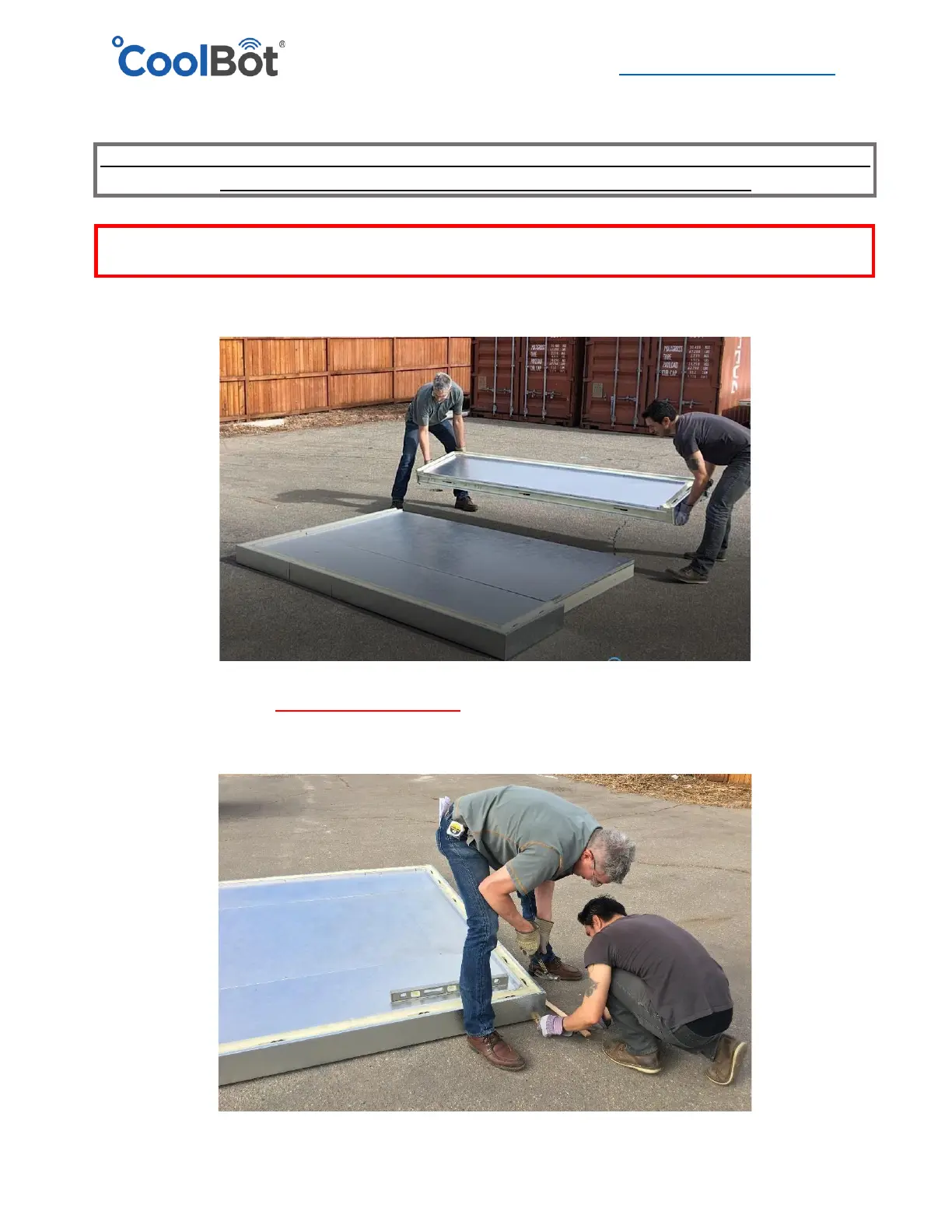
1. Set the floor panels according to the Set-up drawing included in your documentation. All
panels have labels, and are identified in the Set-up drawing.
2. Make sure that all floor panels are level. If not, using shims under the floor panels around
the seams and perimeter and located under the position of the cam-locks is suggested to
level the floor.




 To Next Page