3
QUICK START GUIDE
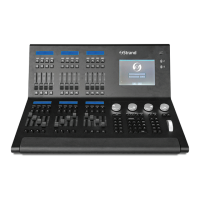
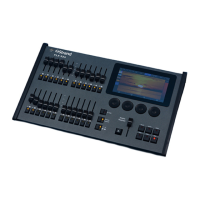
FLX S24
FLX S48
9850-000840-00
TERMINOLOGY
FIXTURES
Every device controlled by FLX S is known as a
“Fixture,” and is assigned a “Channel Number.”
Fixtures can be a simple generic dimmer channel,
or a more complex DMX device such as a color
scroller, LED xture, moving head, strobe light or
smoke machine.
MULTI-FUNCTION FADERS (MFFS)
FLX S is equipped with 24 “Multi-Function” Faders.
FLX S48 is equipped with 48. These can quickly
and easily be switched between their two functions
(“Channels” and “Playbacks”) by using the Fader
Funct. button.
CHANNELS
When set to “Channels”, the faders directly control
each light (or “xture”) in the rig (this is often
referred to as “Channel per Fader”). Each xture,
no matter what it is, has a single “Channel Number”,
and so takes up a single channel fader. FLX S
consoles support double the number of xtures as
there are faders. ‘Page’ can be used to switch the
faders between xtures (see below).
PLAYBACKS
(OR CUES, STACKS & SUBMASTERS)
Lighting “states” (or “scenes”) can be pre-
recorded, ready to be recalled later. They are
called “cues”, and are recorded onto “playbacks”.
Each playback can store a single cue, or multiple
cues. FLX S consoles support double the number
of playbacks as there are faders, plus the “Master
Playback”. Traditionally, playbacks with a single
cue have often been referred to as “submasters”
whereas playbacks with multiple cues have often
been referred to as “cue stacks”. We simply call
them all playbacks.
PAGE
The page button allows you to switch between
faders 1 – 24 and faders 25 – 48 on FLX S24, or
faders 1 – 48 and faders 49 – 96 on FLX S48.
Switching between “Channels” and “Playbacks”
automatically changes the page to the page you
had previously selected when in that function.
“ ” / SHIFT KEY
Z places a range of quick access settings and
functions on the internal display and encoder
wheels. Holding Z acts as “Shift”, changing the
functionality of other buttons when pressed
simultaneously.
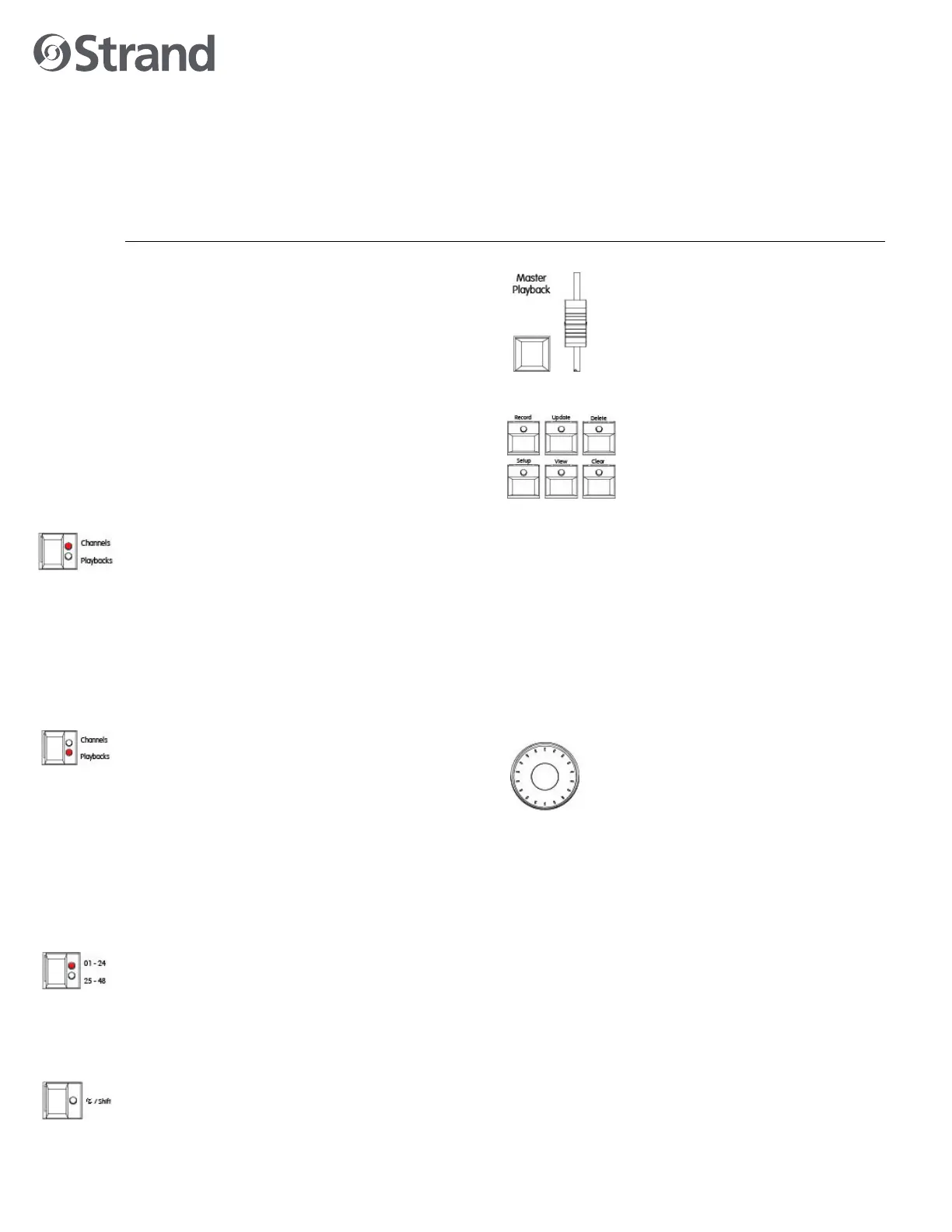
MASTER PLAYBACK
For many shows, especially theatrical,
a single playback is often used with
a list of pre-recorded cues. For these
situations, the “Master Playback” is
provided, with dedicated fader and
quieter ► (“go”) button.
COMMAND AND FUNCTION KEYS
FLX S includes dedicated keys for
the commands Record, Update and
Delete, and the functions Setup,
View, and Clear. Function keys
perform functions themselves but
also change the functionality of
other buttons when pressed at the same time.
INTERNAL, EXTERNAL & REMOTE
MONITORS
The internal multi-touch screen displays the
graphical interface for FLX S. Multiple mobile
devices, such as smart phones, tablets and laptops,
can also be connected simultaneously to show
additional information or to add remote control
functionality. Additionally, FLX S48 supports an
optional external DVI-D monitor.
ENCODER WHEELS
Four encoder wheels are provided, and
used for accurate control of various
settings. The settings currently being
controlled by the encoders are displayed
in the four boxes along the bottom of the
touchscreen, just above the encoders.
GROUPS
Fixtures that are used together regularly (such as
a color wash, or all the moving lights on a specic
bar) can be stored together into a “group”. FLX S
can automatically create groups if required.
CHASES
Chases are sequences of lighting states (“steps”)
that automatically cycle. Settings can change
between “ashing” and “fading”. See manual for
full details.
EFFECTS
Eects can be applied to a xture to create
continuously changing lighting states - for example
a rainbow or movement circles. Unlike chases, they
can be stored in a single cue and are based upon
waveforms (such as a sine wave or sawtooth wave
etc).


 To Next Page
 Loading...