Operations Model 6DS-SP Planarizer
2 - 16 Version 4.0 - February 1998
CONTROL PANEL AND
EMERGENCY OFF BUTTONS
CONTROL PANEL
Note: Cabinet configurations vary to accommodate customized
features, and some control panel components may be placed
elsewhere. A component’s function remains the same regardless
of its location.
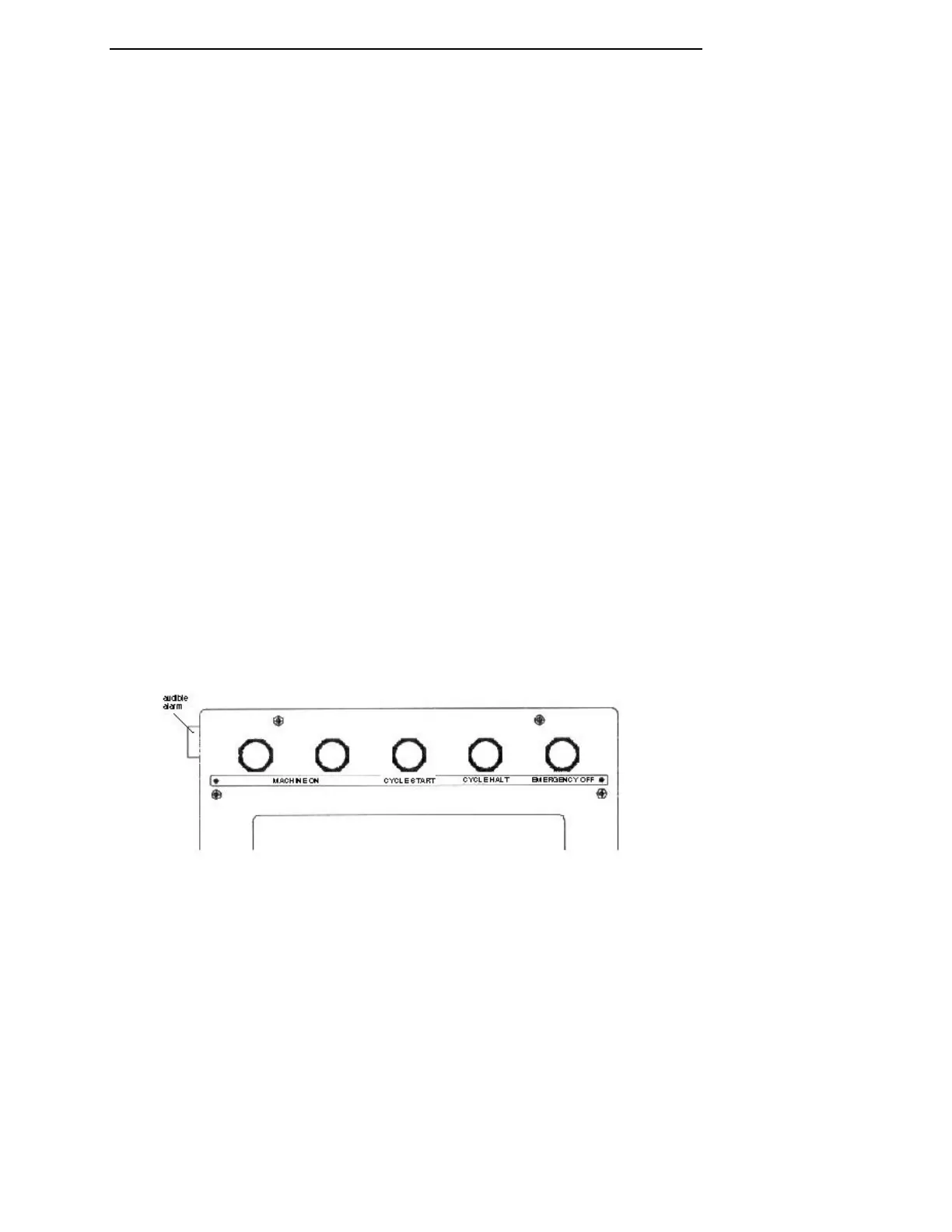
The control panel is located on the Model 6DS-SP Planarizer at the top
center front of the machine. Figure 2-6 shows the layout of the panel
components. A description of each component follows the figure.
With the fixed or remote terminal option, an additional monitor (with
keyboard) and control panel may be mounted above the elevators or on a
mobile cart. Selection of the active keyboard is made at a switch located at
the rear of the machine on the electrical cabinet.
Figure 2-6 Control Panel
The MACHINE ON pushbutton is located on the panel top row at the
central position. Pressing this button turns the machine on-- provided all
service doors are in place and the main power supply circuit breaker is on.
The Rear Panel Power On Lamp (located at the rear of the machine) will
indicate if supply power is on. Pressing the MACHINE ON pushbutton
completes the path to power the machine's controllers and subassemblies.


 To Next Page
 Loading...
