IPT2008-SDL LCD Features
Info ManagerTM
108 Strata CIX and CTX IPT/DKT Telephone 11/06
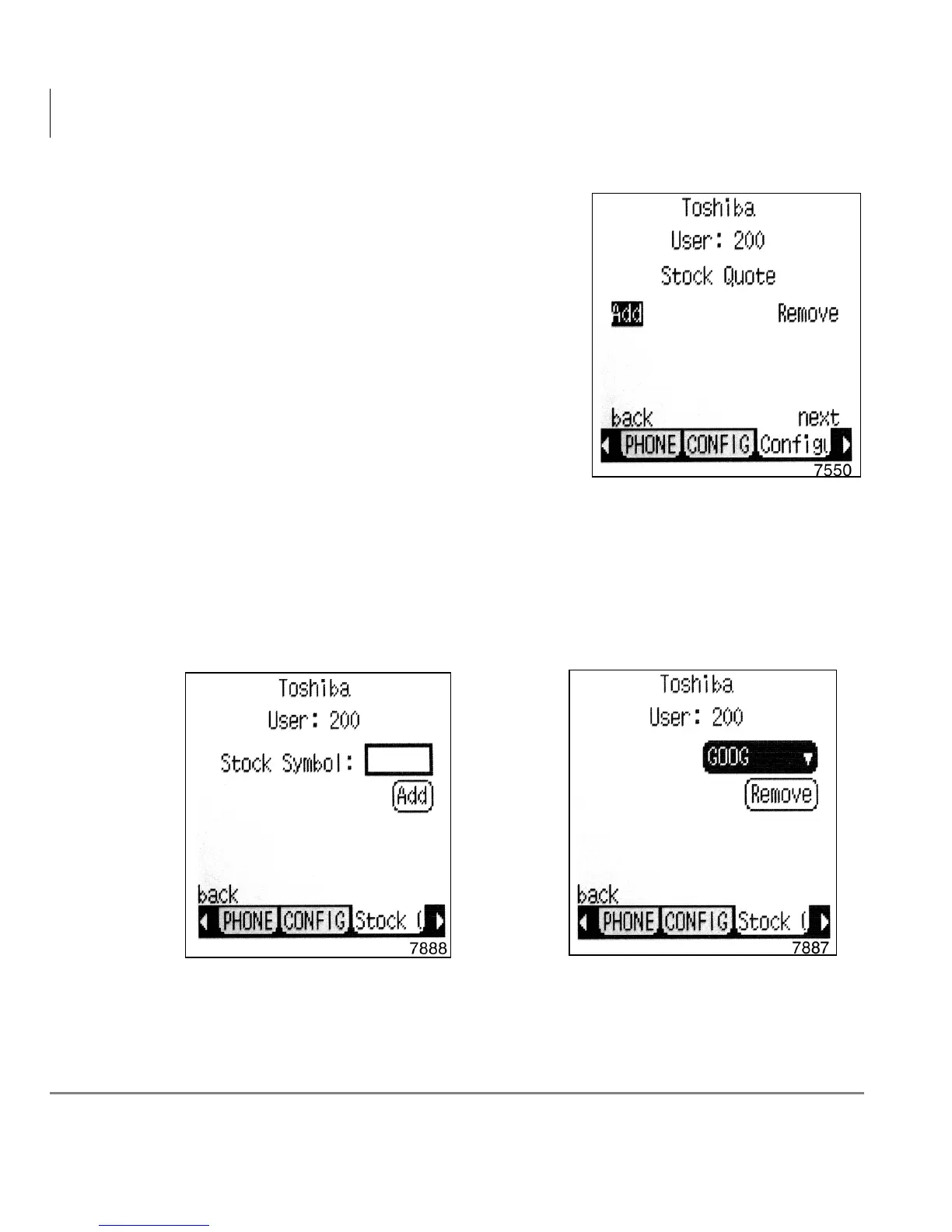
Adding and Removing Stock Quotes,
Company News and Weather
1. From Configure, select Content.
The Add/Remove Stock Quote screen
displays (shown right).
Press the next soft key to Add/Remove
Weather.
2. Select the appropriate softkey to add or
remove a stock quote.
Stock Quote
When you select the add or remove buttons in the above screen, the following
screens display depending on the selection.
Add Stock Quote Remove Stock Quote



 To Next Page