IPT2008-SDL LCD Features
Info ManagerTM
Strata CIX and CTX IPT/DKT Telephone 11/06 109
Company News
You must have administrative privileges to add or remove news stories.
From the Options screen, select Configure > Content > Next. Select Add/Remove.
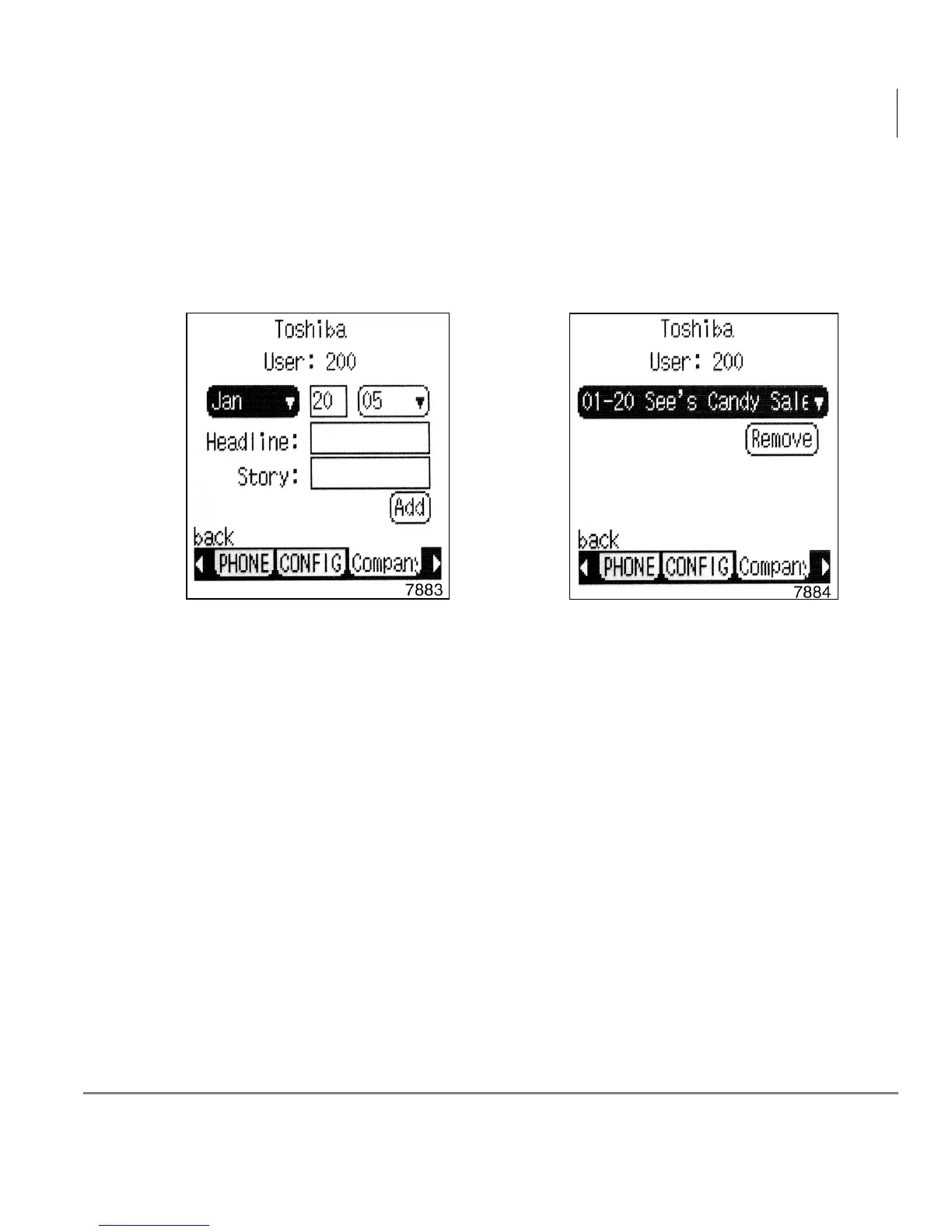
Depending on your selection, one of the screens below displays.
To Change or enter a new date on the Add Company News screen
1. Press the Left soft key corresponding to the Month.
2. Use the navigation
T arrow button to select the month.
3. Press Enter (Oval Navigation center button).
4. Press the navigation
X arrow button to move to the Day/Year.
5. Use the navigation
T arrow button to select the day/year.
Add Company News Remove Company News



 To Next Page