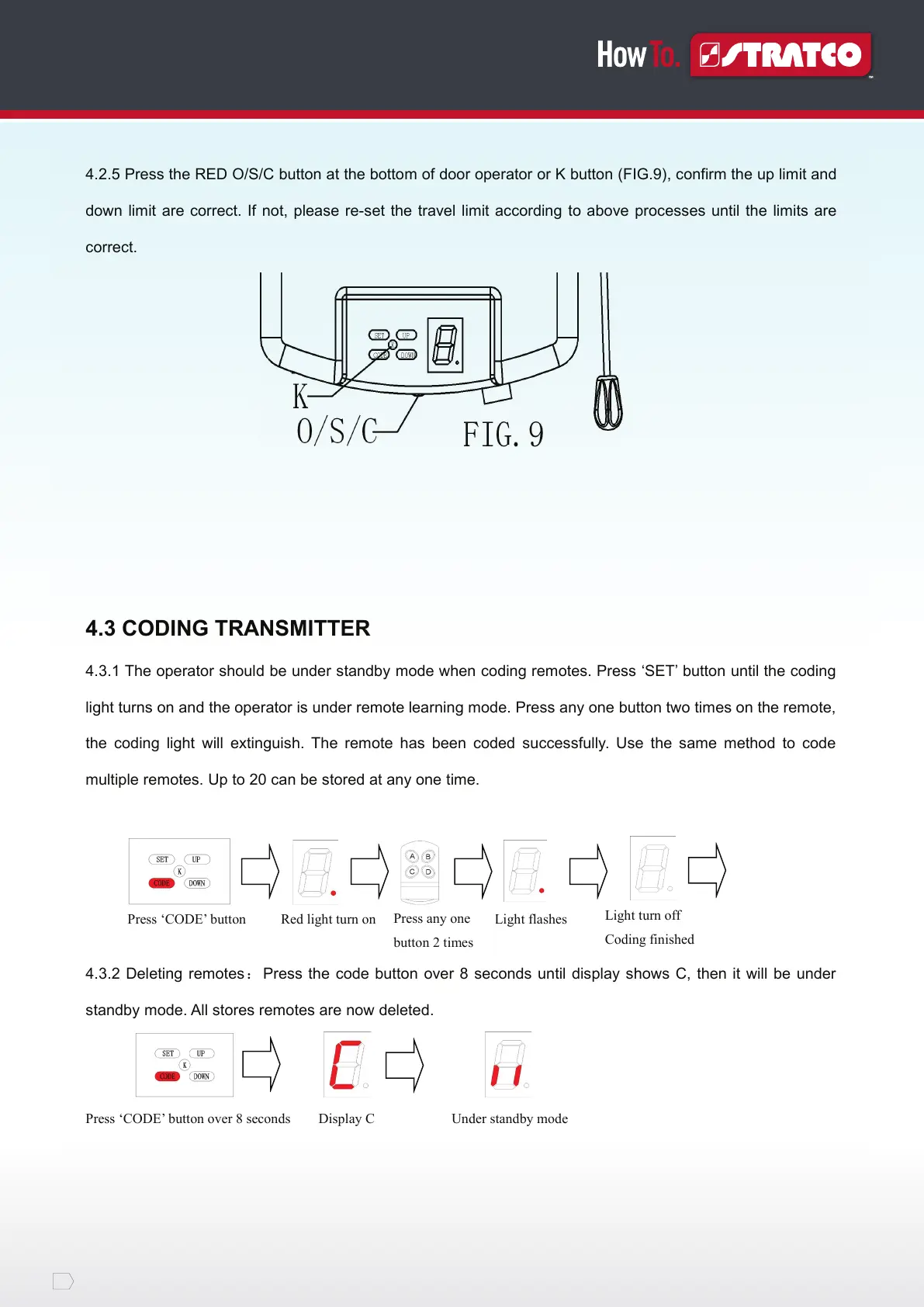
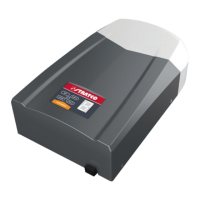
4.2.5 Press the RED O/S/C button at the bottom of door operator or K button (FIG.9), confirm the up limit and
down limit are correct. If not, please re-set the travel limit according to above processes until the limits are
correct.
4.3 CODING TRANSMITTER
4.3.1 The operator should be under standby mode when coding remotes. Press ‘SET’ button until the coding
light turns on and the operator is under remote learning mode. Press any one button two times on the remote,
the coding light will extinguish. The remote has been coded successfully. Use the same method to code
multiple remotes. Up to 20 can be stored at any one time.
Press ‘CODE’ button Red light turn on Light flashes
4.3.2 Deleting remotes: Press the code button over 8 seconds until display shows C, then it will be under
standby mode. All stores remotes are now deleted.
Press ‘CODE’ button over 8 seconds Display C Under standby mode
Press any one
button 2 times
Light turn off
Coding finished


 To Next Page