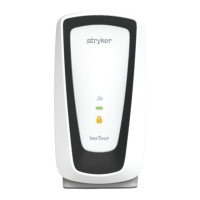
OOppeerraattiioonn
PPoowweerriinngg OONN tthhee ppuummpp
1. See
Setup
(page 8) to prepare the pump for operation.
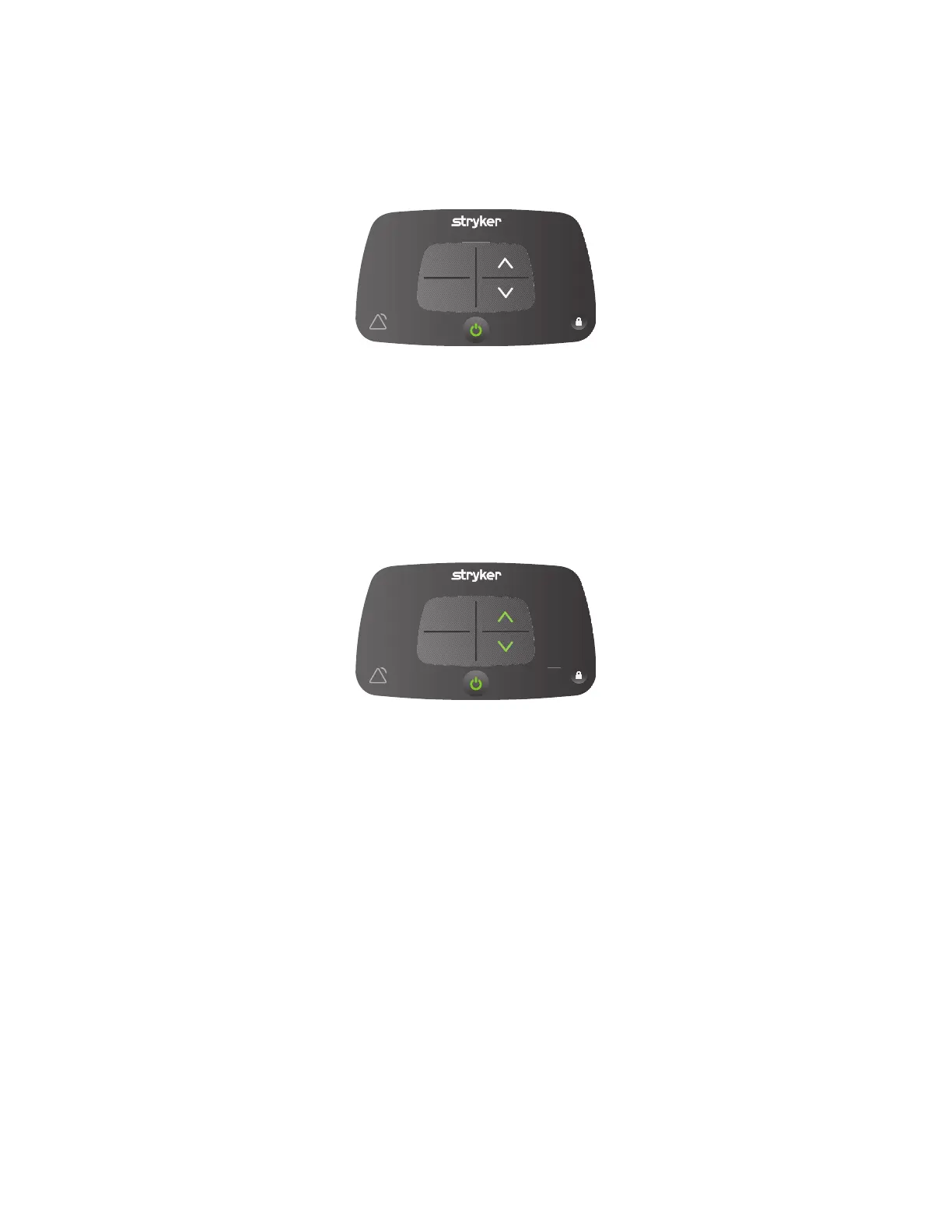
2. Press the power button once to turn on the product. (Figure 1).
IsoFlex
SPR
LAL
PLUS
SPR
PLUS
FFiigguurree 11 –– SSttaattuuss vviieeww,, ooppeerraattoorr vviieeww
NNoottee -- The pump will power ON with either SSPPRR PPlluuss or IIssooFFlleexx LLAALL based on last use.
IInnccrreeaassiinngg oorr ddeeccrreeaassiinngg pprreessssuurree ffoorr SSPPRR PPlluuss
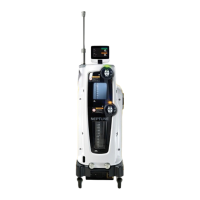
You can increase or decrease the pressure by 3 mmHg increments when the SSPPRR PPlluuss mode is selected.
To increase pressure, press the up arrow.
IsoFlex
SPR
LAL
PLUS
SPR
PLUS
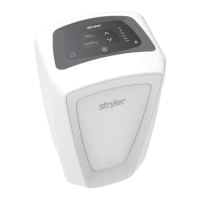
FFiigguurree 22 –– IInnccrreeaassee oorr ddeeccrreeaassee
To decrease pressure, press the down arrow.
AAccttiivvaattiinngg CCPPRR rreelleeaassee
Unscrew the hose from the SSPPRR PPlluuss overlay to deflate the support surface for CPR.
NNoottee -- You do not need to remove the hose from IIssooFFlleexx LLAALL support surface to perform CPR.
TTuurrnn tthhee lloocckk OONN oorr OOFFFF
To turn the ON or OFF.
1. Press and hold the lock button for 1 second to turn ON the lock.
2863-009-001 Rev B.2 9 EN


 To Next Page