STUDER Innotec
XP-COMPACT
User manual XP-COMPACT V5.1 E 8
Connecting must be done by qualified staff. Material such as cable, connectors and distribution
boxes, fuses etc. used in the installation must comply with the respective valid low-voltage installa-
tion rules and regulations.
3.4.2 Protection cover for the terminals con-
nections
The protection cover is available in option (Order
ref. CFC-01) and avoids to do wrong hazardous
contact on the terminals 230Vac. It is mounted with
strain relief clamps for the cable.
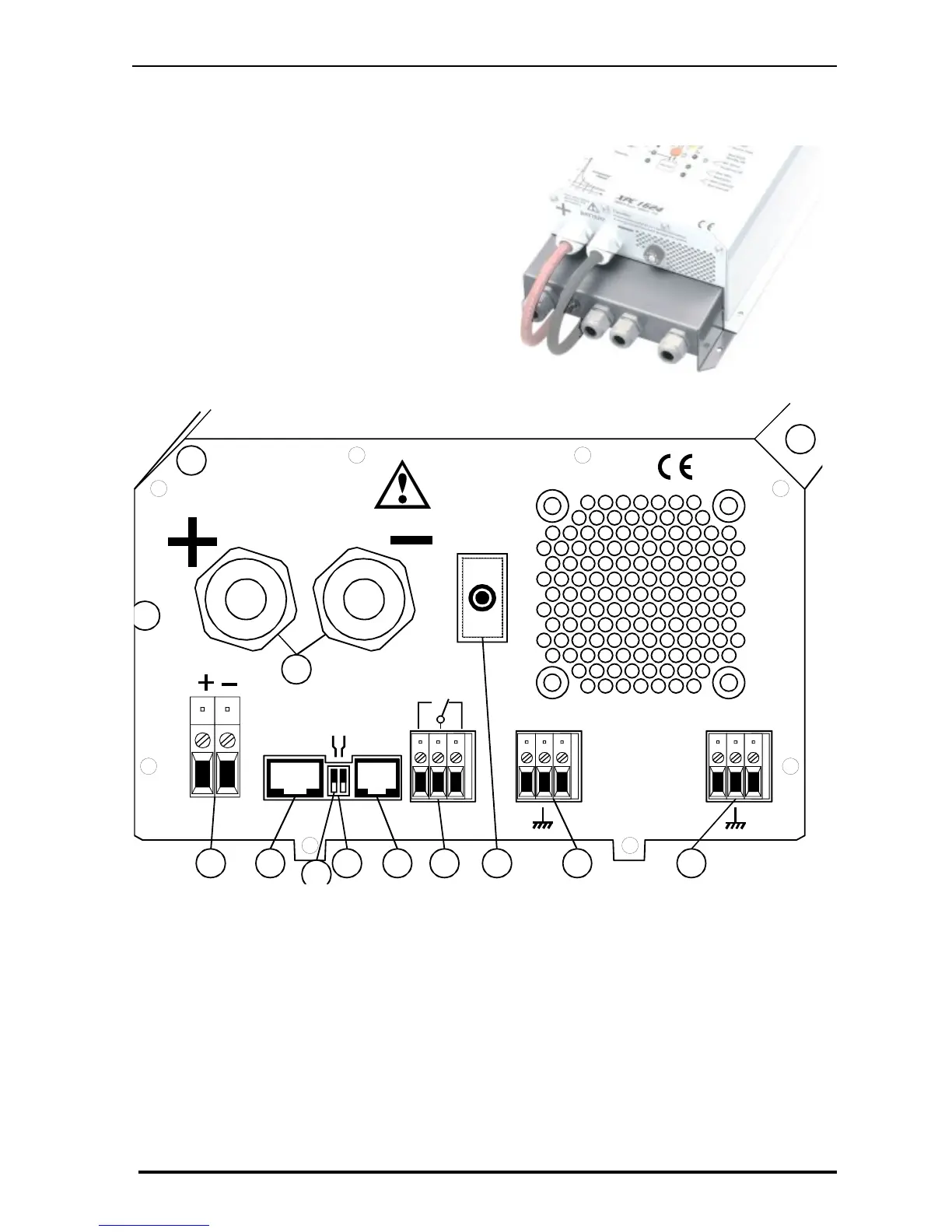
3.5 Connecting panel / Front side
.
N
L
Don't open before
disconnect line and battery
16A-250Vac
SOLAR
Equalize
Transfer delay
Remote
control
Caution: Check battery
polarity (+/-) before connecting!
A wrong connection could
damage the system.
BATTERY
Temp.
sens.
AC OUT
AC IN
NL
HG KFECB
M
A
N
L
D
J
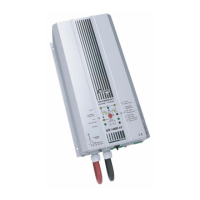
A Battery +/- Battery cable (already installed)
B SOLAR +/- Connecting terminal for Solar modules
C Remote contr. Connecting terminal for Remote Control RCC-01
D Equalize Slide switch for equalization of the Battery
E Transfer delay Slide switch for Transfer Delay
F Temp. Connecting terminal for Temperature sensor CT-35
G Aux. Contact Connecting terminal for Auxiliary Contact
H AC Input Connecting terminal for AC-input. Located directly above this
terminal is the automatic safety cut-out for this terminal.
J ID Plate Identification plate with Technical data and Serial number
K AC Output Connecting terminal for AC-output
N 16A Protection 16A Protection switch for the Transfer system


 To Next Page