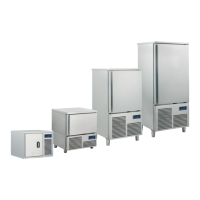
ALEXANDER 5T - 10T - 15T
Ed.12/2011 7
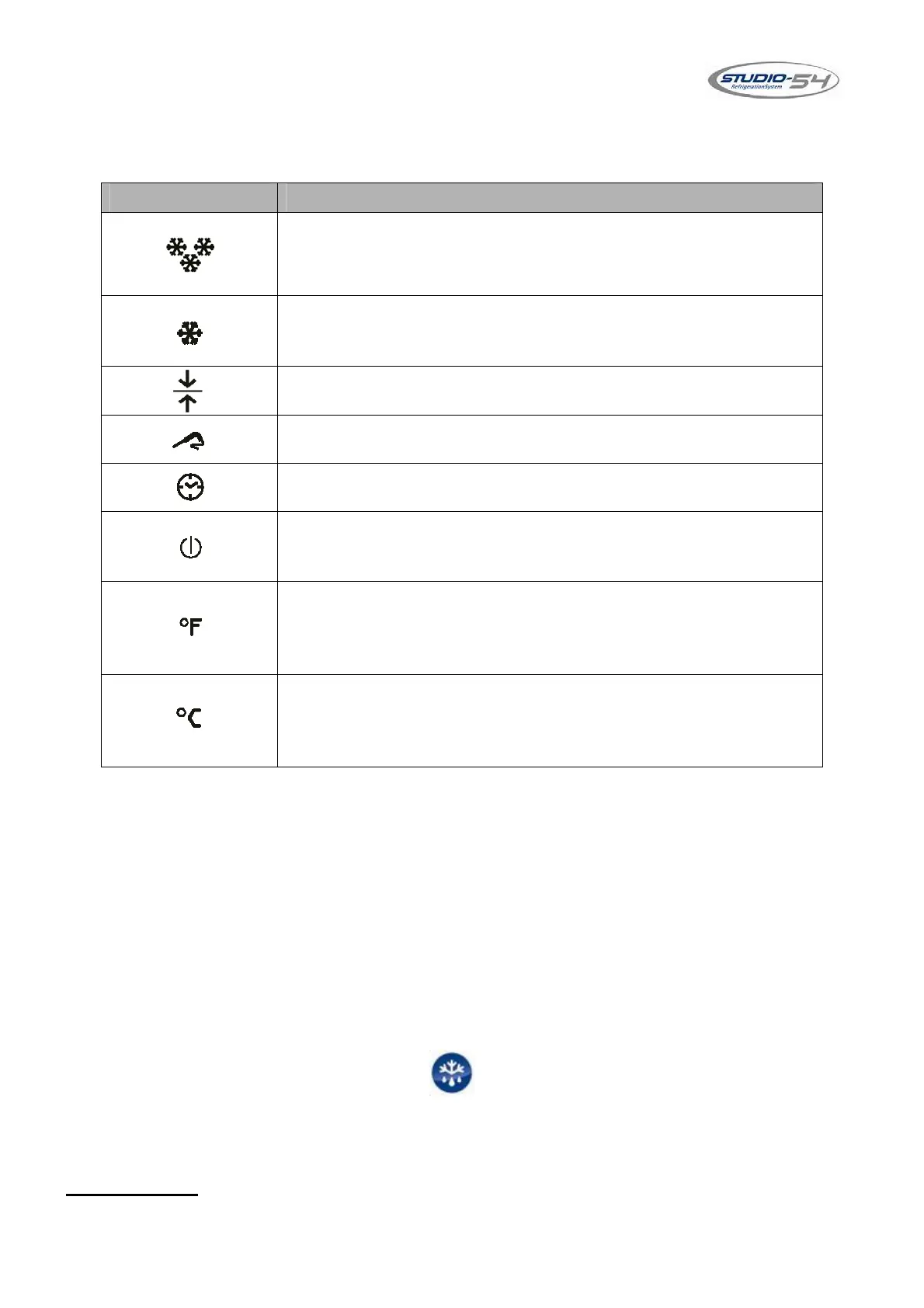
6.1 Icons
7. INSTRUCTION FOR THE STARTING OF THE BLAST
CHILLING AND SHOCK FREEZING CYCLES
Here follow the setting instructions for the starting of the most common functions
of the appliance.
N.B. FOR A BETTER WORKING OF THE APPLIANCE, REMEMBER TO
MAKE AN AUTOMATIC DEFROSTING AFTER 2/3 CONSECUTIVE BLAST
CHILLING/FREEZING CYCLES.
SUCH OPERATION CAN BE MADE KEEPING THE DOOR OPEN AND
PRESSING THE DEFROSTING KEY . THAT SUCCESSION OF
CONTROLS MAKES THE APPLIANCE GO INTO THE AUTOMATIC
DEFROSTING FUNCTION.
ATTENTION:
We recommend you to insert the food probe 2 – 3 cm max
inside the product.
SYMBOL NAME
BLAST CHILLING icon
It flashes during the blast chilling cycle, it is switched on
during the successive preservation.
SHOCK FREEZING icon
It flashes during the shock freezing cycle, it is switched on
during the successive preservation.
PRESERVATION icon
It is switched on or it flashes during a preservation cycle.
TEMPERATURE icon
It is switched on during a temperature cycle.
TIME icon
It is switched on during a time cycle.
OFF icon
It is switched on when the digital control device is in off, it is
off with all the other functions.
FAHRENHEIT icon
It is switched on in red or green, depending by the colour of
the display, if it is displayed a temperature, and if the unit of
measurement is the Fahrenheit degree.
CELSIUS icon
It is switched on in red or green, depending by the colour of
the display, if it is displayed a temperature, and if the unit of
measurement is the Celsius degree.


 To Next Page