Numa Compact 2/2x by Studiologic
22
E
Eects
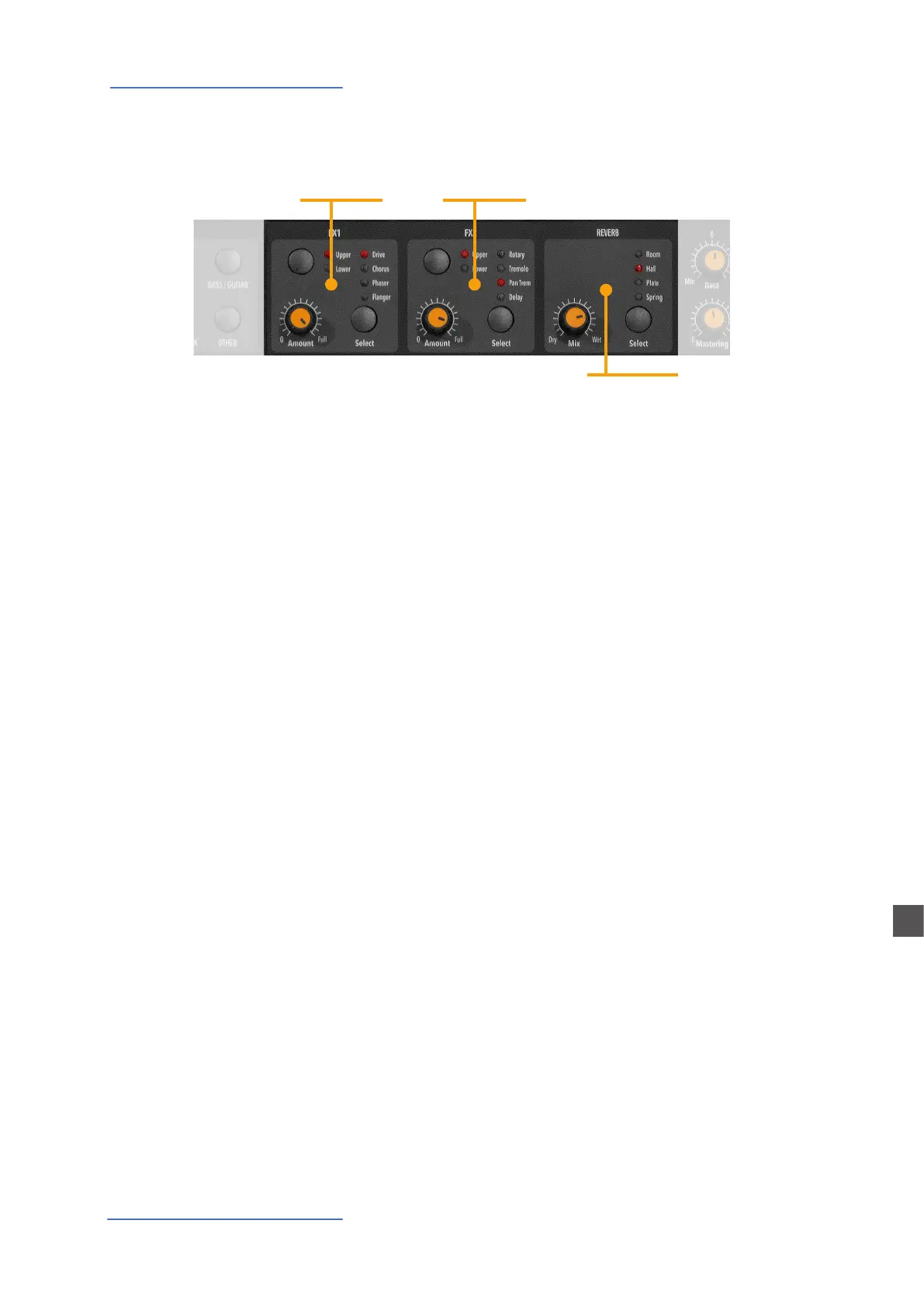
The 2 double eects processors allow to assign 2 separate ef-
fects to the Lower and Upper sections, for a total of 4 dierent
eects at once. As an example, the FX1 can be set to Drive for
the Upper section and, at the same time, to Chorus for the Lo-
wer section. Using the Upper/Lower button, you can toggle
between the related parts and show or select the eect for
that part. In addition, you will see or change the associated
FX using the 2 main LOWER and UPPER buttons below the
display.
You can visualize the Sound and FX structure and signal ow
as it follows:
Upper > FX1 (one of the four) > FX2 (one of the four) > Reverb
(programmable send in Edit)
Lower > FX1 (one of the four) > FX2 (one of the four) > Reverb
(programmable send in Edit)
Amount: the 2 potentiometers control the Amount of the
selected eect, like the dry/wet ratio (for modulating eects
like the Chorus) or other parameters, like the distortion level
of the DRIVE eects.
FX1 - FX2
FX2
REVERB
FX1
Eects














 To Next Page