Th e U P a n d DOWN b u t t o n s a r e u s e d t o sc r o l l t h r o u g h t h e FUNCTI ON s el ec t i o n s w h i l e i n e d i t
mode.
De p r essi n g t h e ENTER/ EDI T b u t t o n e n t e r s a n d e x i t s t h e EDI T mo d e. Wh i l e i n ed i t mo d e a L ED
is lit next to the corresponding FUNCTION that is presently selected for editing.
Using the UP/ DOWN buttons will cause the LED to scroll through the FUNCTION selections.
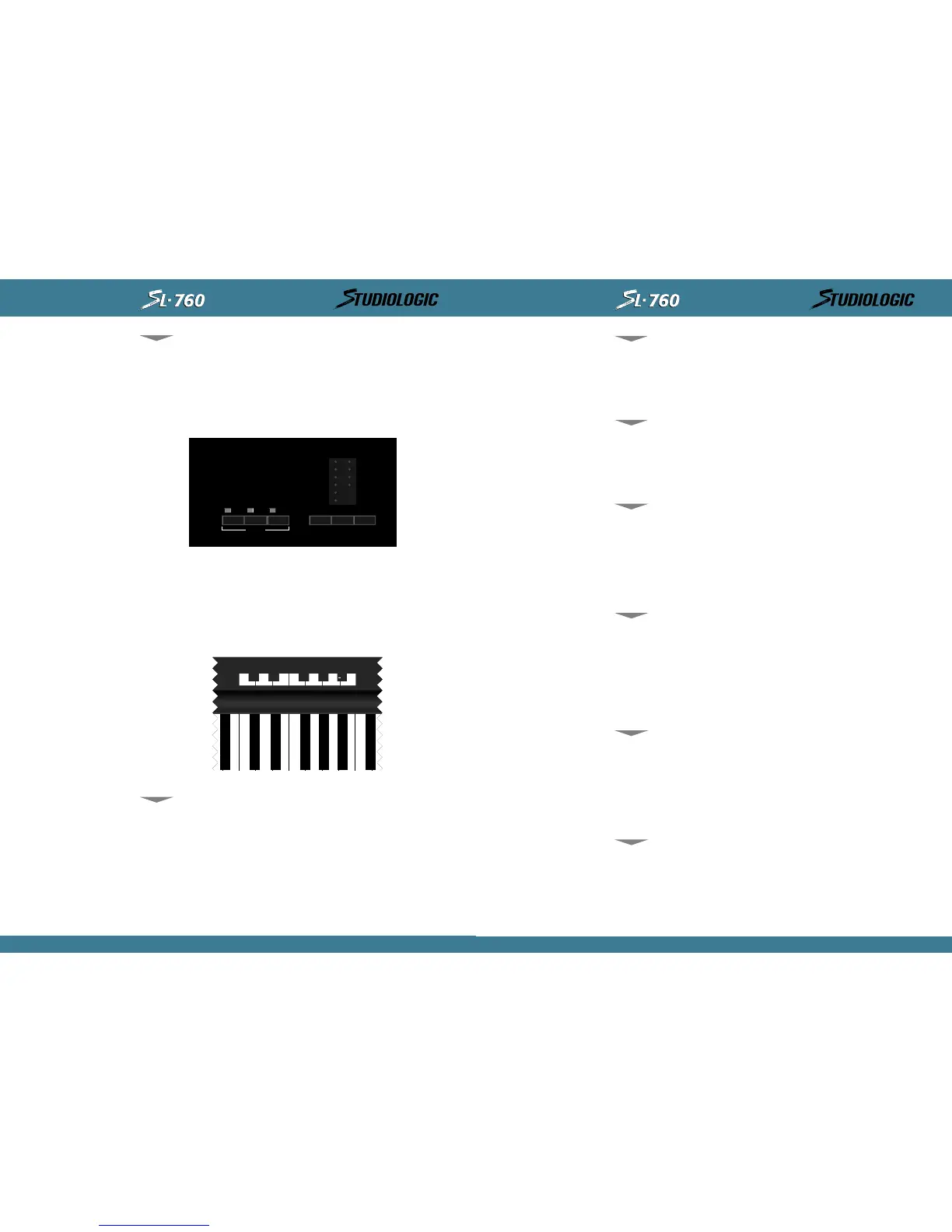
Th i s i s t h e a r e a w h e r e y o u e n t e r d e si r e d p a r a me t e r s f o r s e l e c t ed FUNCTI ONS b e i n g e d i t e d. Th e
numer i cal keypad, ( H) and ( -), ( on) and ( of f ) are assigned t o correspond t o t he keys of t he
cent ral oct ave of t he KEYBOARD.
Wh i l e i n E DI T M O DE t h e s e k e y s n o w f u n c t i o n a s o u r d a t a e n t r y m e t h o d a n d w i l l n o t t r an s m i t
not e information.
In other words, while in EDIT MODE the entire keyboard is disabled and will not transmit note
information until you exit the EDIT MODE.
Used t o sel ect whi ch MI DI channel each of t he ( 3) ZONES wi l l t ransmi t i t s i nf ormat i on on. To
access t hi s, paramet er ent er EDI T mode by sel ect i ng ENTER/ EDI T.
Se l e c t d e s i r e d Z ONE f o r e d i t i n g b y d e p r e s s i n g i t s c o r r e s p o n d i n g Z ONE s w i t c h . U s e t h e
UP/ DOWN b ut t on s t o sel ect MI DI CHANNEL f u nct i on . You now ent er a on e o r t wo di gi t val ue
usi ng t he 10 key keypad to set t he ZONE's MI DI transmi t channel. Exi t t he EDI T mode by
depressing t he EDI T/ ENTER but t on. I n exi t i ng t he EDI T mode you st ore t he new i nformat ion
aut omat i cal ly in t he SL- 760 Mast er Cont rol ler's memory and enabl e t he keyboard ZONE t o pl ay
and t ransmi t i nf ormat i on on t he new sel ect ed MI DI channel . I n order t o pl ay and t ransmi t on
a desi red ZONE, select t he correspondi ng ZONE swi t ch whi l e i n pl ay mode so t hat i t s LED is
lit. The ZONE switch will toggle to turn ZONE on and off.
Used t o t ransmi t or i ni t i at e a BANK CHANGE message on a gi ven zone. Af t er sel ect i ng and
assigni ng t he MI DI CHANNEL, press DOWN but t on t o swit ch t o BANK SELECT. Thi s mode all ows
you to change t he sound bank of your synth modul e or external sound source.
Th e r e c ep t i o n p r o t o c o l f o r BA NK SELECT d ep e n d s o n t h e t y p e a n d ma ke o f t h e s o u n d m o d u l e
you are t ransmitting t o and can vary from manufact urer t o manufacturer. I f t he synt h module
you are using requi res onl y " Cont rol 32" t hen you wil l have t o onl y enter t he bank number you
wi sh t o sel ect . I f your modul e requi res a more compl et e prot ocol ( Cont rol 32+ Cont rol 0) t hen
you need t o enter Cont rol 32 and t hen press the key corresponding t o t he "H"(represent s
Hi gher part of Bank Change Byt e) symbol ( same as mi nus key) . Then ent er t he desi red num-
ber for Cont rol 0. The key sequence would be as follows: ent er 32, then the (- ) mi nus key
whi ch also has the (H) symbol l abel ed above it , t hen the bank number t o change t o.
Used t o sel ect a PATCH NUMBER or PROGRAM CHANGE for a speci f i c ZONE. To access t hi s para-
met er you fi rst t urn on t he desi red ZONE by select i ng and pressi ng it s correspondi ng ZONE
swi t ch, t hen ent er EDI T mode by sel ect i ng ENTER/ EDI T.
Se l e c t d e s i r e d Z ONE f o r e d i t i n g b y d e p r e s s i n g i t s c o r r e s p o n d i n g Z ONE s w i t c h . No w u s e t h e
UP/ DOWN but t on s t o sel ect t he PROGRAM CHANGE f unct i on. Ent er t he desi r ed nu mber of y ou r
patch select ion on t he keypad (MI DI Program change messages are from 1 t o 128) . Exit t he
EDI T m o d e b y d e p r e s s i n g t h e ED I T / EN T ER b u t t o n . I n e x i t i n g t h e EDI T m o d e y o u s t o r e t h e n e w
information in the SL-760's Master Controllers memory, transmit the selected patch number
and enabl e t he keyboard t o pl ay t he new select ed PROGRAM CHANGE.
Used t o sel ect t he range of keys t o be act i ve for a speci f i c ZONE. To set t he Key Range or SPLI T
for a ZONE, enter the EDI T MODE by pressing ENTER/ EDI T, t oggle up or down t ill t he li ght next
to SPLIT is lit. Press the ZONE button for the ZONE you wish to set, now press the desired
lowest key on the KEYBOARD and then the highest key on the KEYBOARD to define the range
of keys t o be act i ve i n t hat ZONE. Exi t ing t he EDI T MODE st ores t he i nf ormat ion and all ot her
edi t paramet ers t hat were changed. The ranges of keys can be any one not e ( by hi t t ing t he
UP, DOWN, ENTER/ EDI T
10 KEY PAD;
(H) AND (-),
(ON) AND (OFF)
MI DI CHANNEL
BANK SELECT
PROGRAM CH ANGE
SPL I T
INSTRUCTIONS MANUAL
13
EN GL I SH
MI DI OUT Co n n ec t i o n s: Th e MI DI OUT j a ck s ar e wh e r e y o u c o n n e ct y o u r St u d i o Lo g i c SL - 7 6 0
Mast er Cont rol ler t o your vari ous MI DI sound sources. Usi ng a st andard 5 pi n DI N MI DI cabl e,
connect t he St udio Logi c MI DI OUT t o your MI DI input j ack on your synt hesi zer, sound modu-
le or other MIDI equipped keyboard. You may use the THRU (daisy chain) feature on your MIDI
gear t o connect t o ot her MI DI modul es i f you l ike. Avoi d dai sy chai ni ng more t han 2 modu-
les, if possible, to reduce the possibility of MIDI log jam or timing delays. The Studio Logic
SL - 7 6 0 c o n v e n i e n t l y i s s u p p l i e d w i t h t w o p a r a l l e l ( i d e n t i c a l ) MI D I OU T j a c k s o n t h e r e a r p a n e l
to help reduce the possibility of timing delays when connecting to multiple MIDI sound modu-
les. When connecting multiple devices to your SL-760 allocate them equally across the two
MI DI OU T c o n n e c t i o n s o n t h i s k ey b o a r d .
SECTI ON 4 .
De sc r i p t i o n o f Fr o n t Pa n el Co n t r o l s an d Fe a t u r e s:
Wh a t a r e t h e y , w h a t d o t h e y d o a n d h o w d o I u s e t h e m ?
Locat ed on t he t op panel t here are t he ( 3) ZONE but t ons f or t he (1) enabl i ng and di sabl i ng of
the three keyboard ZONES while in play mode and (2) selecting the ZONES while in EDIT MODE.
Th e L ED i n d i c a t o r s w i l l b e l i t u p w h e n i t s c o r r e s p o n d i n g z o n e i s a c t i v e o r se l e c t e d f o r e d i t i n g .
In PLAY mode any combination of ZONES may be on or off at any point in time. However, in
EDI T m o d e t h e ZON E s w i t c h e s m a y o n l y b e u s e d t o s e l e c t o n e Z ONE a t a t i m e . On l y o n e ZON E
at a t i me may be edi t ed and t herefore onl y one ZONE li ght may be l i t at a t i me whi le i n EDI T
mode. You are able to jump from ZONE to ZONE while in edit mode by depressing the corre-
spondi ng ZONE BUTTONS.
Pl e ase n o t e t h a t y o u ma y o n l y p r e ss a z o n e b u t t o n a n d d i sa b l e o r e n ab l e a z o n e w h i l e n o n o t es
are depressed on t he keyboard or whi l e t he sust ai n pedal i s bei ng depressed.
MI DI OUT CONNECTI ONS
ZONE SELECT
12
INSTRUCTIONS MANUAL



 To Next Page
 Loading...










