Pat ch Name:______________ Descri pt i on:______________
Co m m e n t s : _ _ _ _ _ _ _ _ _ _ _ _ _ _ _ _ _ _ _ _ _ _ _ _ _ _ _ _ _ _ _ _ _ _ _ _ _ _ _ _ _ _ _ _ _ _
------------------------------------------------------------------------------------------------------------
------------------
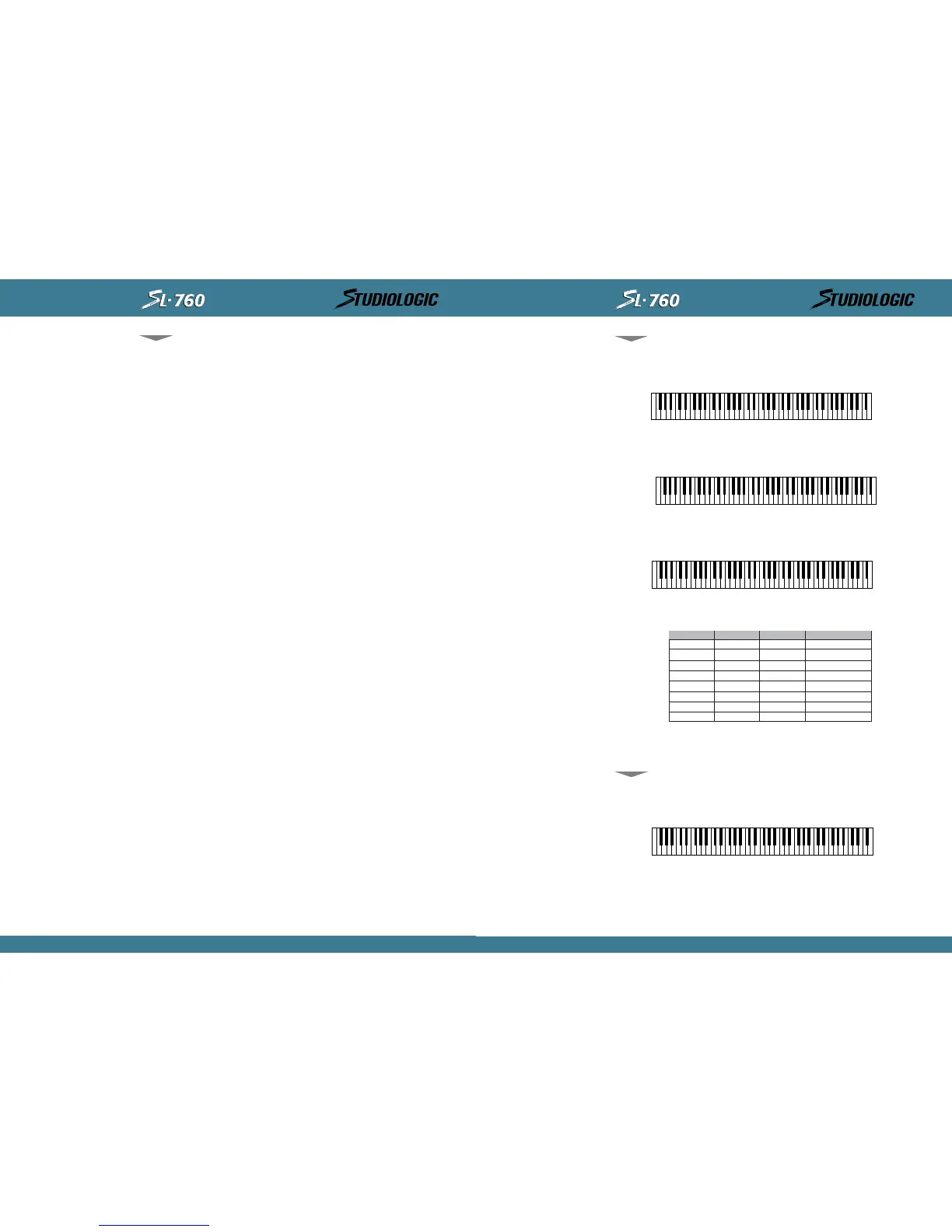
"SPLIT NOTE" KEY RANGE FOR ZONE#1
LOW NOTE ________ HI GH NOTE ________
------------------------------------------------------------------------------------------------------------
------------------
"SPLIT NOTE" KEY RANGE FOR ZONE#2
LOW NOTE ________ HI GH NOTE ________
------------------------------------------------------------------------------------------------------------
------------------
"SPLIT NOTE" KEY RANGE FOR ZONE#3
LOW NOTE ________ HI GH NOTE ________
MI DI CHANEL:
BANK SELECT:
PATCH N U MB E R:
TRANSPOSE:
SU STA I N PEDA L :
WH EE L S :
AFTERTOUCH:
SH A P E:
GL OB A L S E TTI N G VE L O CI TY CU R VE : _ _ _ _ _ _ _ _ _ _
Pat ch Name:______________ Descri pt i on:______________
Co m m e n t s : _ _ _ _ _ _ _ _ _ _ _ _ _ _ _ _ _ _ _ _ _ _ _ _ _ _ _ _ _ _ _ _ _ _ _ _ _ _ _ _ _ _ _ _ _ _
------------------------------------------------------------------------------------------------------------
------------------
"SPLIT NOTE" KEY RANGE FOR ZONE#1
LOW NOTE________ HI GH NOTE________
------------------------------------------------------------------------------------------------------------
------------------
BLANK PATCH
PARAMETER CHART:
Model SL- 7 6 0 St udi o
Logi c Mast er Cont rol ler
BLANK PATCH
PARAMETER CHART:
Model SL- 7 6 0 St udi o
Logi c Mast er Cont rol ler
INSTRUCTIONS MANUAL
19
EN GL I SH
ZON E # 1 ZON E # 2
ZON E # 3
notes or comments
Li ve and St udi o Appl i cat i ons.
Li ve appl i cat i on: Try using t he different SHAPES in each ZONE to manipulat e and balance the
el ement s i n your l ayers.
St u d i o a p p l i ca t i o n : Co n n e c t y o u r M I DI o u t f r o m y o u r M a s t e r Co n t r o l l e r t o t h e MI D I i n o n y o u r
Se q u e n c e r a n d t h e MI D I o u t o f y o u r s e q u e n c e r t o y o u r Mo d u l e s . Se t y o u r s e q u e n c e r i n p u t f i l -
ter to Direct Echo or the appropriate setting to pass all information through (non channeli-
ze) . I f you come up wi t h an int erest ing layered pat ch set your sequencer t o mul t i -record and
hit edit ent er twice while your sequencer is recording t o record your patch changes t o t he
sequencer and t hen cont i nue and pl ay whi l e recordi ng a perfor mance f or al l your l ayers. For
anot her sect i on of your t rack you can do t he same wi t h anot her pat ch and record and aut o-
mat e your pat ch changes al ong wit h your performance. Using t he layers on t he SL-760 you
may come up wi t h pat ches and part s you might not have conceived programming t he t radi -
tional one track at a time way.
Li ve appl i cat ion: Use t he i nvert ed or ( - ) SHAPES t o exper i ment wi t h vel oci t y crossf ades.
Li ve appl i cat i on: Se t a Z ONE t o o n l y o n e n o t e . Wh e n e d i t i n g SP L I T p a r a m e t e r i n s e t t i n g u p
ZONE h i t t h e s ame n o t e t w i c e a t e i t h e r t h e l o w e st n o t e o r h i g h e st n o t e o n t h e k ey b o a r d t o
set a range of ( 1) one not e f or t hat ZONE. Assi gn t hat Zone t o a MI DI channel t h at goes t o
your sampl er t o trigger a Loop or t ri gger a Sound FX. Use t he TRANSPOSE feat ure t o bri ng t he
sampl e up or down t o a usef ul range f or t ri ggeri ng. I f t he ( +) or ( - ) 24 st eps of t ransposi t i on
is not enough, assign the Sample trigger note to an appropriate one in the sampler and save
it that way.
Li ve or St udi o appl i cat i on: Usi ng t he BANK SELECT f eat ure get t o t hose of t en usef ul and
al t ernat e pat ches not st ored i n t he f i rst 127 pat ch posi t ions on your synt h.
Li ve appl i cat i on: Use t he ( 3) ZONES t o set up t hree di f f erent pat ches, use t he ZONE SWI T-
CH ES t o t o g g l e a n d p l a y o n e ZON E a t a t i m e f o r p a r t i c u l a r s o n g s o r s e c t i o n s o f s o n g s .
Li ve or Studi o appl i cat ion: Use t he TRANSPOSE feat ur e t o creat e i nt erval s f rom l ayered ZONES
in octaves or harmonies.
St u d i o a p p l i c a t i o n : Agai n, use multi- record on your sequencer but t hi s time wit h a split patch
set up on your SL- 760 record t wo or more part s at once, Bass and comp or chords and mel ody.
Th e p o i n t i s, ge t cr e at i v e a n d i n n o v a t i v e u s i n g al l y o u r n e w p o ss i b i l i t i e s.
St u d i o , Sc o r i n g t o P i c t u r e a p p l i c a t i o n : Pe r h a p s y o u r s e q u e n c e r m i g h t b e l o c k e d t o v i d e o v i a
SMP TE. Se t u p a s p l i t p a t c h w i t h a l l Or c h e s t r a l e l e m e n t s o n t h e SL - 7 6 0 , p e r f o r m a n d p l a y i n a
more live sense while watching picture. Jump to another sound as the picture inspires you
whi le recordi ng al l your performances si mul t aneousl y t o t he sequencer i n mul t i -record. Aft er
recordi ng you'l l have each of your i nst rument s part s recorded on i t 's own t rack, now you can
go back and edit or elaborate on your i mprovisat ion to pict ure. I f your sequencer doesn't
record separat e MI DI channel s t o separat e t racks si mul t aneously you can al ways f i lt er by chan-
nel part s af t er recordi ng t o separat e your t o i ndi vidual t racks for edi t ing.
SECTI ON 6 .
Ch a r t s :
Usef ul Chart s and Graphi cs
Included on the following two pages are 2 identical copies of a template for you to write down
the settings for the patches you come up with. These are included so you can build a library
of your favori t e patches and set t ings. Carefully t ear or cut out one of the copies and f eel free
to run it through a copy machine to make more blanks for yourself. If you require more copies
call , in t he USA, Music I ndust ries Corp. at 1( 800) 431- 6699.
A FEW OTHER TI PS
INCLUDED FOR YOUR
CON S I D E R A T I O N :
18
INSTRUCTIONS MANUAL



 To Next Page
 Loading...










