EasyManua.ls Logo

Studiomaster digiLiVE - Page 11

Studiomaster digiLiVE
36 pages
Print Icon
To Next Page IconTo Next Page
To Previous Page IconTo Previous Page
Loading...
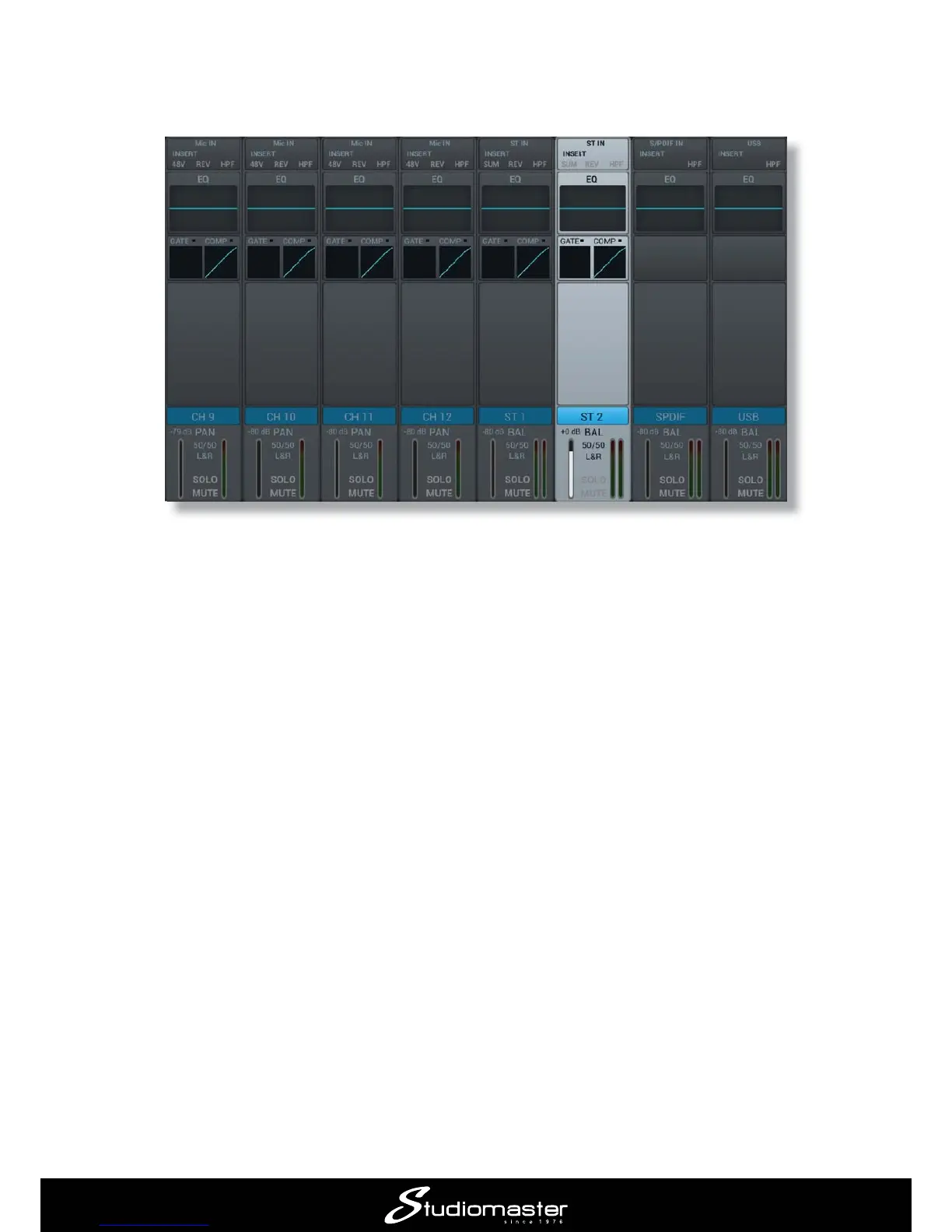
The input channel faders, MUTE, SOLO and SELECT buttons now control the remaining input
channels and the screen follows the selection. STEREO 2
panel is marked ST2 adjacent to the fader.
Set the input gain and open the channel fader in the same way as described for Channels 1 and 2.

to access the controls for each.

Related product manuals