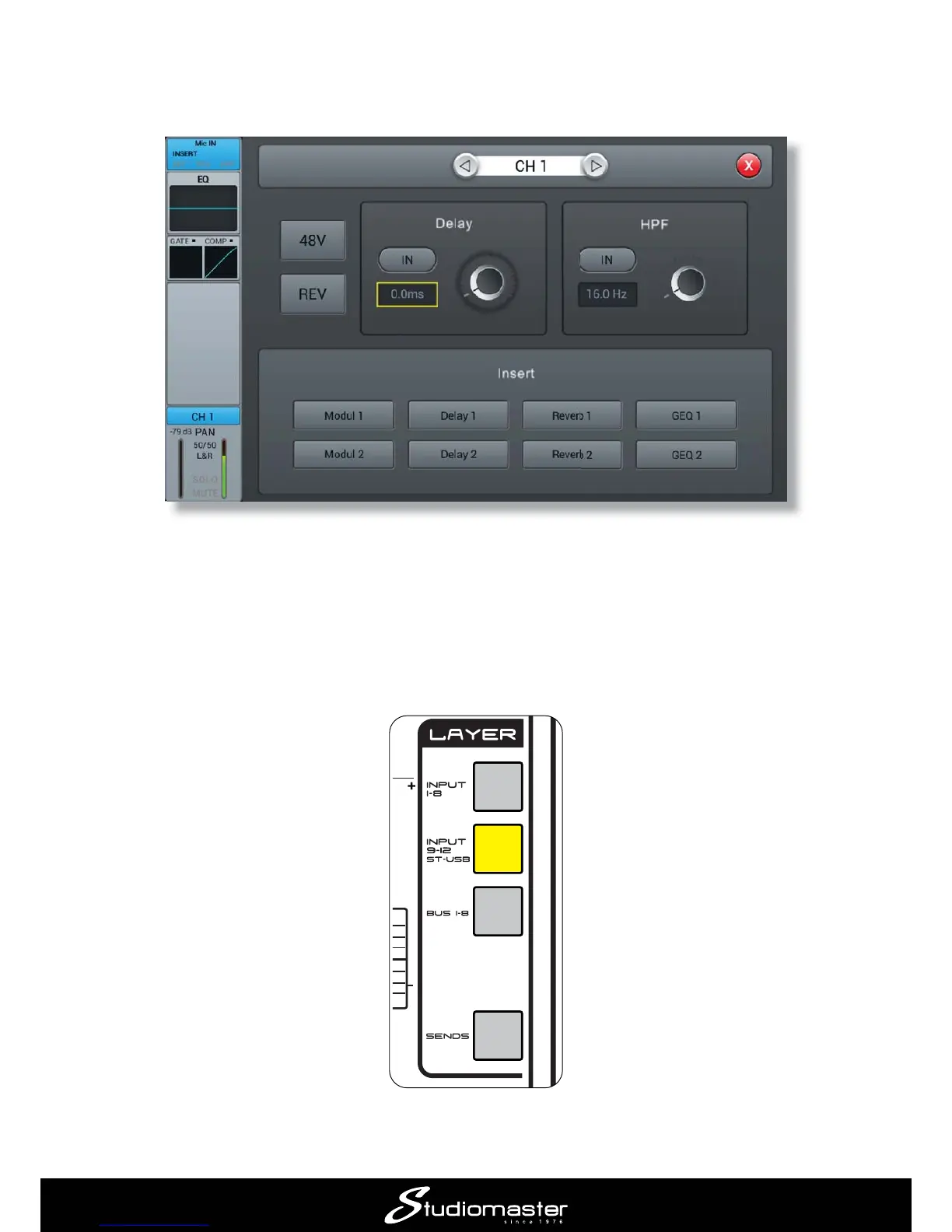
Adjust the GAIN control for Channel 1 while speaking into the mic. You will see an indication on
Channel 1’s input meter, which is duplicated by a smaller on-screen meter. A good setting is when
the meter just turns yellow on loud passages.
Set Channel 1’s fader to about the zero mark and move the MIX OUTPUT fader upwards. You
should hear the vocal mic when speaking into it, and see a level indication on the MIX meters.
These meters monitor the console’s output, which is feeding the speakers.
Repeat the above procedure for Channel 2, which is receiving the signal from the instrument.
If you are using the STEREO 2 input for an audio source as described in “Connecting up” above,
press the LAYER button marked INPUT 9-12 ST-USB.














 To Next Page