EasyManua.ls Logo

Studiomaster digiLiVE - Page 9

Studiomaster digiLiVE
36 pages
Print Icon
To Next Page IconTo Next Page
To Previous Page IconTo Previous Page
Loading...
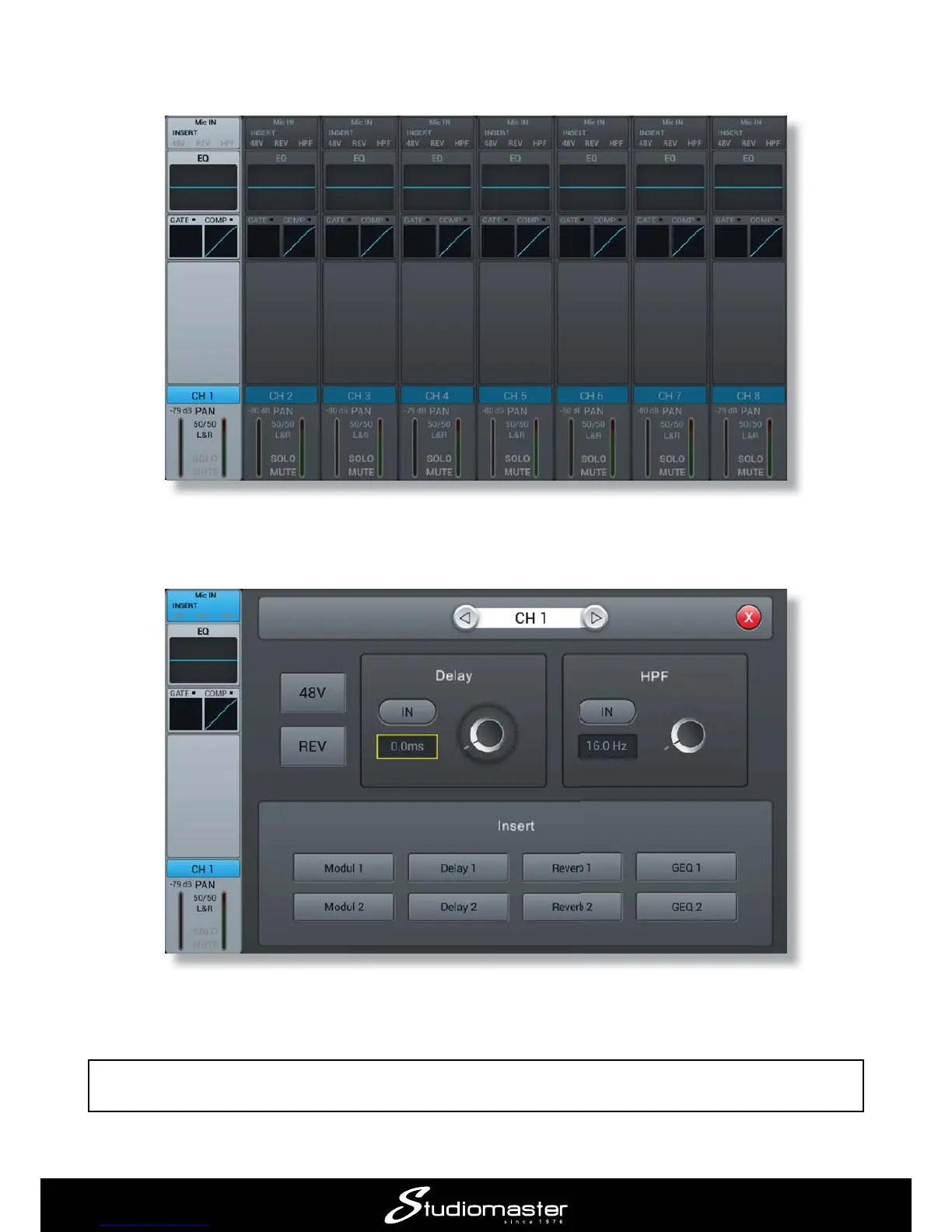
If you are using a condenser mic, press the SELECT button for Channel 1, and then tap the Input
Mic IN
Touch the 48V

The 48V indicator at the top of the on-screen channel strip turns to red to remind you that phantom
power is on.
IMPORTANT: Only turn phantom power on when condenser mics are in use. Do not turn it on for



Related product manuals