EasyManua.ls Logo

Studiomaster digiLiVE - Page 16

Studiomaster digiLiVE
36 pages
Print Icon
To Next Page IconTo Next Page
To Previous Page IconTo Previous Page
Loading...
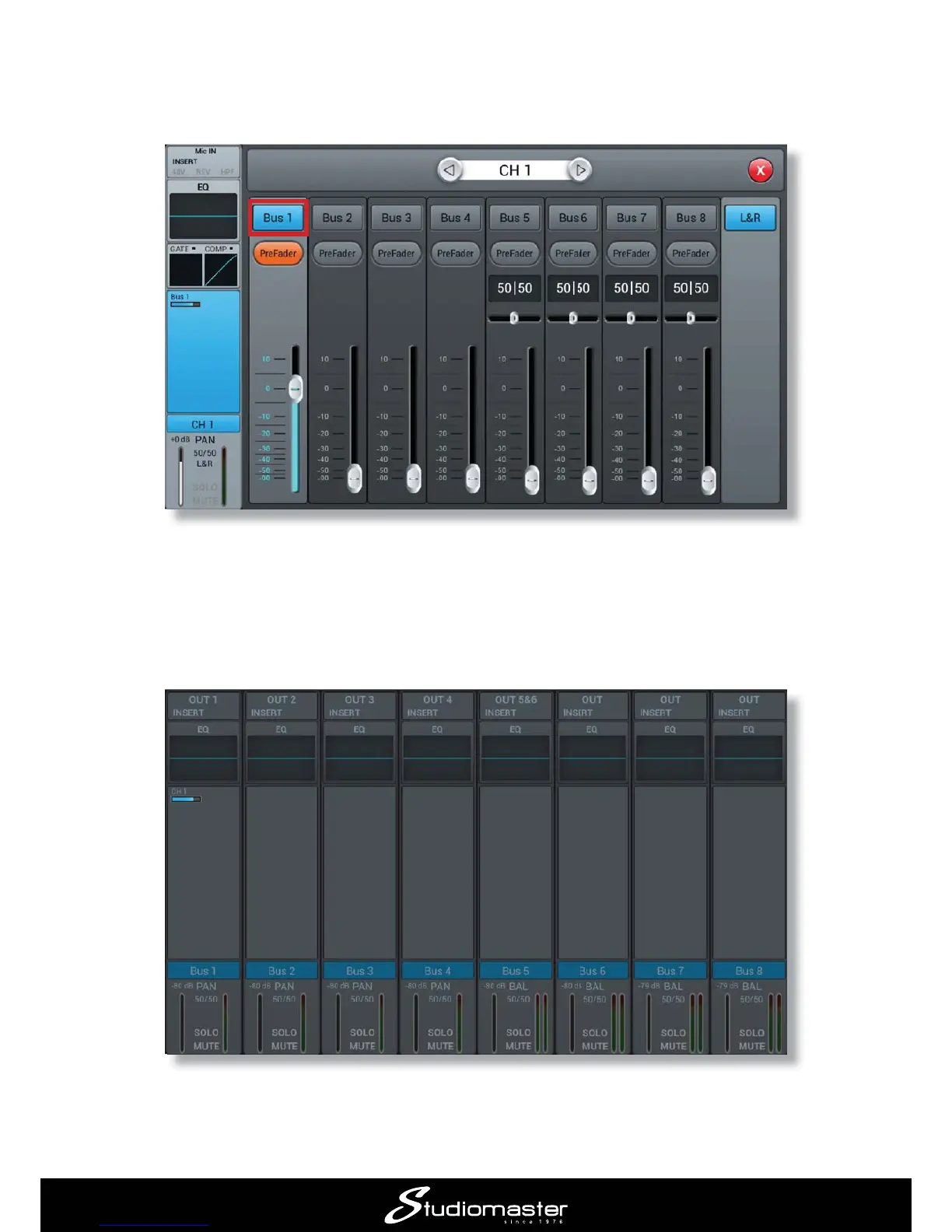
4. Bus 1

Note the PreFader button; this means that the level sent to the monitor will be independent of the
channel fader setting. You can continue to adjust your FOH mix without altering the monitor mix.
5. 

the BUS 1-8 LAYER button.
Note that the Bus 1 

you should be able to hear the vocal mic in the monitor.

Related product manuals