EasyManua.ls Logo

Studiomaster digiLiVE - Page 17

Studiomaster digiLiVE
36 pages
Print Icon
To Next Page IconTo Next Page
To Previous Page IconTo Previous Page
Loading...
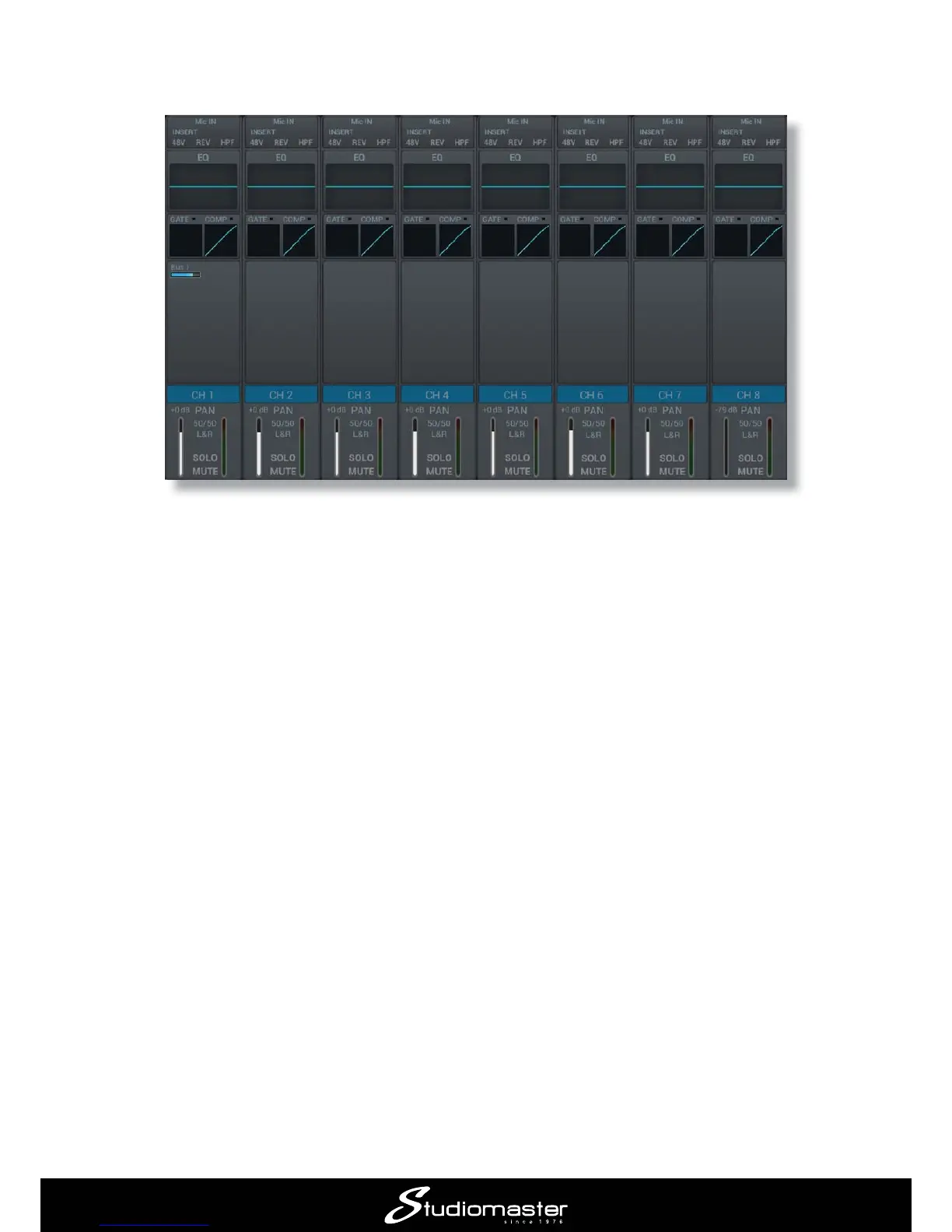
Press the INPUT 1-8 LAYER button to return to the Input Channels Page. Note that Channel 1 now

6. If the lead singer needs to hear other performers in his/her monitor mix, repeat Steps 1 to 4
above for each of the other vocalists or instruments needed. For example, if the singer needs to
hear the electroacoustic guitar in the example, select Input Channel 4 in Step 1, and send some

You can build up a monitor mix like this with as many instruments as required. The overall level


channel.

Related product manuals