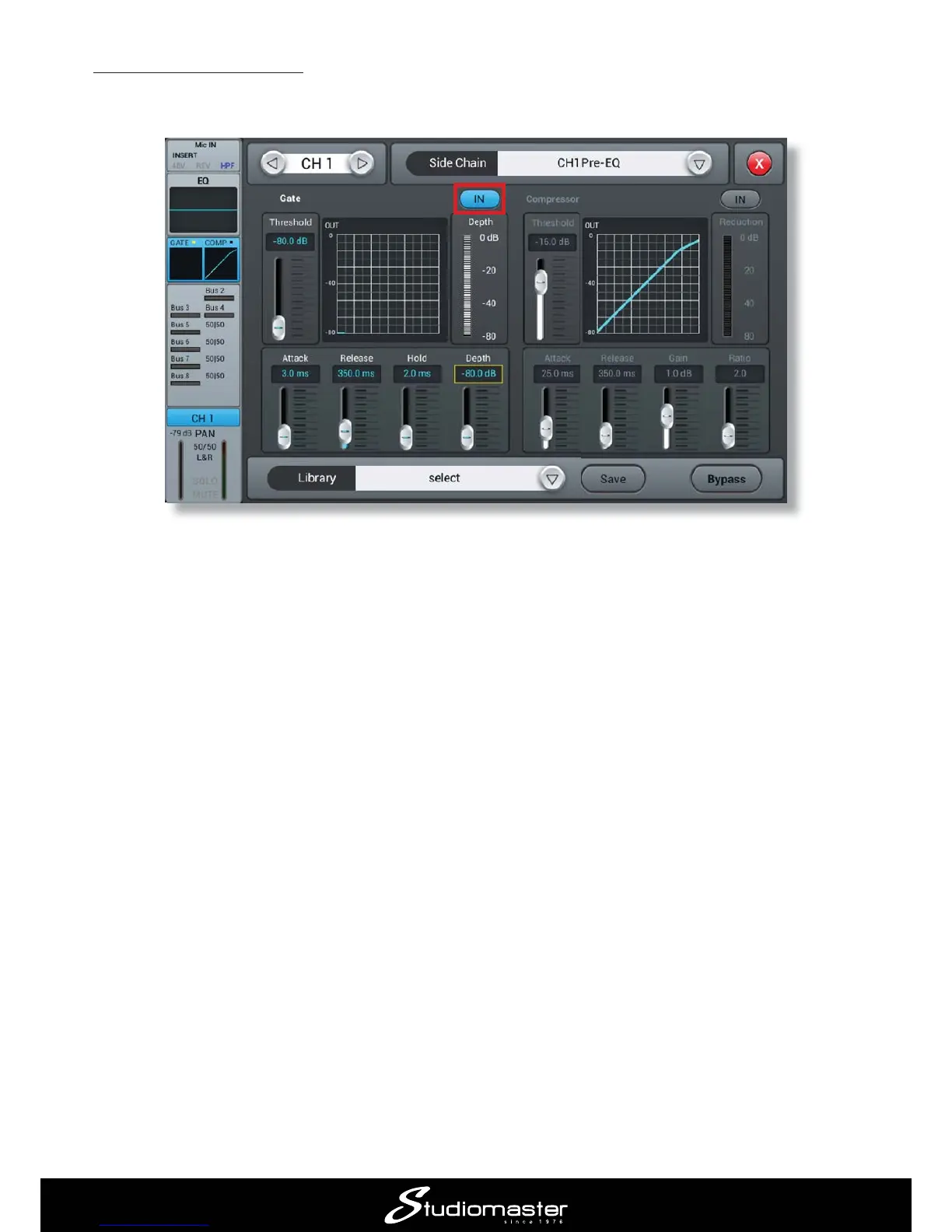
5.3 Gating a snare drum
A very common use for a noise gate is to apply gating to a snare drum mic; gating can “tighten up”
the drum sound and help to reduce “spillage” into the snare mic from other parts of the drum kit.
Press the Gate IN
you can either swipe the on-screen controls or tap them one at a time and use the ADJUST knob.
The Gate is an “automatic switch”; signals higher than the level set on the Threshold control
pass through the gate, quieter signals are rejected. Adjust the Threshold control so that the snare
drum is clearly audible when the drum is hit, but there is no extraneous noise in between snare
hits. Threshold is probably most easily set using the channel’s SOLO
Attack, Release and Hold
compromise between a good drum sound and silence in the gaps between the hits.
The Depth
gives a quieter gap.
and the curve represents how fast the gate opens and closes when it is triggered.














 To Next Page