EasyManua.ls Logo

Studiomaster digiLiVE - Remote Control via iOS Device; Setting up WiFi Hotspot

Studiomaster digiLiVE
36 pages
Print Icon
To Next Page IconTo Next Page
To Previous Page IconTo Previous Page
Loading...
Remote Control of the console from an iOS device
You can control digiLiVE


The DigiLive app can be downloaded from the Apple App Store in the usual way. Search the store
for “Studiomaster Digilive”.
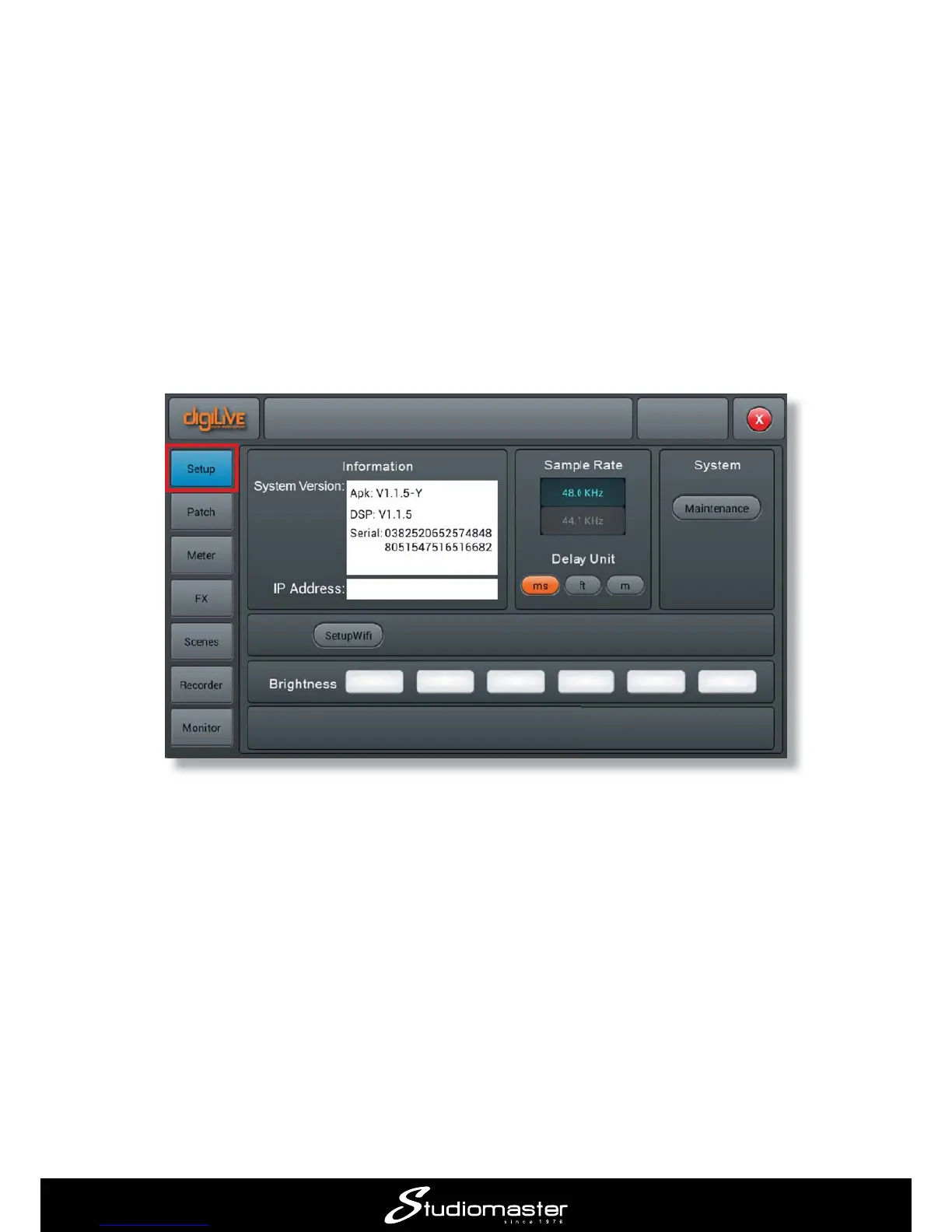
You will need to set up a WiFi hotspot on the digiLiVE to establish communication between the iOS
device and digiLiVE. To do this,
 Press the SET-UP button
 On the screen, tap the Setup button
 Select , followed by More…

Related product manuals