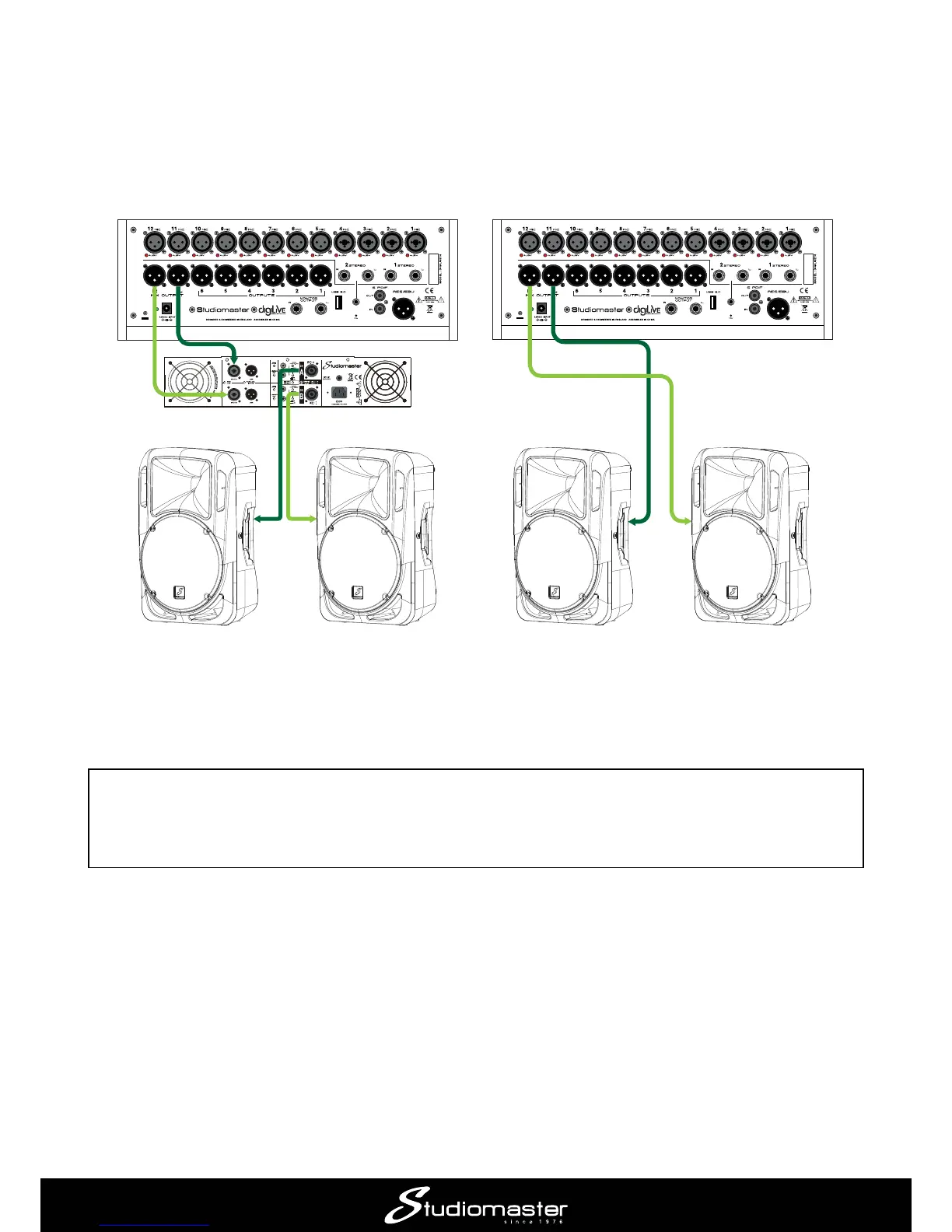
Connecting speakers
Connect powered speakers to the two rear panel XLR sockets MIX OUTPUT L & R using suitable
cables. All the main outputs on digiLiVE are at standard line level and are electronically balanced.
digiLiVE’s outputs
NOTE: It is always good practice to turn on interconnected audio devices in sequence. In this case,
turn digiLiVE
digiLiVE
avoid nasty loud bangs or thumps from the speakers.
Connection to passive speakers
Connection to active speakers














 To Next Page