EasyManua.ls Logo

Studiomaster digiLiVE - Getting Started with digiLiVE; Powering the Console

Studiomaster digiLiVE
36 pages
Print Icon
To Next Page IconTo Next Page
To Previous Page IconTo Previous Page
Loading...
Powering your digiLiVE
Your digiLiVE

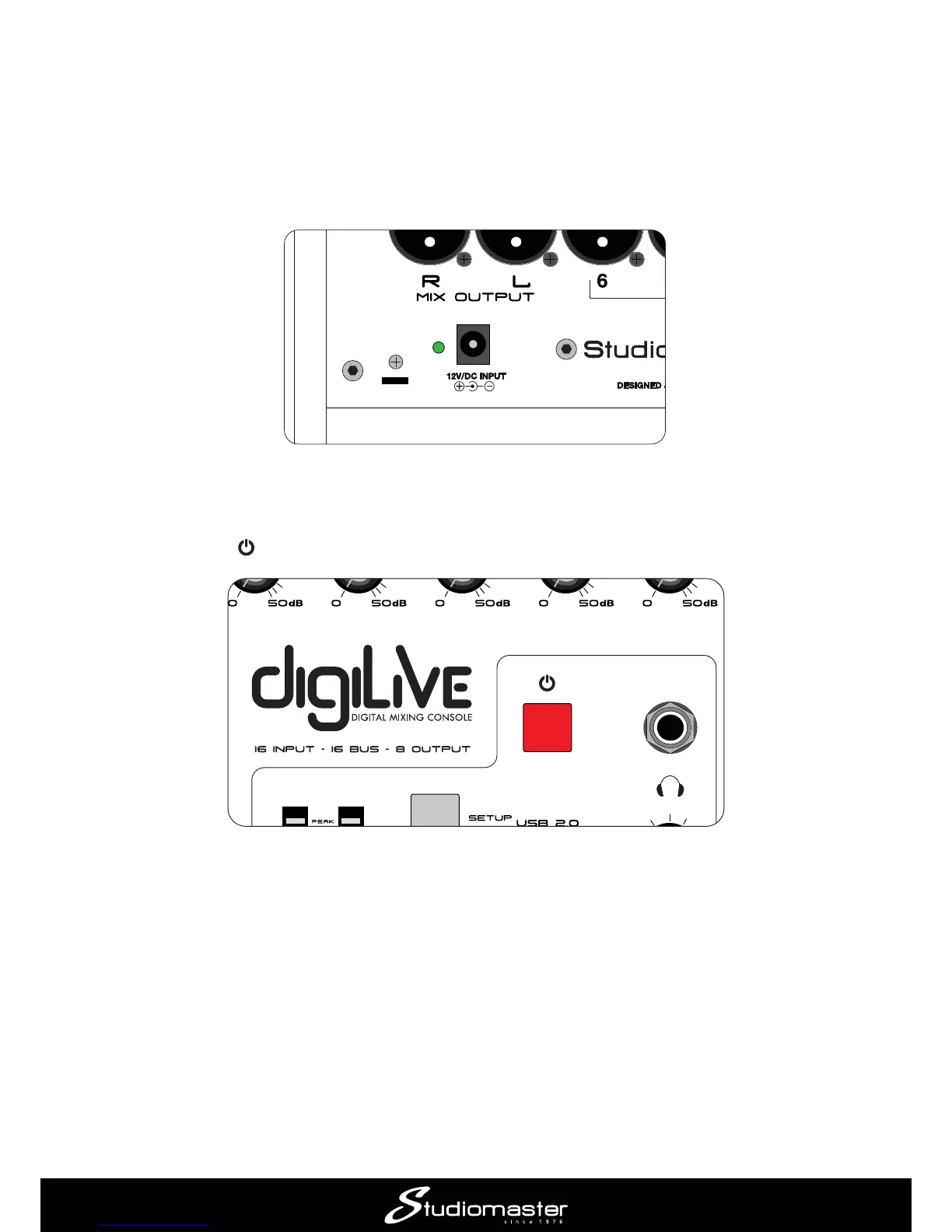
mains supply with the cable supplied; it can operate on mains voltages from 100 V to 240 V. When
the PSU is connected to AC mains, a blue LED on the PSU lights. The DC output cable should be
plugged in to the 12V/DC INPUT socket on digiLiVEs rear panel.
Once connected, digiLiVE starts its boot-up sequence as soon as you turn the AC mains on; this
takes approximately 30 seconds.
The Power button

 

passed with all console settings retained;
 A short press when the console is in SAFE mode returns it to its normal operating state;
 
 
Whenever digiLiVE powers down, all current console settings are saved. Next time you power it
up, digiLiVE will have exactly the same settings you last used.


Related product manuals