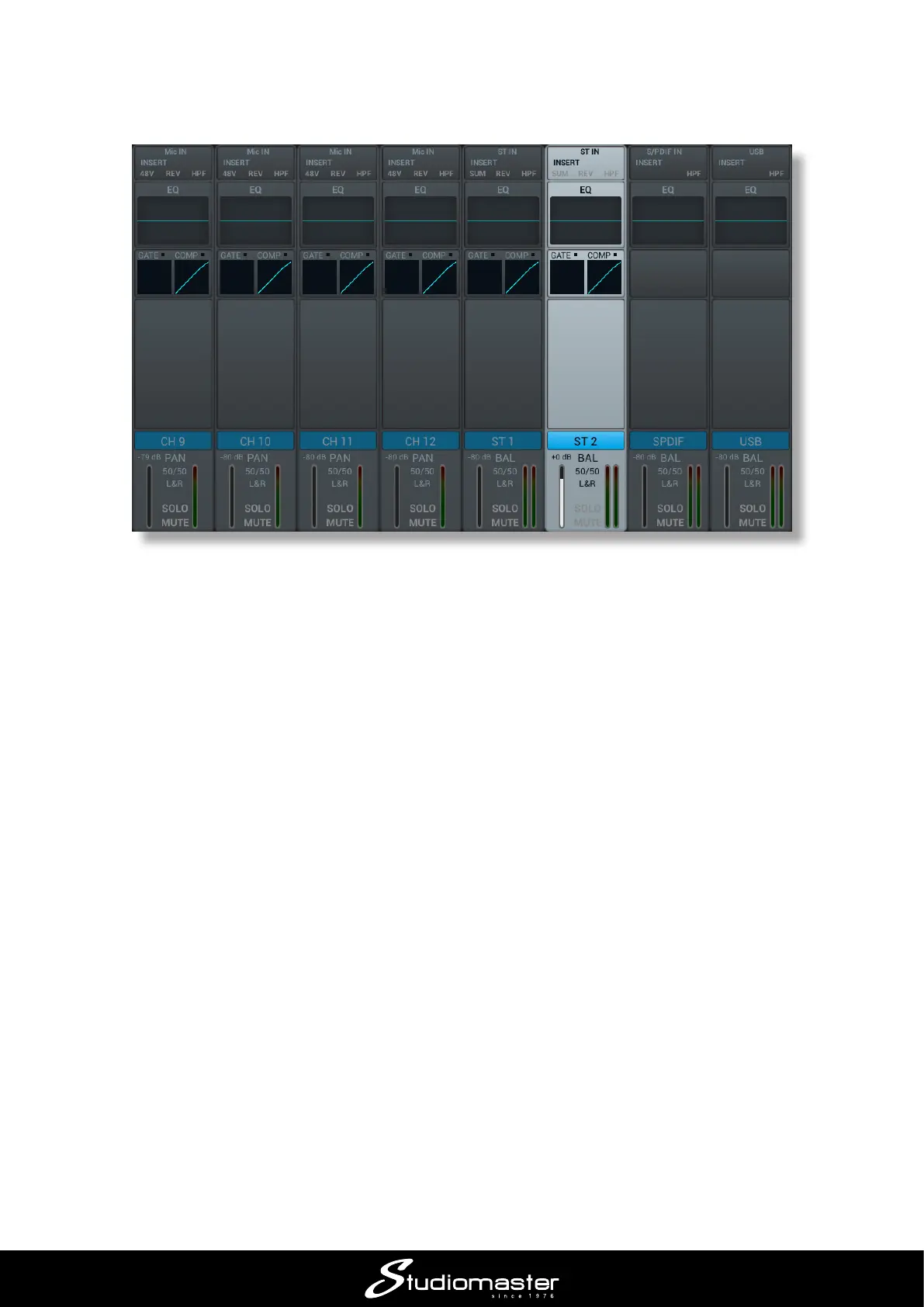
The input channel faders, MUTE, SOLO and SELECT buttons now control the remaining input
channels and the screen follows the selection. STEREO 2 is controlled by Fader 6: note that the
panel is marked ST2 adjacent to the fader.
Set the input gain and open the channel fader in the same way as described for Channels 1 and 2.
Channels on dierent layers are completely independent; you merely have to switch between layers
to access the controls for each.














 To Next Page