Each of the four bands – High, High Mid, Low Mid and Low - can be adjusted for cut or boost
(Gain), centre frequency (Freq) and bandwidth (Q). You can adjust the EQ in several ways:
• Tap the Gain, Freq or Q on-screen control and use the ADJUST knob;
• Tap the Gain, Freq or Q control and move a nger around the on-screen rotary control in a
“dialling” action;
• Tap one of the circled numbers on the EQ curve to select a band and use your nger to drag
the curve: vertically for cut or boost, horizontally for centre frequency. Note you can’t adjust
bandwidth using this method.
You can cancel an EQ curve by tapping the Flat button; tapping the Bypass button has the same
audible eect, but a second tap will reinstate the EQ settings.
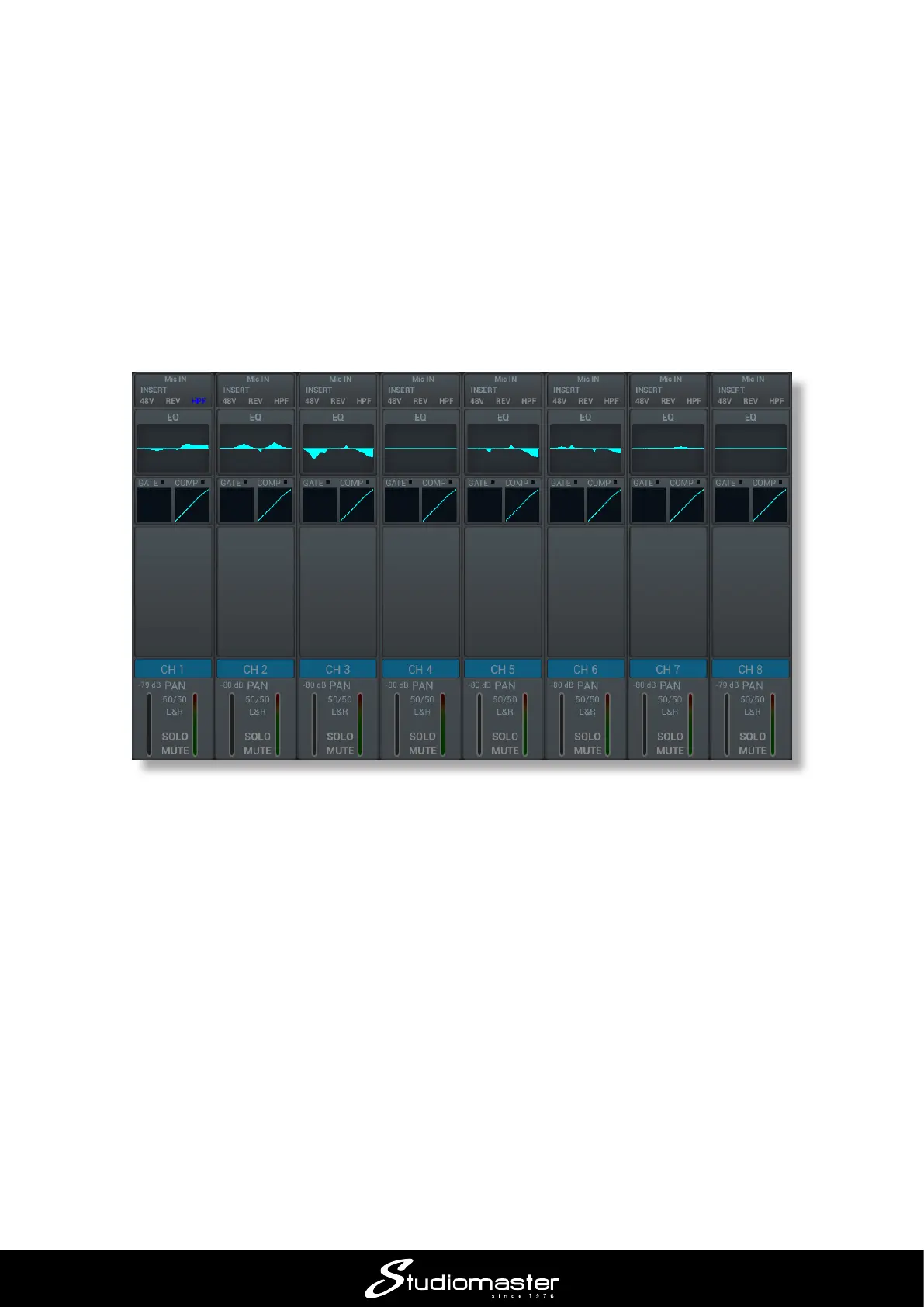
Note that a miniature version of the EQ curve for each input is displayed on the main channel page.














 To Next Page