Remote Control of the console from an iOS device
You can control digiLiVE from an iOS device running iOS v8 or higher: any iPad model running this
OS should be compatible. Your digiLiVE is supplied with a USB WiFi dongle; plug this into the rear
panel USB port.
The DigiLive app can be downloaded from the Apple App Store in the usual way. Search the store
for “Studiomaster Digilive”.
You will need to set up a WiFi hotspot on the digiLiVE to establish communication between the iOS
device and digiLiVE. To do this,
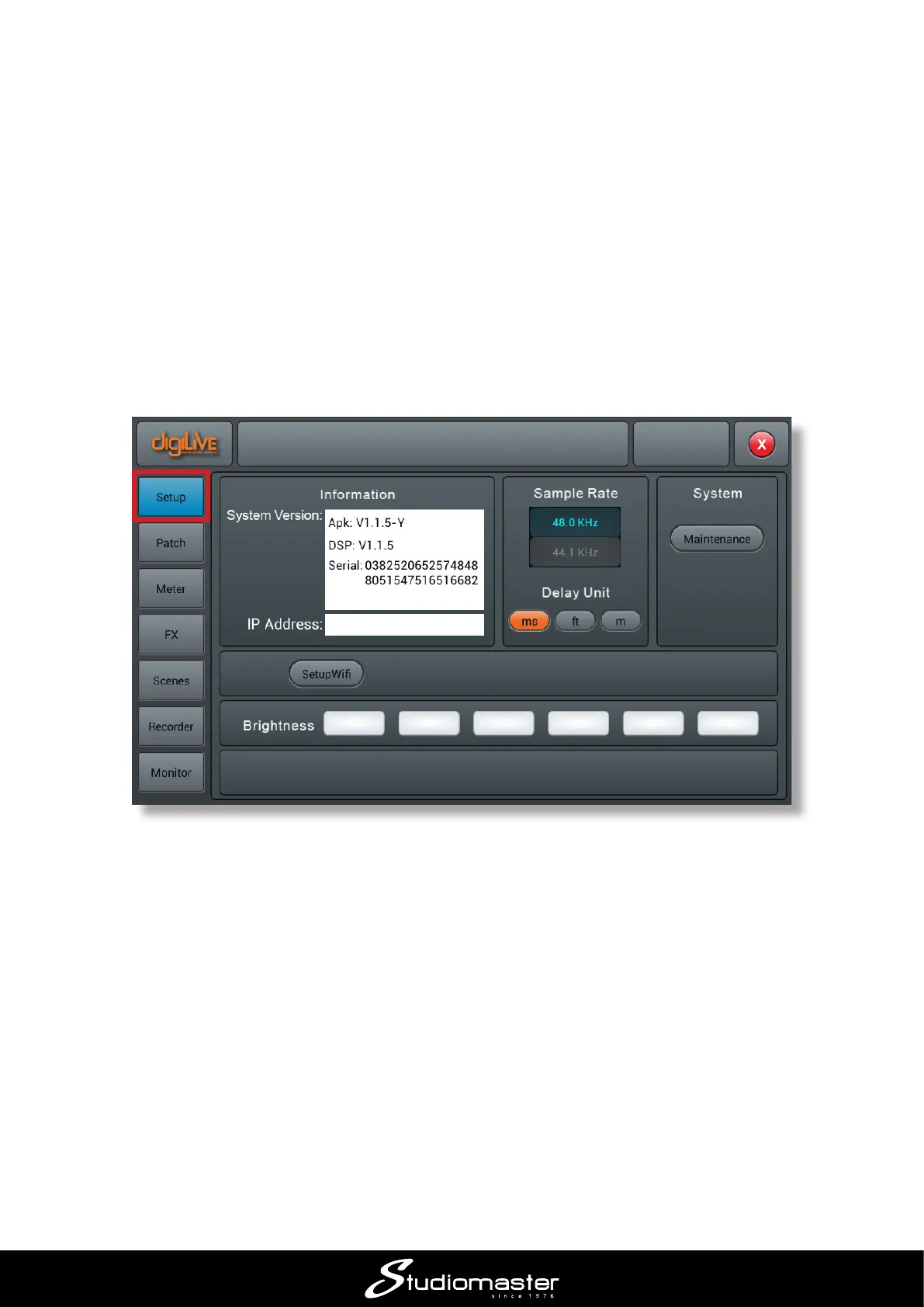
• Press the SET-UP button
• On the screen, tap the Setup button
• Select Setup Wi-, followed by More…














 To Next Page